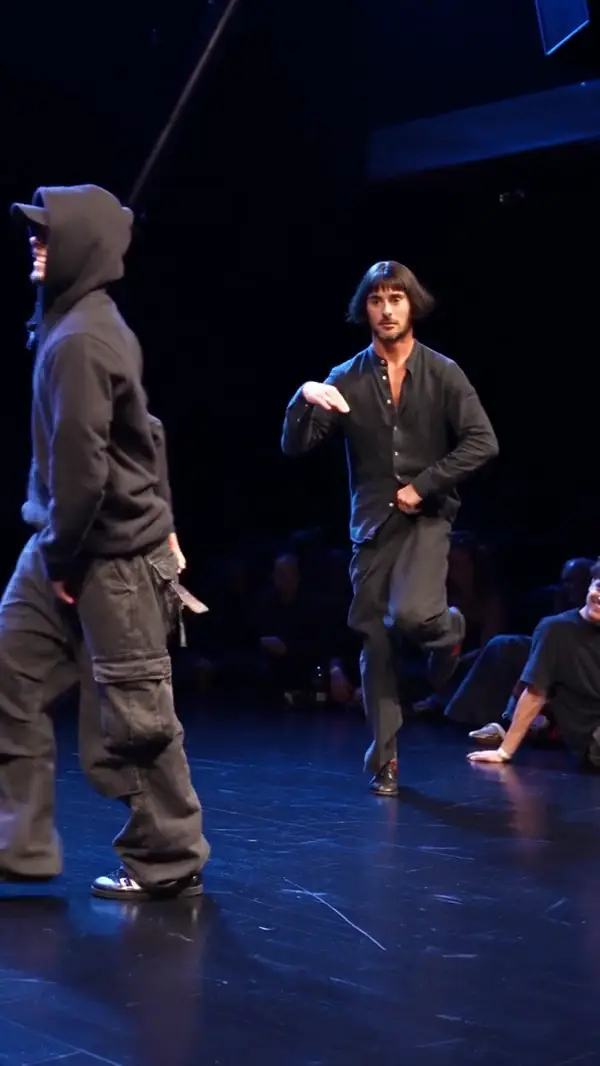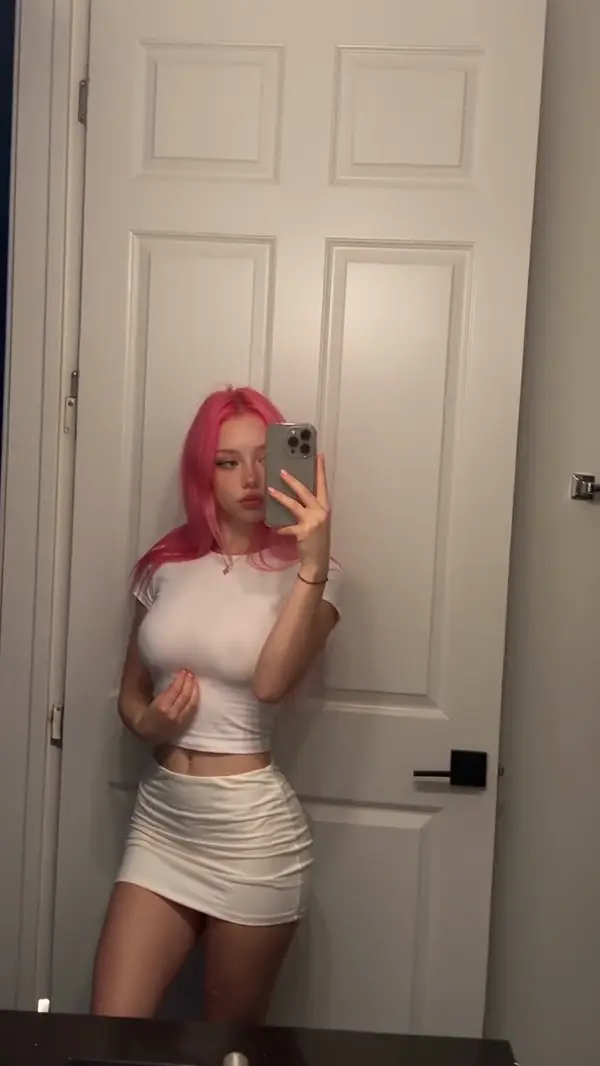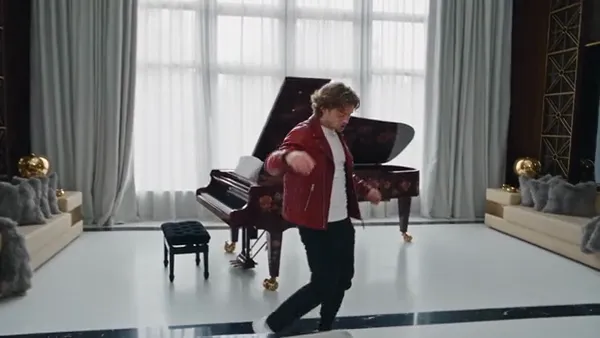
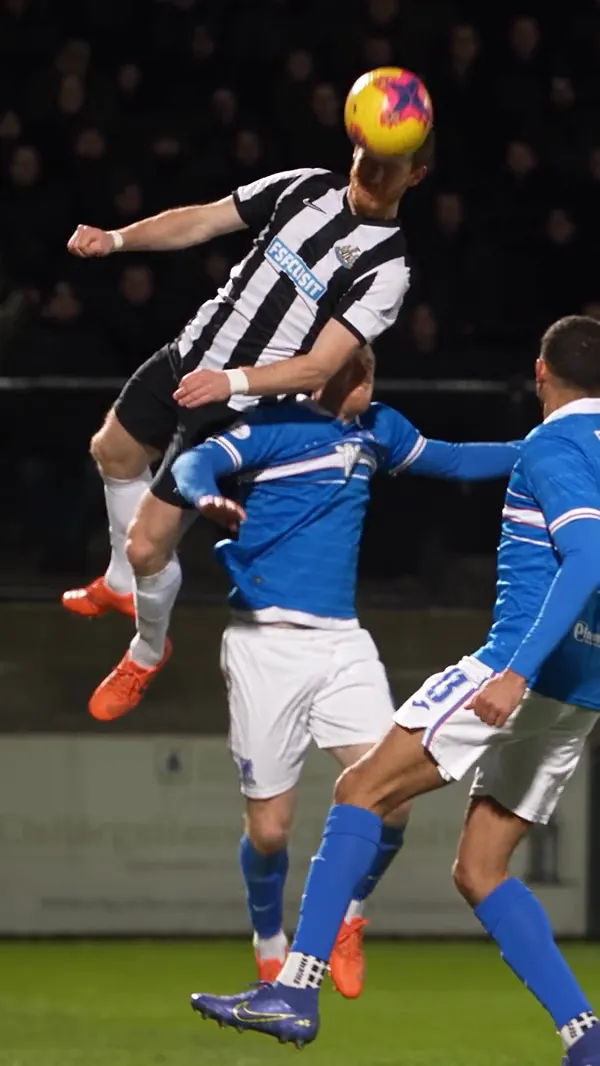
Replace characters, outfits, or objects while keeping the rest of the original video as unchanged as possible.

Tip: one person per photo gives the most reliable swap.

Resolution

AI Character Swap: Replace Anyone in a Video With Your Photo

Genjutsu AI replaces one or more people in a video with reference photos and keeps the original performance and camera movement. Upload a 4–30 second clip and one photo for each person.
  • No subscription
  • Credits never expire
  • 480P to 1080P
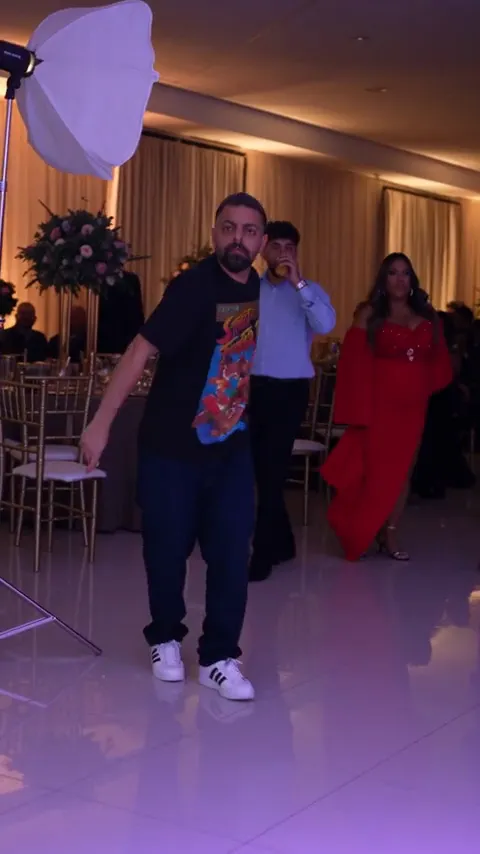
  • Use one character photo to follow a dancer through a grand living room. A full-body reference works best for the gliding steps and turns.
  • Put a character into the jumping player’s place and keep the original defender, ball contact and slow-motion landing. Use a reference with a clear face and outfit.
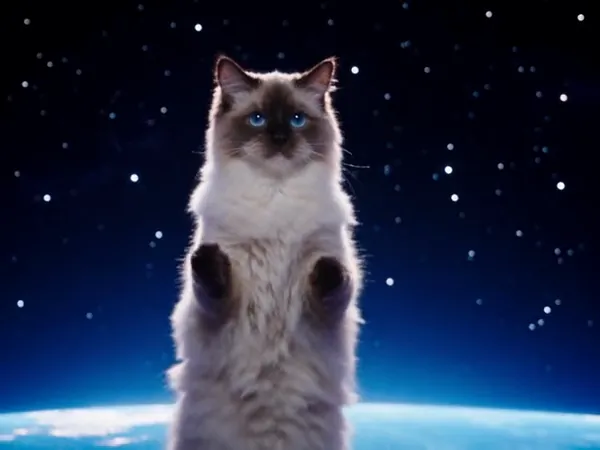
  • Use a cat photo to recreate a dance across changing cosmic scenes. Choose a reference that clearly shows the fur pattern and ears.
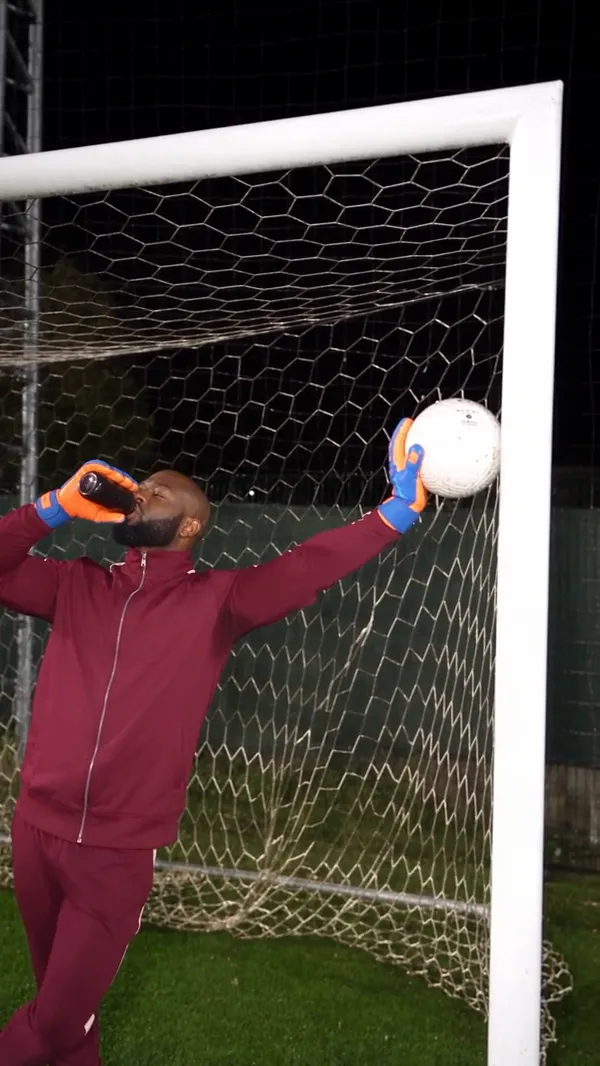
  • Recast both sides of a football trick shot. Use the first reference for the kicker and the second for the goalkeeper on the crossbar.
  • Use a pet photo to recreate a curious approach to a peephole camera. Choose a clear front-facing reference for the close-up.
  • Recast a high-energy dance across outdoor and indoor scenes, using ordered portraits and location references.
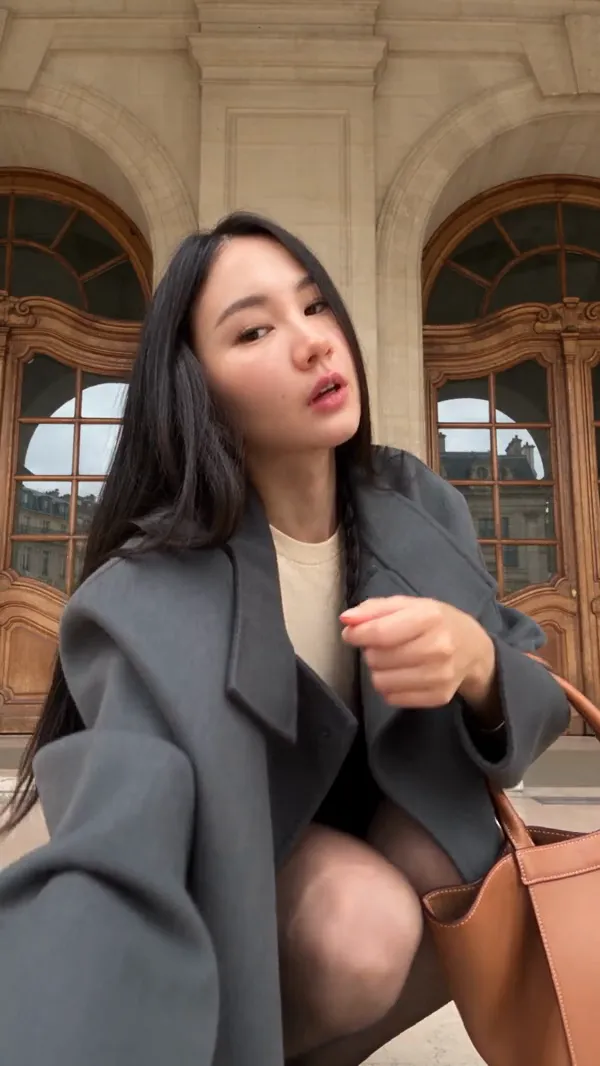
  • Bring your portrait into a fashion performance with close-up poses, turns and a walk beneath a stone arcade.
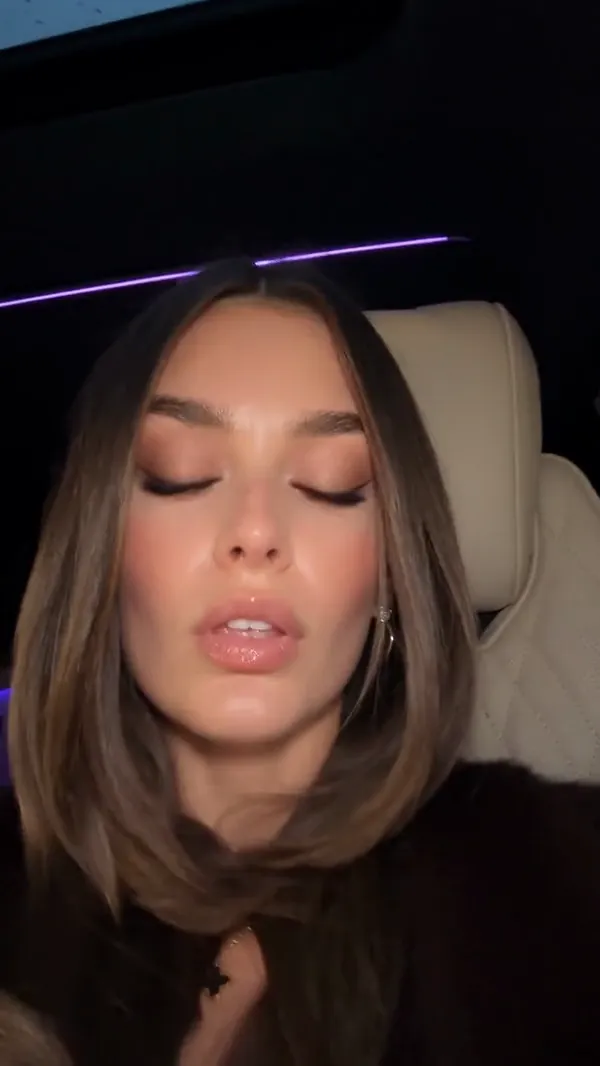
  • Animate your character through subtle head turns and expressive close-ups inside a parked car.
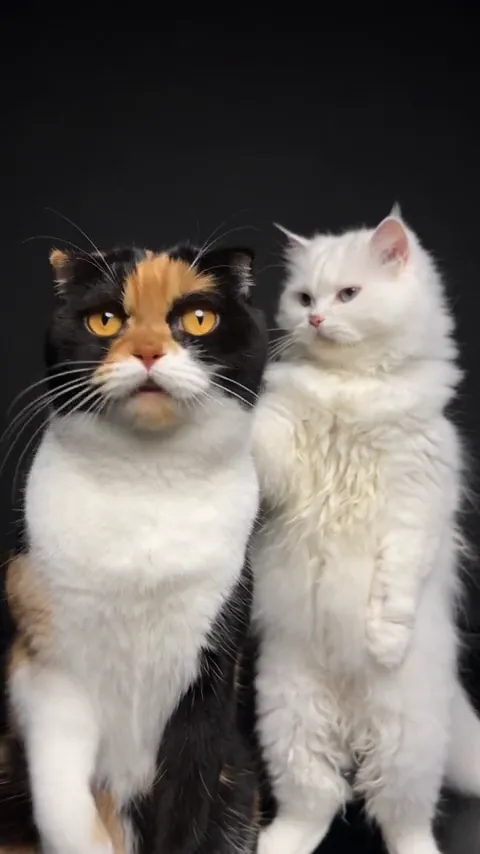
  • Bring two pet portraits into a synchronized dance with a dark studio backdrop and floor reflections.
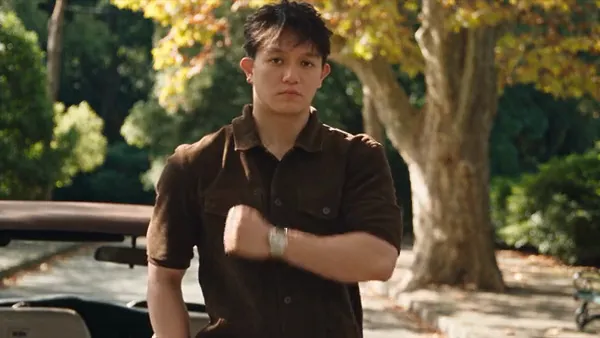
  • Recast a sequence of cinematic gestures and close-ups while preserving the source cuts, framing and performance.
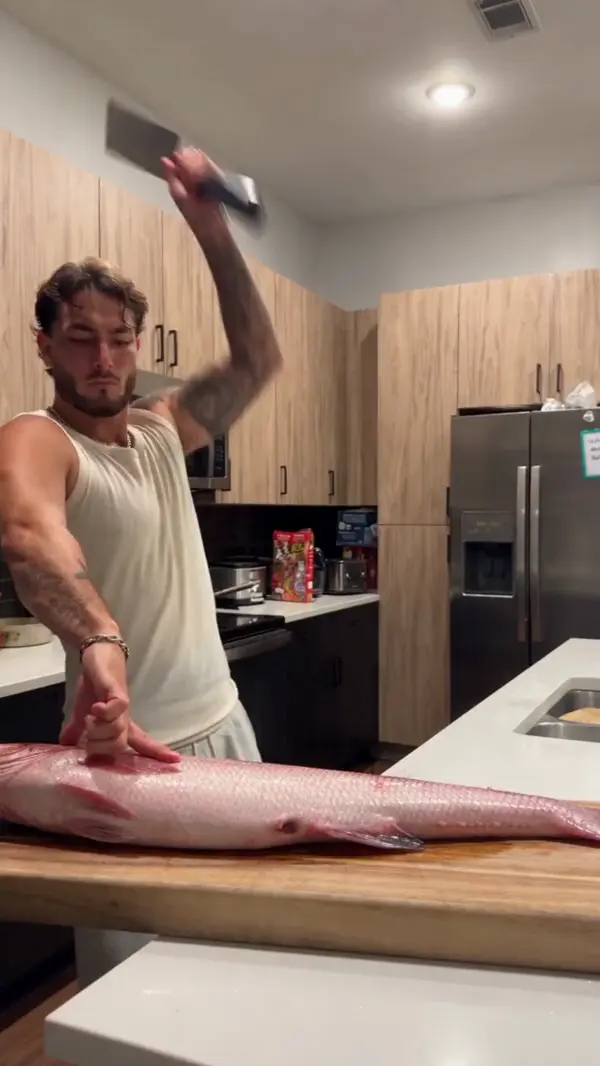
  • Map a forceful swinging motion onto a new subject preparing a large fish within a customized kitchen environment.
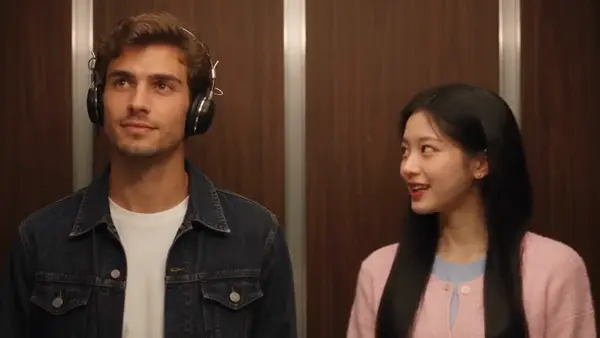
  • Two characters talk and sing inside an elevator before one exits through sliding doors while maintaining precise lip synchronization.
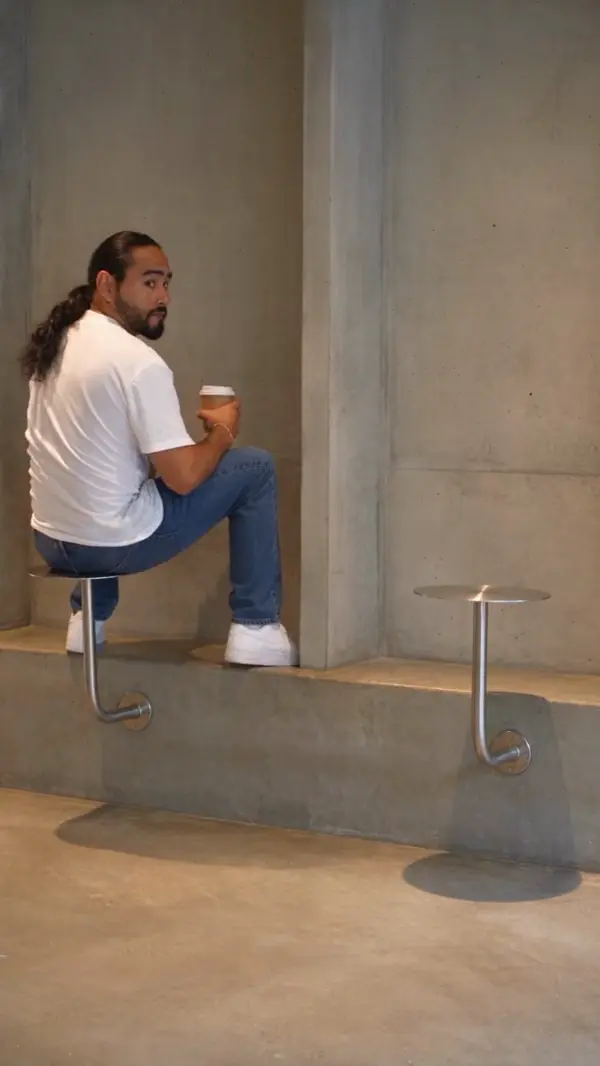
  • Place yourself in a modern industrial cafe scene where patrons sit on wall-mounted stools to enjoy their coffee.
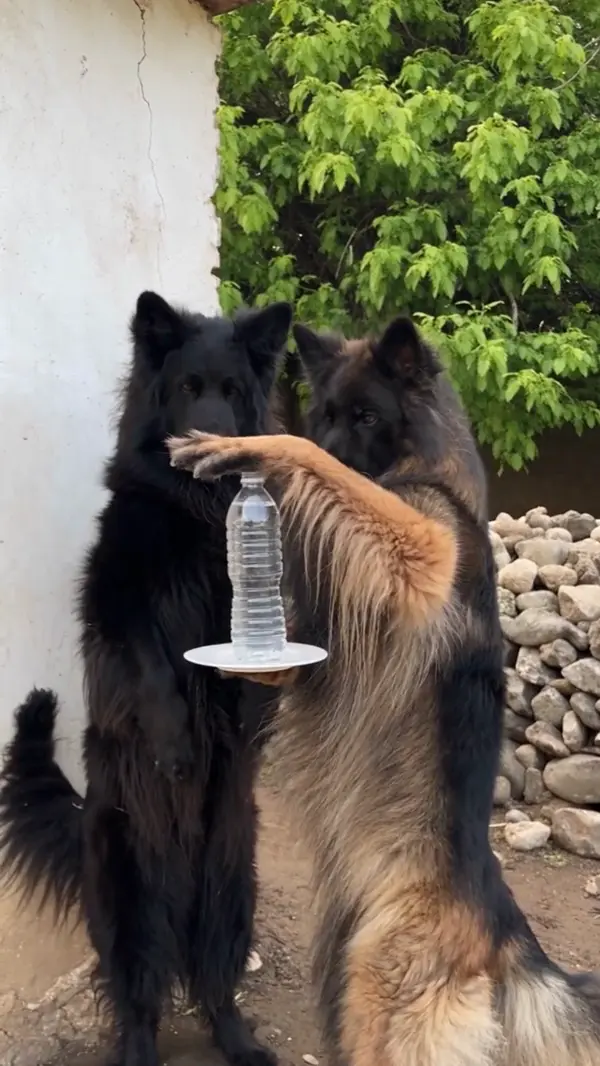
  • Transform two standing animals into different breeds that perform a humorous magic trick with a water bottle and plate.
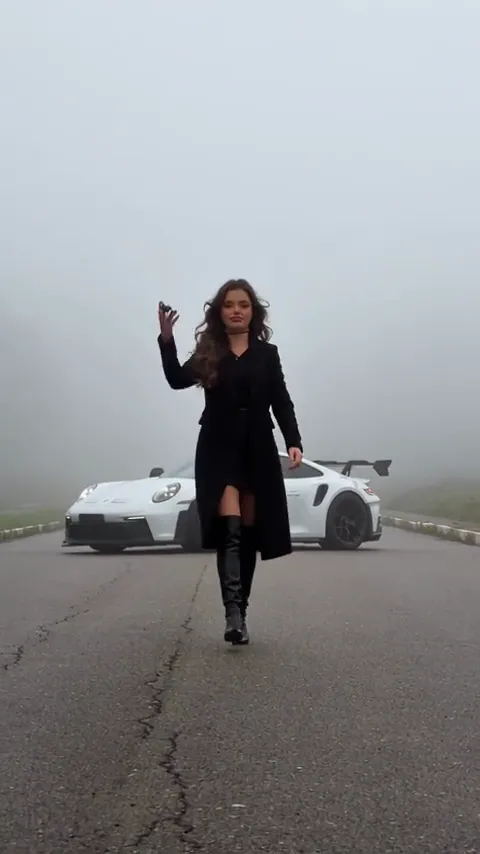
  • Walk away from an exploding sports car with a steady stride and the character from your reference photo.
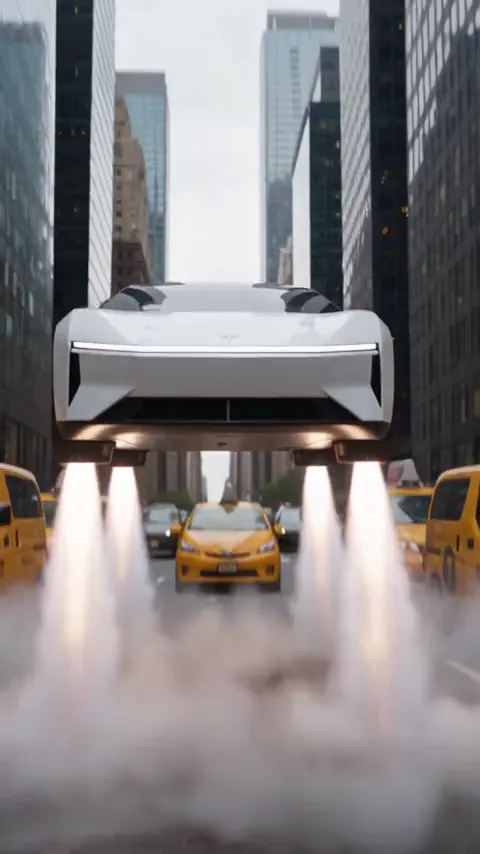
  • Send a car soaring above a city street, then reveal your characters inside the cabin.
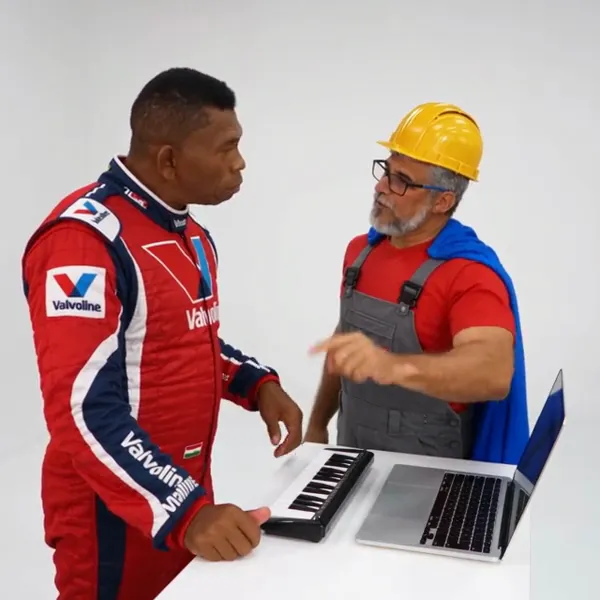
  • Cast a duo in a keyboard performance that turns into a synchronized dance on a white studio set.
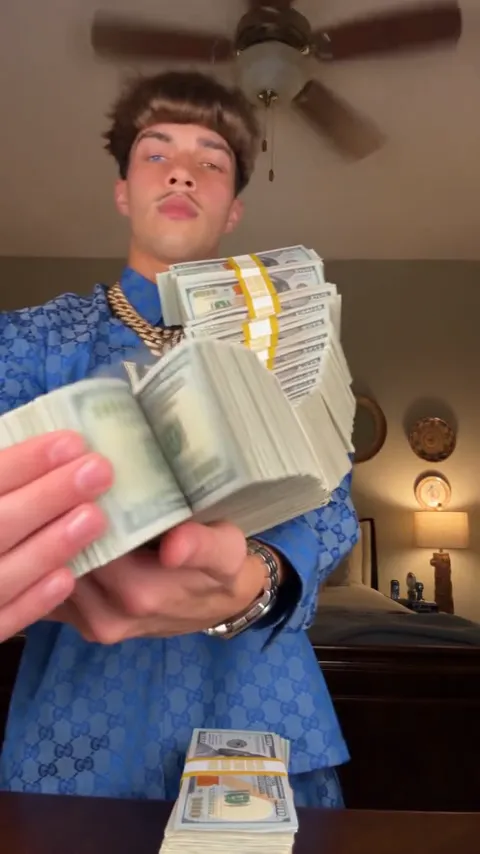
  • Recreate a cash-handling routine in which your character spreads a stack of bills into a fan.
  • Put your character into a short solo dance while keeping the original footwork, gestures and camera movements.
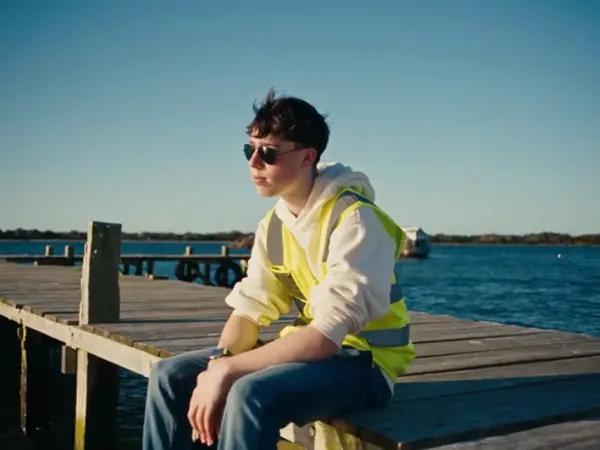
  • Cast two characters in a waterside conversation that moves from a wooden dock to the beach.
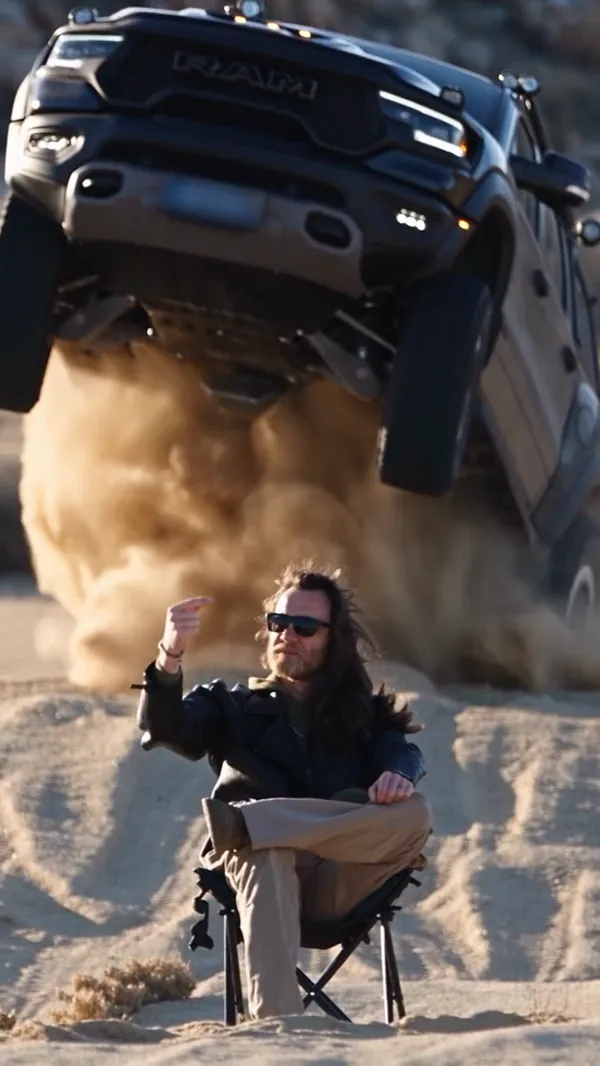
  • Place your character in the foreground of a desert stunt as an off-road truck jumps overhead.
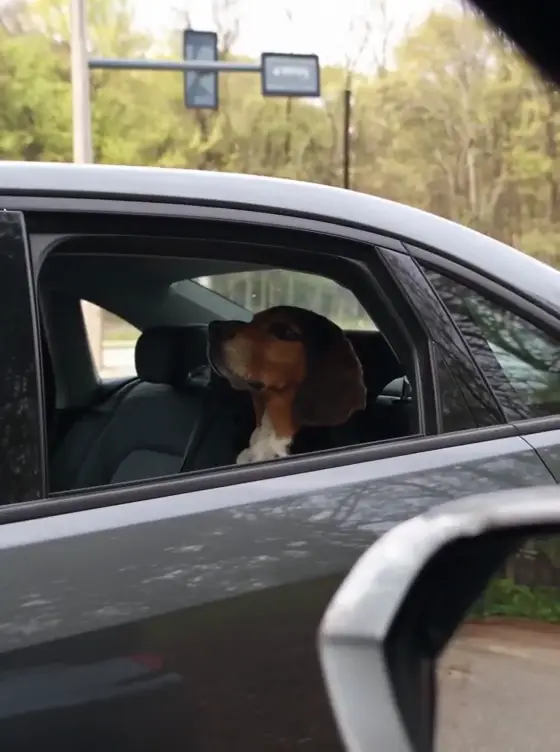
  • A dog looks out of a car window during a drive.
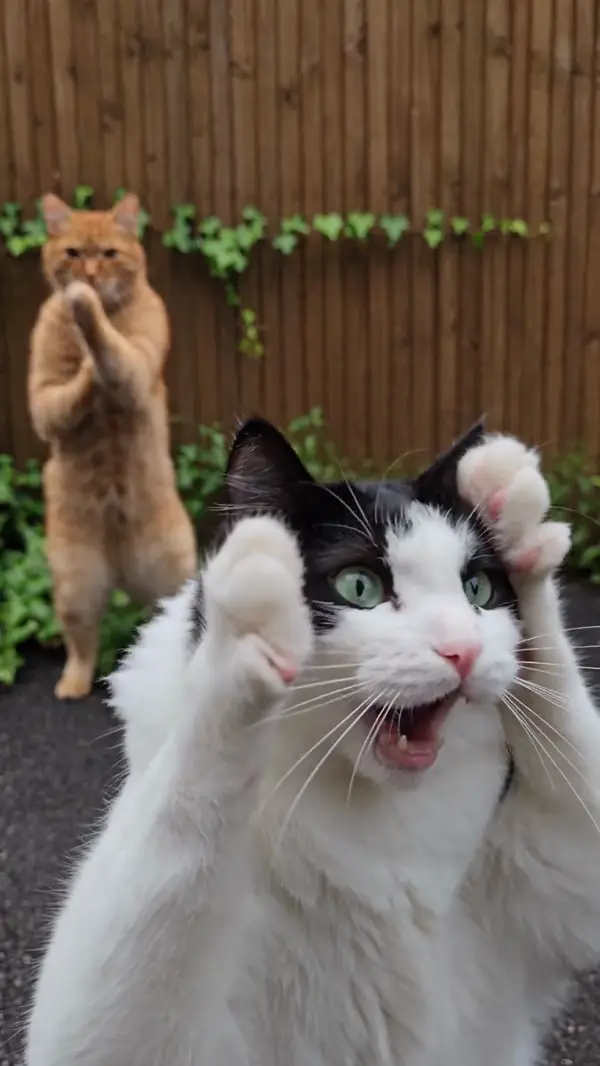
  • Two cats stand on their hind legs and perform a synchronized dance while reacting with expressive, wide-mouthed facial expressions.
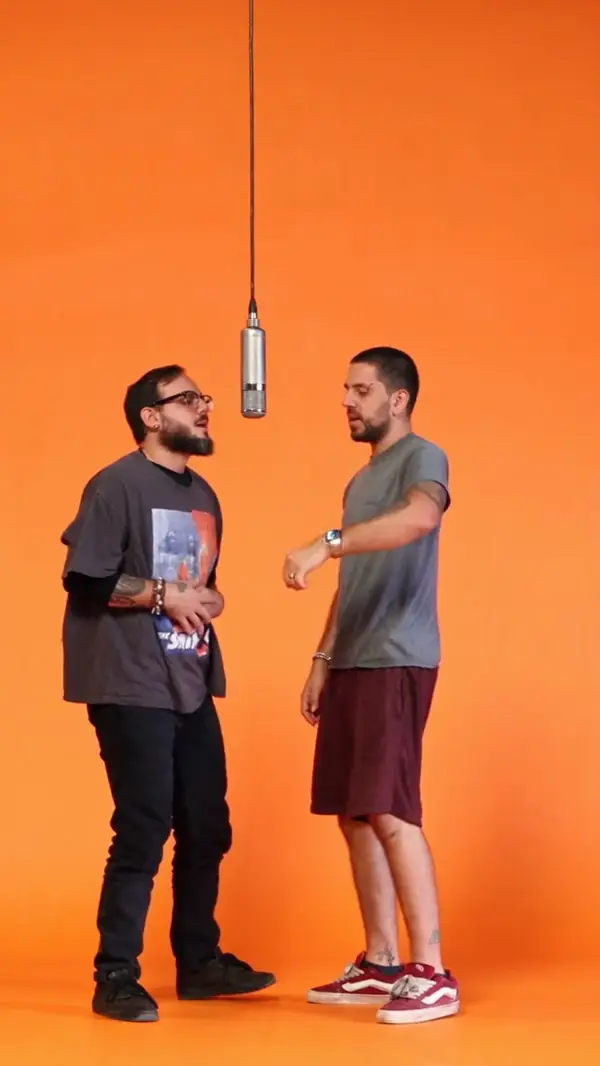
  • Two people stand in front of an orange backdrop and a studio microphone to perform synchronized hip-hop hand gestures.
Video
4–30 seconds, MP4 or MOV, up to 100 MB
People
One or more, with one photo per person (up to 20)
Output
480P to 1080P
Pricing
One-time credit packs from $4.99, no subscription
Credits
Never expire

What Does an AI Character Swap Video Look Like?

Each example shows the original clip, the uploaded photo and the Genjutsu AI character swap result side by side.

Choose an example
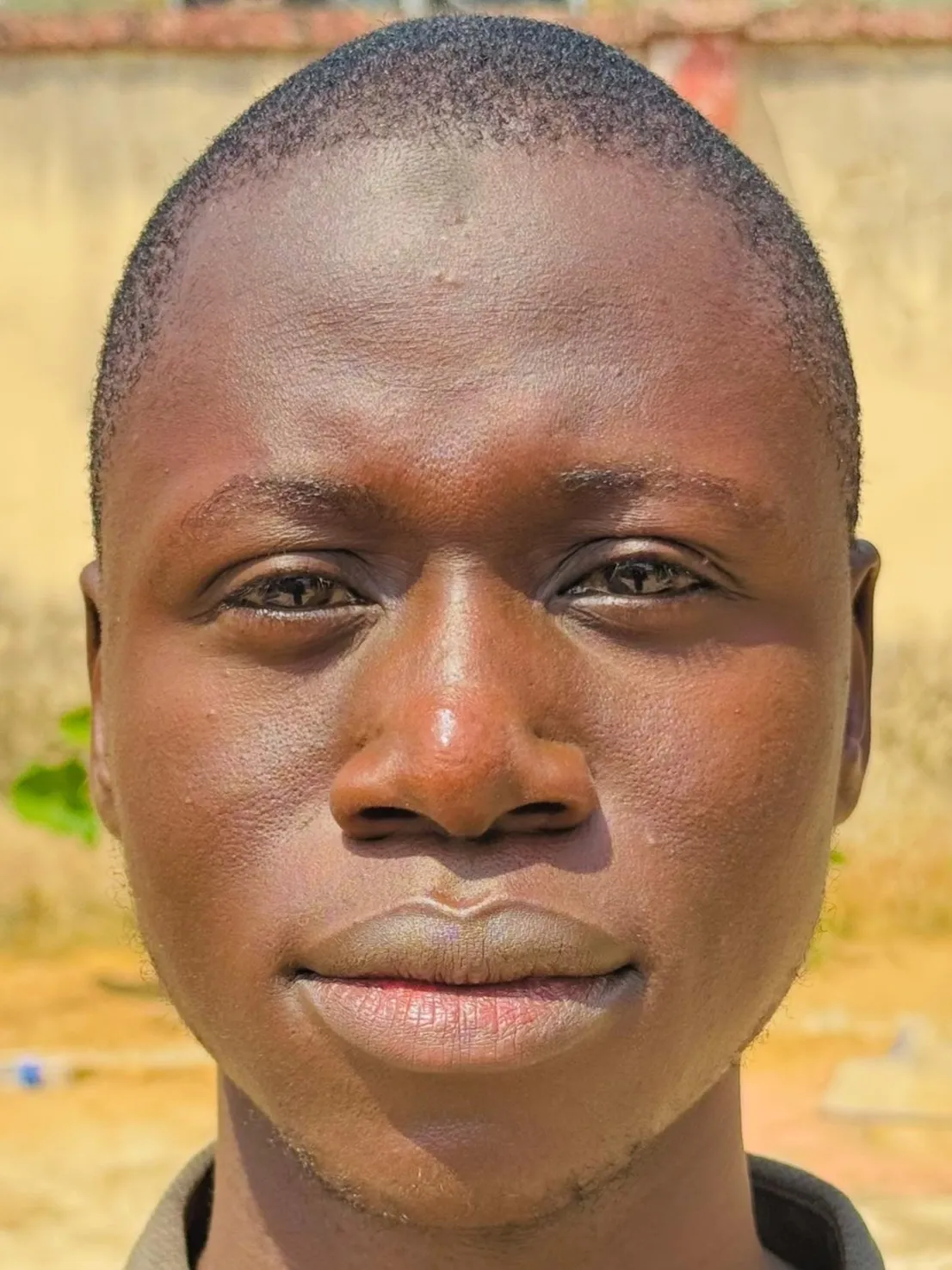
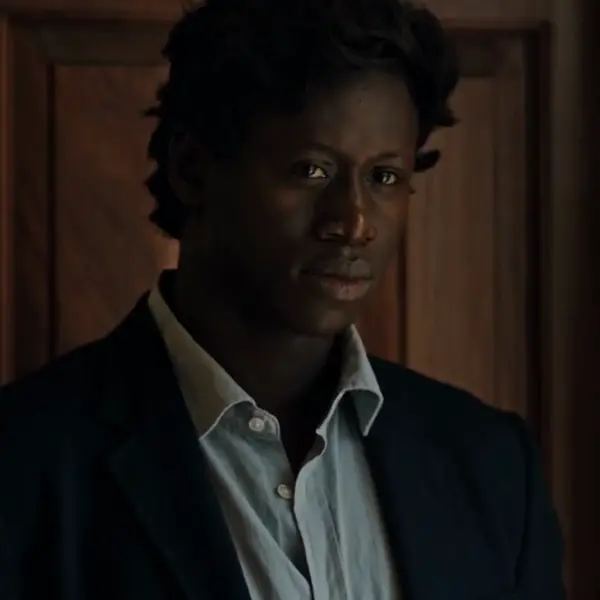
  • Photo uploaded for the character swap: Recast a movie-style scene

How Do I Swap a Character in a Video With AI?

Swapping a character with Genjutsu AI takes three steps in the browser. No editing software or green screen is needed.

  1. Upload the video

    Upload an MP4 or MOV clip from 4 to 30 seconds long. The clip sets the motion, camera and timing of the result.

  2. Add a photo of the new character

    Upload a photo of the person who should appear in the video. A clear photo with one person gives the most reliable swap.

  3. Generate and download

    Genjutsu AI shows the credit cost before it starts. The finished video is saved to My Creations, ready to download.

What Videos and Photos Work Best for AI Character Swap?

AI character swap works best with one clear subject in the video and one clear person in the photo.

  • One clear subject

    Videos where the character stays in frame and is not blocked by objects give the cleanest swap.

  • 4 to 30 seconds

    Genjutsu AI accepts MP4 and MOV videos from 4 to 30 seconds long and up to 100 MB.

  • One person per photo

    A photo with one person tells Genjutsu AI exactly who to use. Group photos work, but the result is less predictable.

  • Clear face and outfit

    A sharp, well-lit photo gives the closest likeness. A full-body photo also carries the outfit into the video.

  • Several people at once

    To swap more than one person, upload one photo per person, up to 20 photos per video.

  • Clean source clips

    Captions, stickers and watermarks in the original video can stay in the result. A clean clip gives the cleanest output.

Want your whole body and outfit in a dance or trend video? See body swap AINeed prompt ideas? Browse Genjutsu AI promptsWant to change the whole look instead? Compare Motion Transfer and Object Swap

What Is the Difference Between Character Swap and Face Swap?

Face swap replaces only the face. AI character swap in Genjutsu AI replaces the whole person, including hair and clothing, and keeps the original motion.
Face swap

Face only
  • Replaces the face
  • Changes hair and clothing
  • Changes the whole look of the person
  • Keeps the original motion

Best for a quick face change on the same body.

AI character swap

Whole person
  • Replaces the face
  • Changes hair and clothing to match the photo
  • Takes the whole look of the person from the photo
  • Keeps the original motion, camera and cuts

Best when the whole character in the video should change.

How Much Does AI Character Swap Cost?

Genjutsu AI charges credits per clip, with no subscription. The cost depends on clip length and resolution, and Genjutsu AI shows it before each generation. The smallest credit pack costs $4.99, and credits never expire.
See credit packs
  • Portray a single character through various cinematic scenes, transitioning from indoor poses to outdoor walks and intense close-ups.
  • Replace a central figure within a large, synchronized group while maintaining the original background and ensemble movement.
  • Animate any portrait to perform a high-energy dance routine on a professional stage, mirroring complex footwork and expressive gestures.
  • A subject stands before a white door and adjusts their hair while posing for a handheld mobile device recording.

AI Character Swap FAQ

Genjutsu AI gives each new account one free character swap preview: a 5-second, 720P clip with a watermark, made from the first 5 seconds of your video and your photos. A full character swap costs credits, and the smallest credit pack costs $4.99 with no subscription.