Motion transfer
Motion transfer keeps only the movement, camera and timing of the source clip and rebuilds the people and the scene from reference images. Higgsfield adds a Style block that redraws the whole video in a chosen look.
Higgsfield Genjutsu is Higgsfield's video transformation tool. Higgsfield Genjutsu takes a 4–30 second clip, filmed on a phone or made with another AI tool, and changes a targeted element such as a character, product, outfit, location or style. The original movement, timing and camera work stay as they were filmed. Higgsfield Genjutsu runs on the Higgsfield website, the Higgsfield API and MCP.
Higgsfield Genjutsu has two modes. Motion transfer rebuilds everything except the movement. Objects swap changes one element and keeps the rest of the shot.
Motion transfer keeps only the movement, camera and timing of the source clip and rebuilds the people and the scene from reference images. Higgsfield adds a Style block that redraws the whole video in a chosen look.
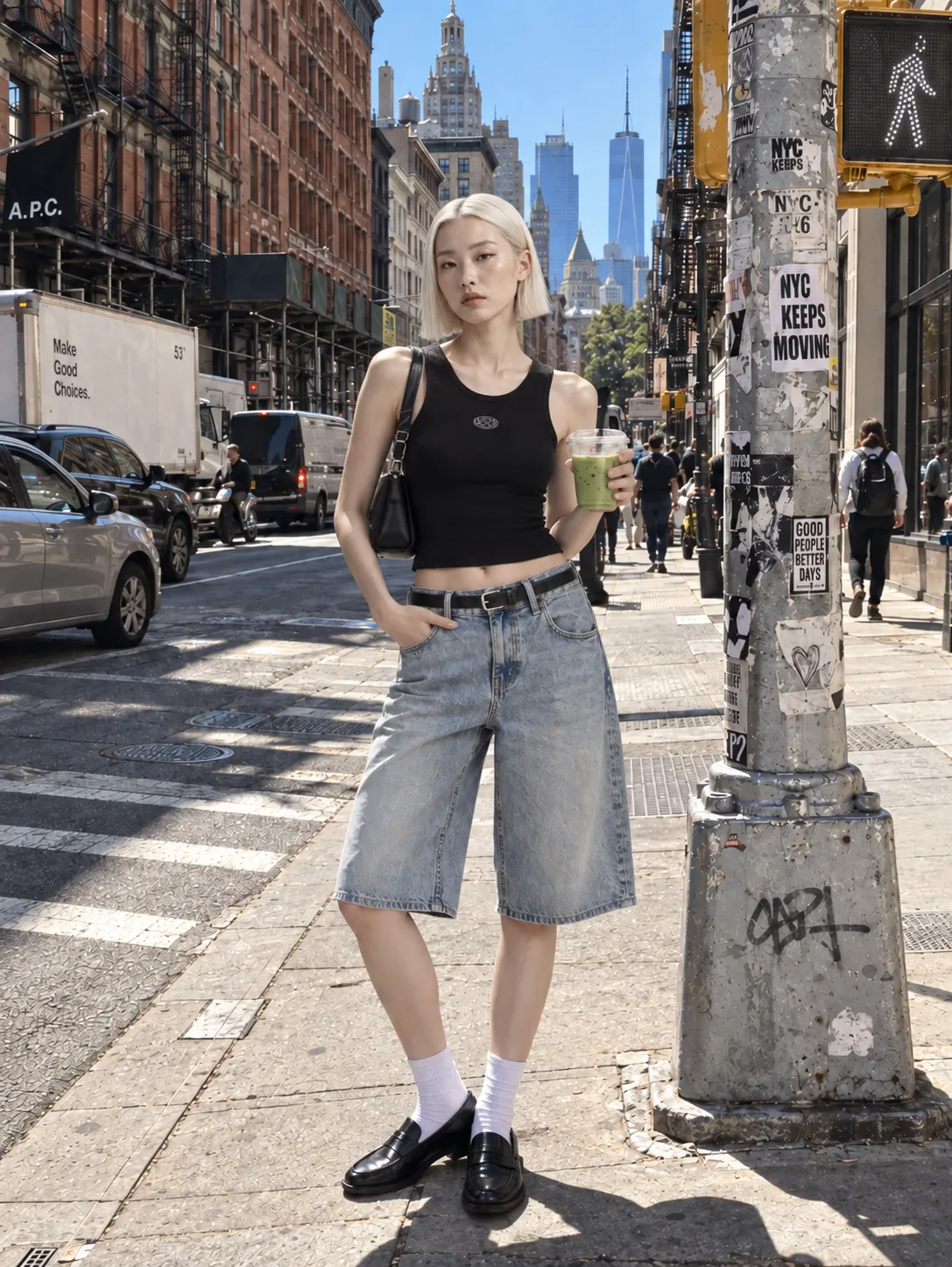
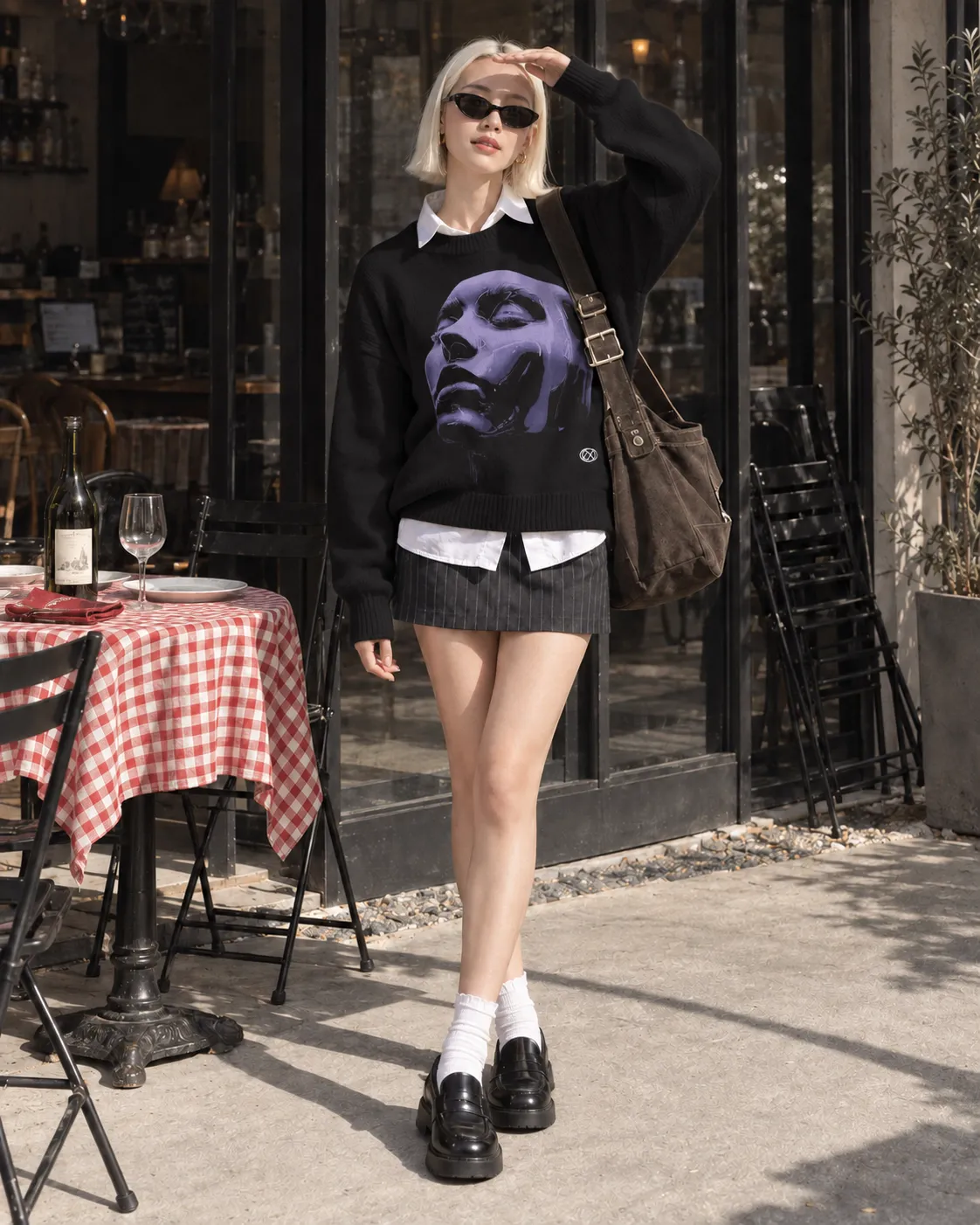
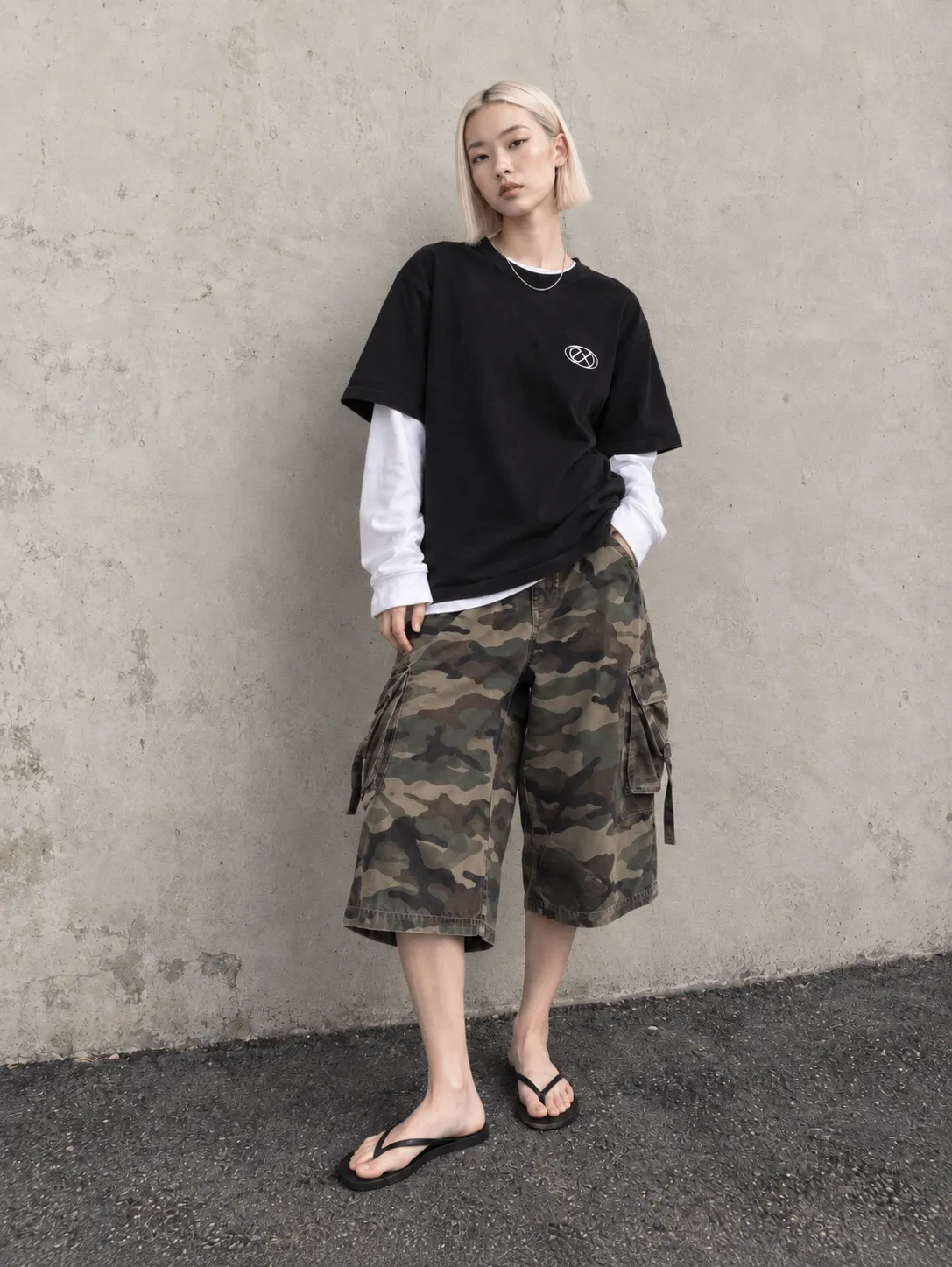
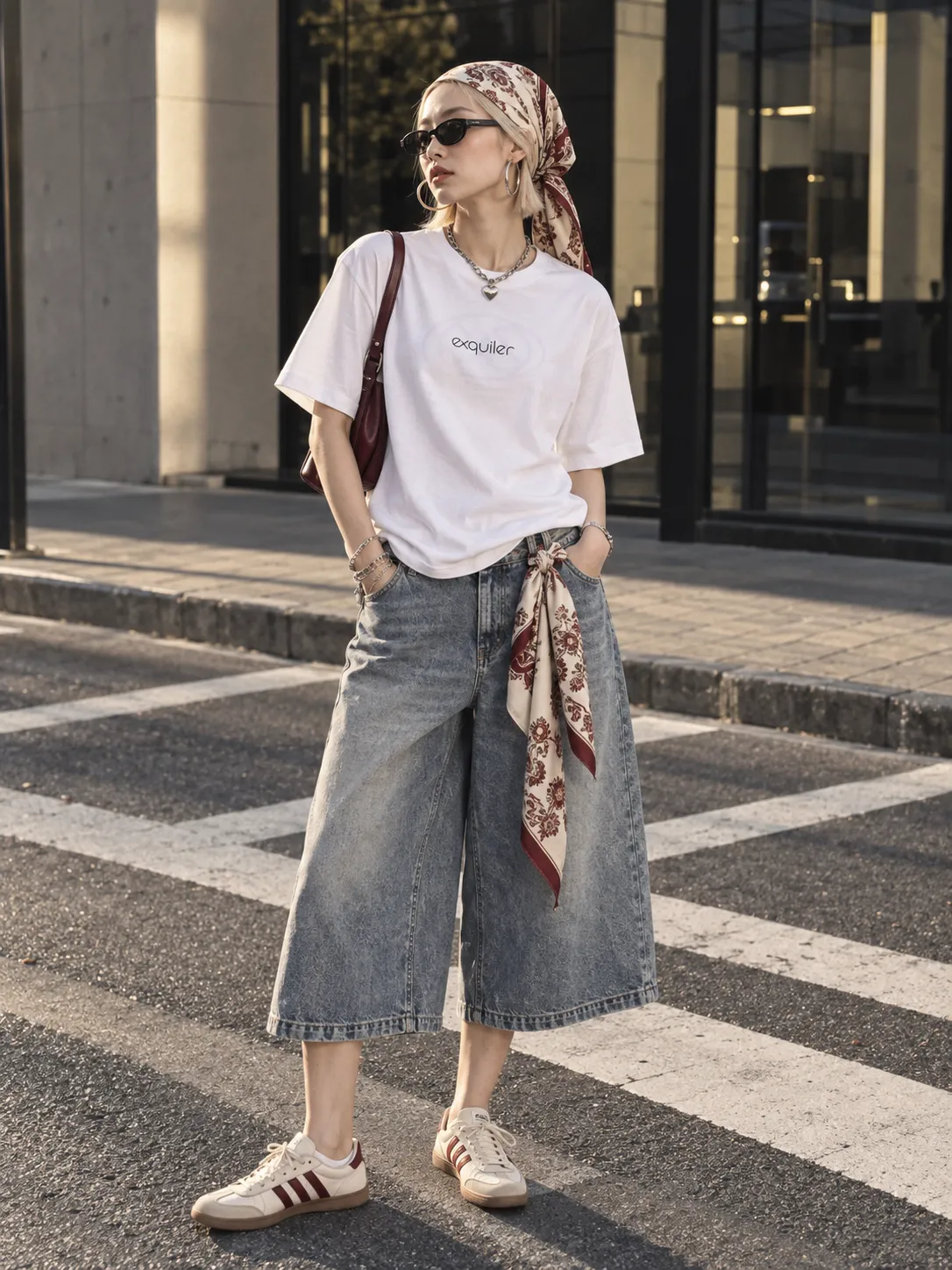
Objects swap changes exactly the element you point at, such as a person, product, outfit or text, and leaves the rest of the shot as filmed.

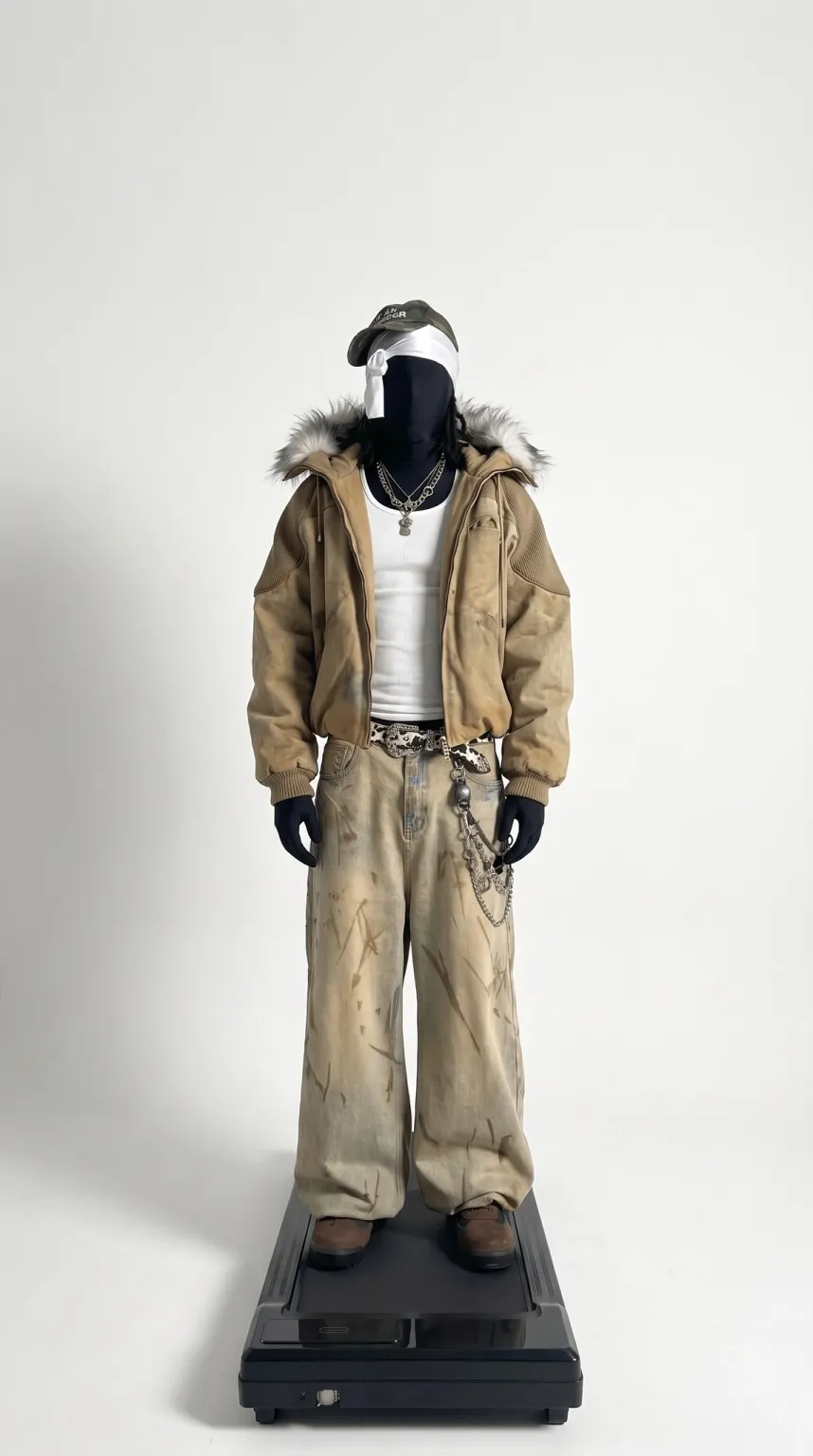

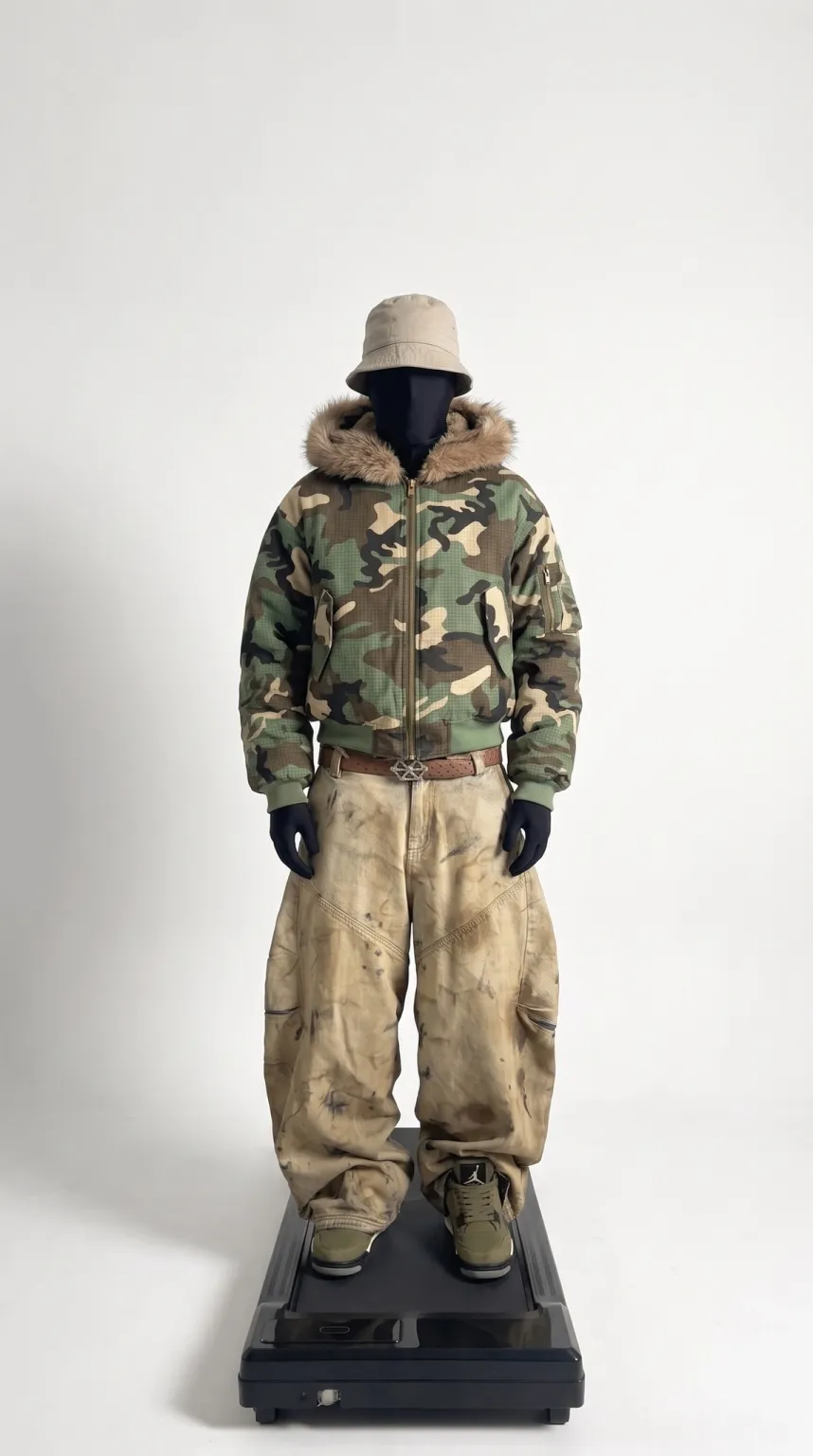
The examples on this page were made with Genjutsu AI, which offers matching Motion Transfer and Object Swap modes.
Genjutsu Lite is a faster, lower-cost version of Higgsfield Genjutsu with automatic changes and fewer references. Standard Genjutsu adds a mode choice, the Style block and up to 30 references.
| Feature | Higgsfield Genjutsu | Genjutsu Lite | Genjutsu AI |
|---|---|---|---|
| Source clip | 4–30 seconds | 4–30 seconds | 4–30 seconds |
| Reference images | Up to 30 | Up to 10 | Up to 20 |
| Mode choice | Motion transfer or Objects swap | No, changes are applied automatically | Motion Transfer or Object Swap |
| Whole-video style redraw | Yes | No | No |
| Output | 480p, 720p or 1080p | 720p or 1080p | 480P, 720P or 1080P |
| How you pay | Higgsfield monthly plan | Higgsfield monthly plan | One-time credit packs from $4.99 |
Higgsfield Genjutsu comes with Higgsfield's monthly plans rather than being sold per clip. Higgsfield's pricing page lists full Genjutsu at 720p from the Plus plan ($47 a month billed yearly or $59 monthly) and on the Ultra plan ($99 a month billed yearly or $129 monthly). The Starter plan ($19 a month) lists Genjutsu Lite generations. Generations outside the Higgsfield website, such as through the API or MCP, always use credits.
Compare Higgsfield Genjutsu with Genjutsu AIIs Higgsfield Genjutsu free?
Using Higgsfield Genjutsu takes five steps on the Higgsfield website. Genjutsu AI follows the same flow with a 4–30 second clip and up to 20 reference photos.
Higgsfield Genjutsu gives the best results with a source clip that has clear, readable motion and reference images that match what you change. Use one image for a simple swap and several angles for a full rebuild. Keep the references close to the framing of the source shot, and add a short prompt only for details the references do not show. The same advice works in Genjutsu AI.
A short prompt that works in both tools
Replace the person in the center with Reference 1. Keep the movement, the camera and the background unchanged.
See more copy-ready Genjutsu AI promptsSee more AI character swap examples
No. Higgsfield's Free plan includes no credits. Higgsfield's paid plans list a small number of free Genjutsu generations on the Higgsfield website.
No. Higgsfield Genjutsu can work from presets or reference images alone. Genjutsu AI also treats the prompt as optional.
Yes. Higgsfield Genjutsu does this with its Motion Library and your photos. Genjutsu AI does the same with its community motion library or your own clip.
No. Genjutsu AI is an independent service at genjutsu.video with matching Motion Transfer and Object Swap modes. Genjutsu AI is not affiliated with Higgsfield.
Higgsfield Genjutsu and Genjutsu Lite both accept source clips from 4 to 30 seconds. Genjutsu AI accepts the same 4–30 second range.
See credit packsHiggsfield Genjutsu Alternative
Higgsfield, Higgsfield Genjutsu and Genjutsu Lite are names of Higgsfield, Inc. Genjutsu AI is an independent service and is not affiliated with Higgsfield.