What Is a Good Higgsfield Genjutsu Alternative Without a Subscription?
Genjutsu AI is a good Higgsfield Genjutsu alternative when you make a few clips a month and don't want a monthly plan. Genjutsu AI offers the same two modes, Motion Transfer and Object Swap, for clips from 4 to 30 seconds. Genjutsu AI sells one-time credit packs from $4.99, and unused credits never expire. Full Higgsfield Genjutsu at 720p starts with the Higgsfield Plus plan at $47 a month billed yearly or $59 billed monthly.
How Does Genjutsu AI Compare With Higgsfield Genjutsu?
Genjutsu AI and Higgsfield Genjutsu take the same kind of input. They differ mainly in how you pay and how many reference images you can add.
| Feature | Higgsfield Genjutsu | Genjutsu AI |
|---|---|---|
| Modes | Motion transfer (with style redraw) and Objects swap | Motion Transfer and Object Swap |
| Source clip | 4–30 seconds | 4–30 seconds, MP4 or MOV, up to 100 MB |
| Reference images | Up to 30 | Up to 20 |
| Output | 480p, 720p or 1080p, plus Genjutsu Lite | 480P, 720P or 1080P |
| Motion library | Yes | Yes, community motions |
| How you pay | Monthly plan. Full Genjutsu from Plus ($47/mo billed yearly, $59 monthly). Starter ($19/mo) includes Genjutsu Lite. | One-time credit packs from $4.99, no subscription |
| Unused credits | Expire at the end of each credit cycle | Never expire |
Higgsfield details were checked on November 12, 2026, on Higgsfield's pricing page and help center. Prices exclude tax and can change.
When Is Higgsfield Genjutsu the Better Choice?
Higgsfield Genjutsu is the better choice when you generate many clips every month or want to redraw a whole video in a preset style. A Higgsfield plan spreads monthly credits across many generations, so heavy users can pay less per clip than with one-time packs.
What Can You Make With Genjutsu AI?
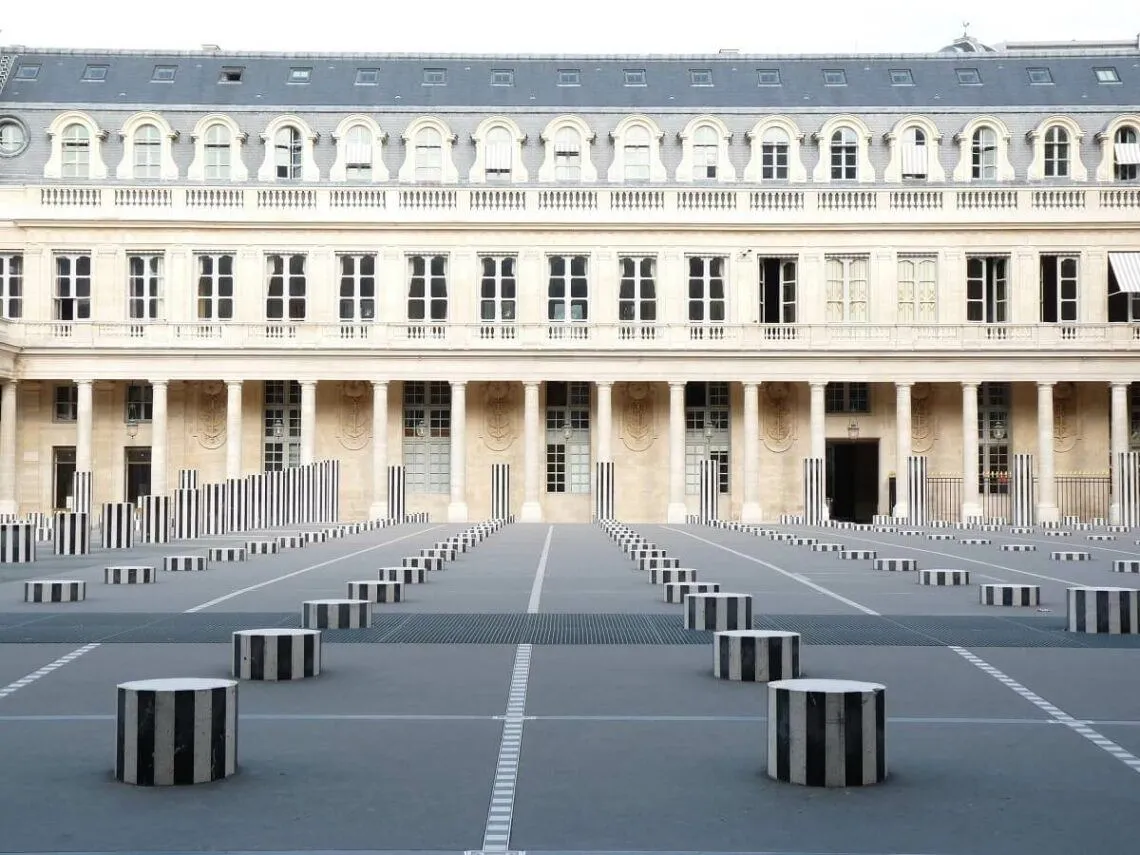
Each example shows an original clip, the uploaded photo and the Genjutsu AI result. Copy the prompt under each example to try the same kind of edit.
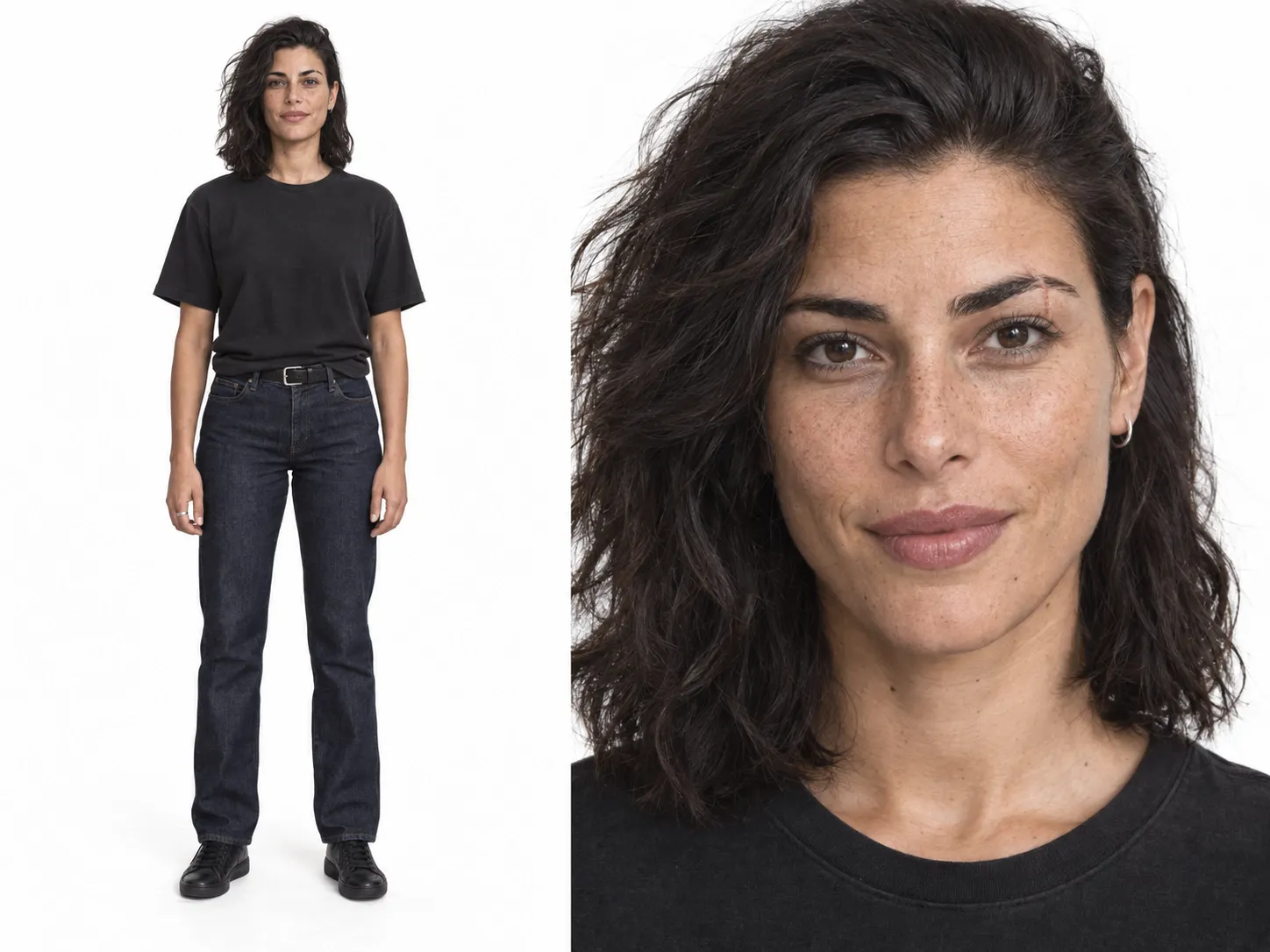
Swap the person in a street clip
Use Object Swap with one clear photo of the new person. Genjutsu AI keeps the walk, the camera and the street around them.
Prompt to try for this kind of clip
Replace the woman in the front with Reference 1. Keep her walk, the camera and the street unchanged.
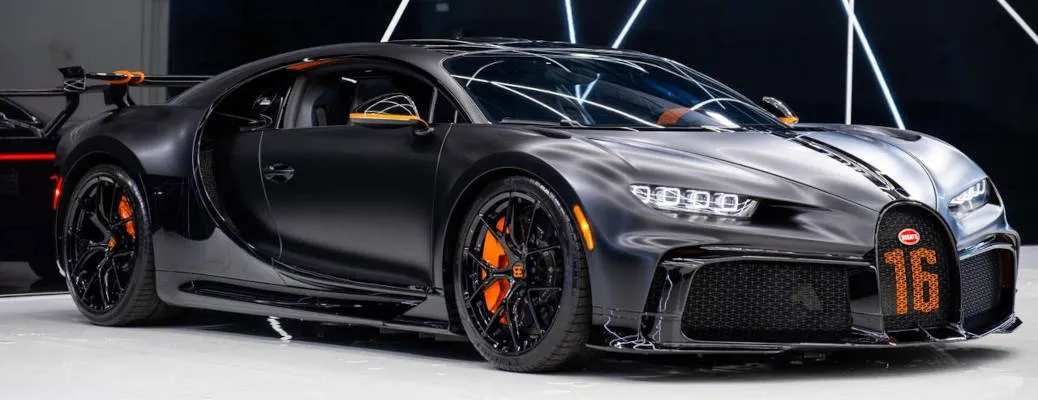
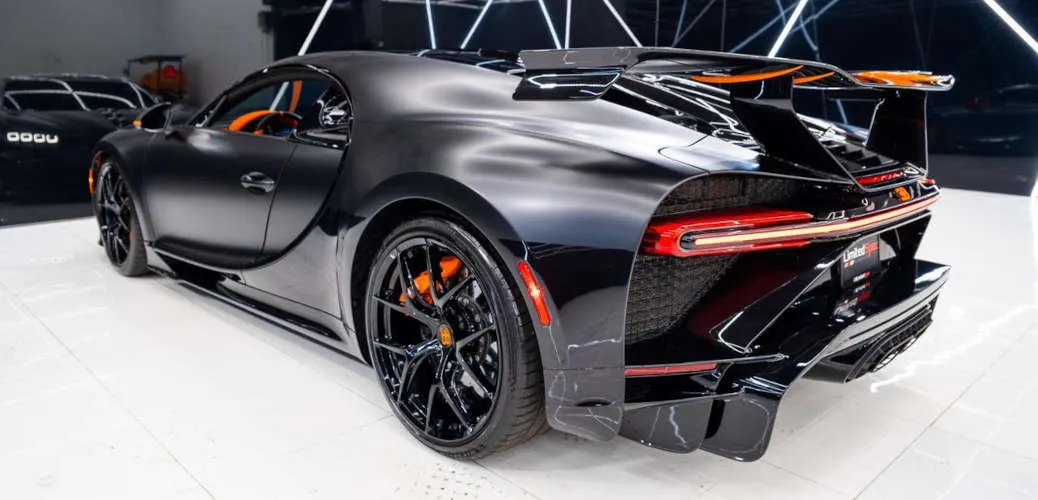
Replace a car in a driving shot
Use Object Swap with a sharp photo of the new car. Side or three-quarter photos match moving shots best.
Prompt to try for this kind of clip
Replace the car with the car in Reference 1. Keep the road, the camera movement and the lighting unchanged.
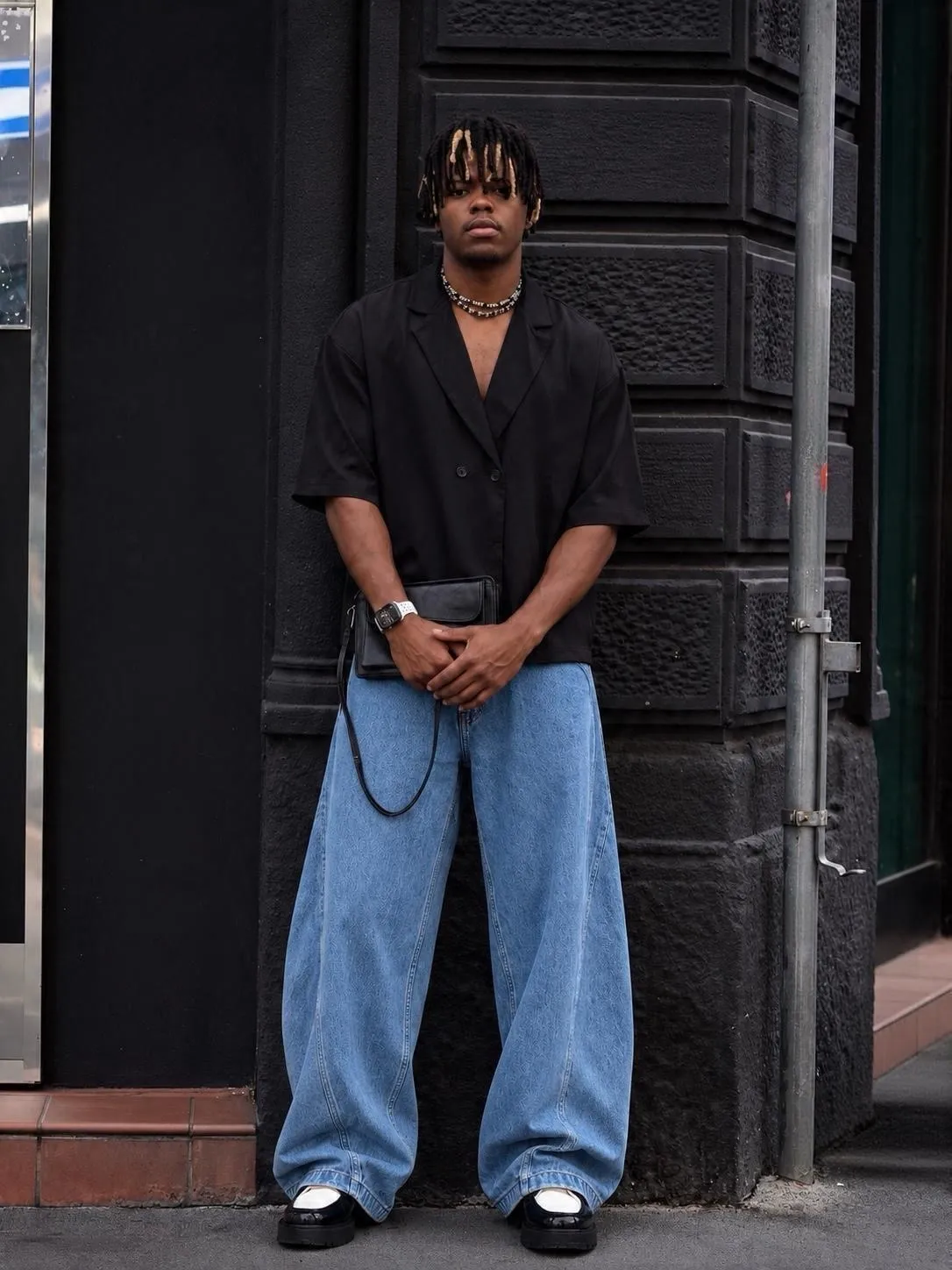
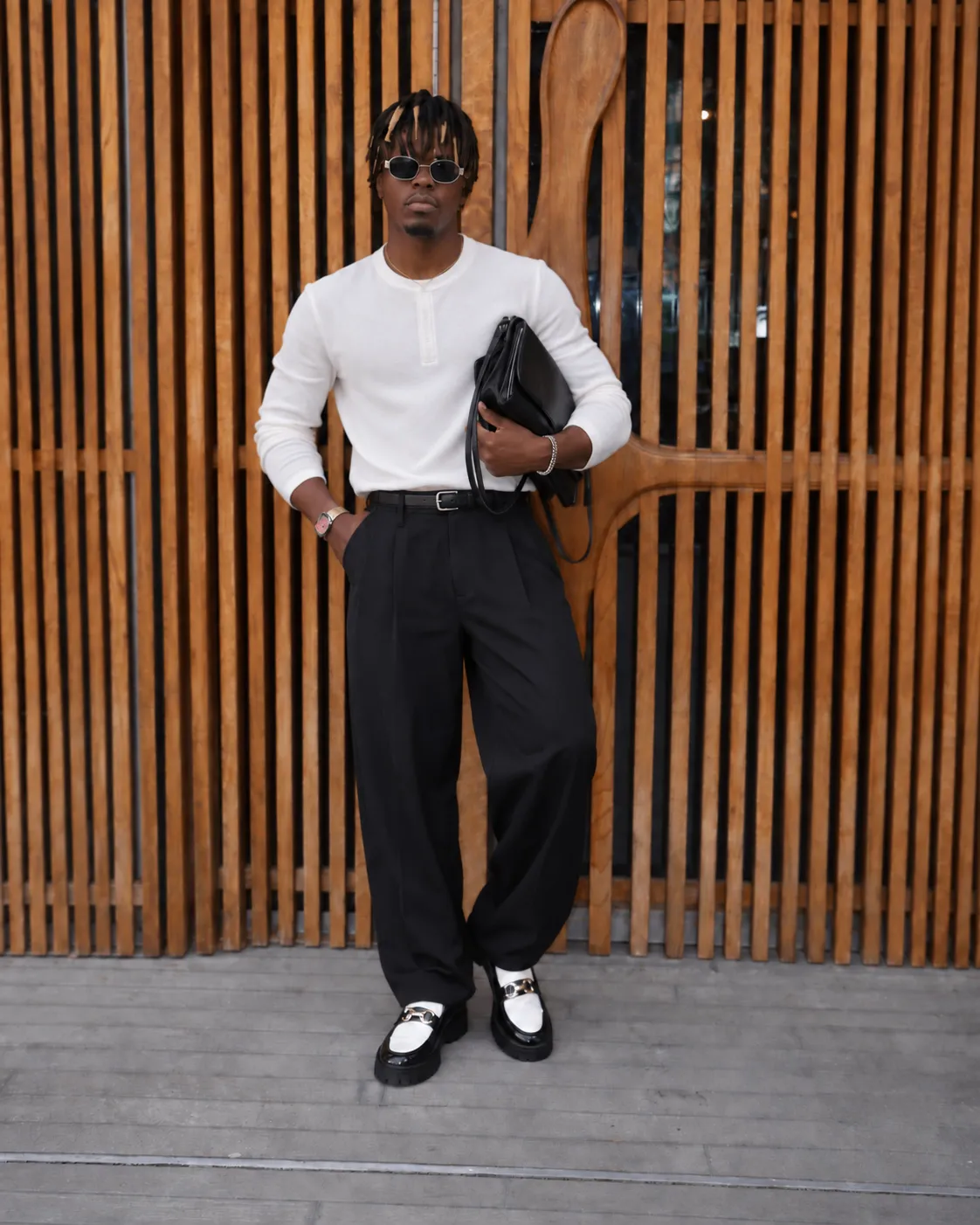
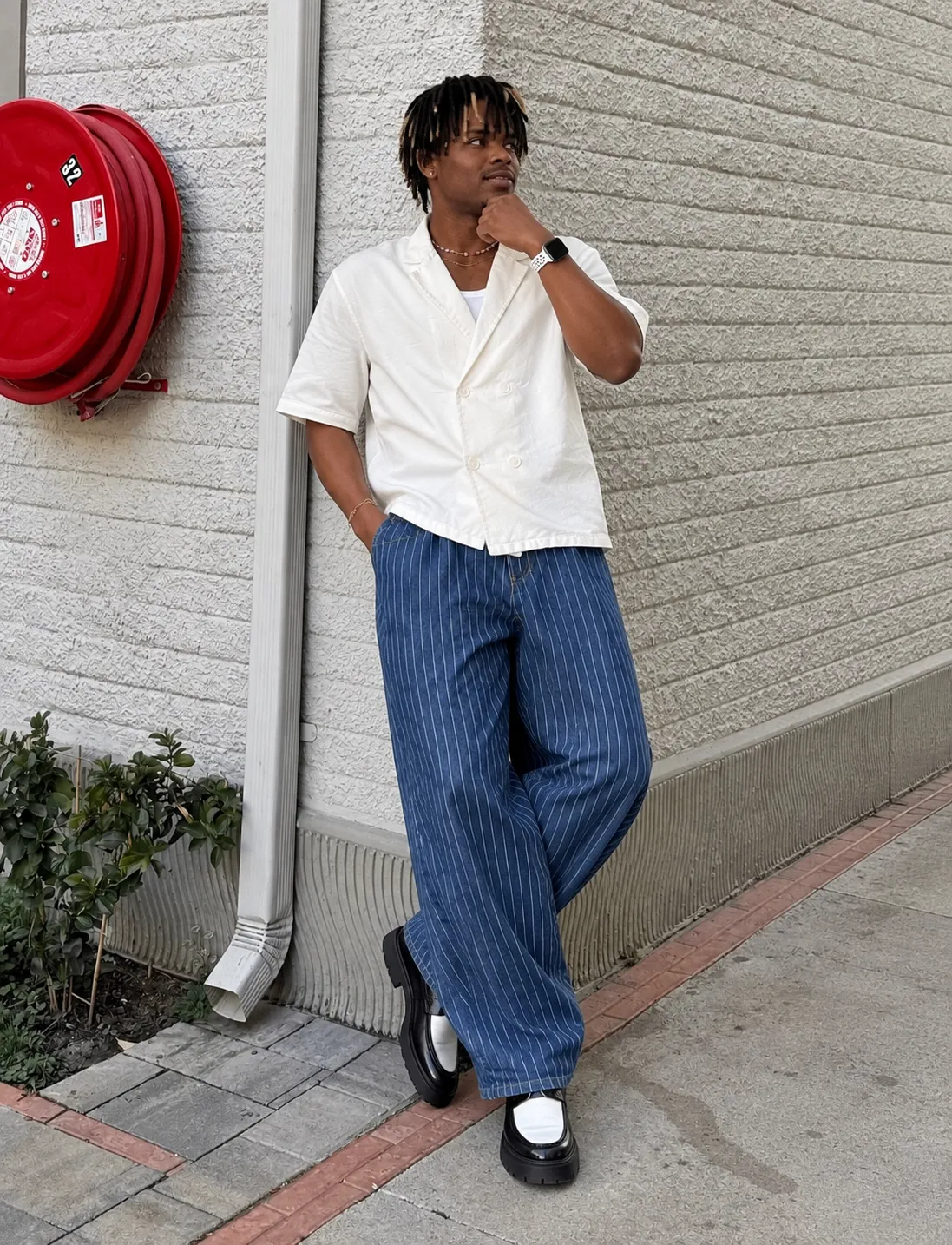
Change an outfit and keep the pose
Use Object Swap with a photo of the outfit on its own or on a person. Complete outfits work better than single small items.
Prompt to try for this kind of clip
Change only the outfit to the one in Reference 1. Keep the person, the pose and the background unchanged.

How Do You Move From Higgsfield Genjutsu to Genjutsu AI?
Moving from Higgsfield Genjutsu to Genjutsu AI takes three steps. The same clips, photos and short prompts work.
Pick the matching mode
Motion transfer in Higgsfield Genjutsu matches Motion Transfer in Genjutsu AI. Objects swap matches Object Swap.
Upload your clip and photos
Genjutsu AI accepts 4–30 second MP4 or MOV clips and up to 20 reference photos.
Paste a short prompt or leave it empty
Genjutsu AI writes a detailed prompt from your clip and photos when the prompt box is empty.
Higgsfield Genjutsu Alternative FAQ
No. Genjutsu AI is an independent service at genjutsu.video and is not affiliated with Higgsfield.
Genjutsu AI has no free plan, but each new account gets one free 5-second, 720P preview with a watermark, made from your own video and photos. Full videos use one-time credit packs from $4.99, with no subscription.
No. Genjutsu AI credits stay in your account until you use them. Higgsfield subscription credits expire at the end of each credit cycle.
Yes, for short plain-language prompts that name what to change and what to keep. Genjutsu AI refers to uploaded photos as Reference 1, Reference 2 and so on.
Most Genjutsu AI clips finish in about 5 to 20 minutes, depending on clip length and resolution.
Higgsfield and Higgsfield Genjutsu are names of Higgsfield, Inc. Genjutsu AI is an independent service and is not affiliated with Higgsfield.