How Do You Write a Genjutsu AI Prompt?
Write a Genjutsu AI prompt in three parts: the target to change, the reference image to use and the parts to keep.
Name the target by position
Point at the target with words such as on the left, in the center or in the red jacket. Position words work best when several people share the frame.
Number your references
Genjutsu AI numbers uploaded photos as Reference 1, Reference 2 and so on, in upload order. Use those numbers in the prompt.
Say what must not change
List what should stay, such as the background, the camera or the dance moves. One short sentence is enough.
What Are Popular Genjutsu AI Prompt Ideas?
Popular Genjutsu AI prompt ideas start from a trending clip and put your own person, pet or product into it.
Replace the dancer in this trend video with Reference 1. Keep every move, the timing and the camera.
Replace the product in this ad with the product in Reference 1. Keep the camera orbit, the lighting and the background.
Recast the lead in this action scene with Reference 1. Keep the stunts, the camera moves and the cuts.
Replace the cat with the pet in Reference 1. Keep the dance moves and the room unchanged.
What Are Good Prompts for a Character Swap?
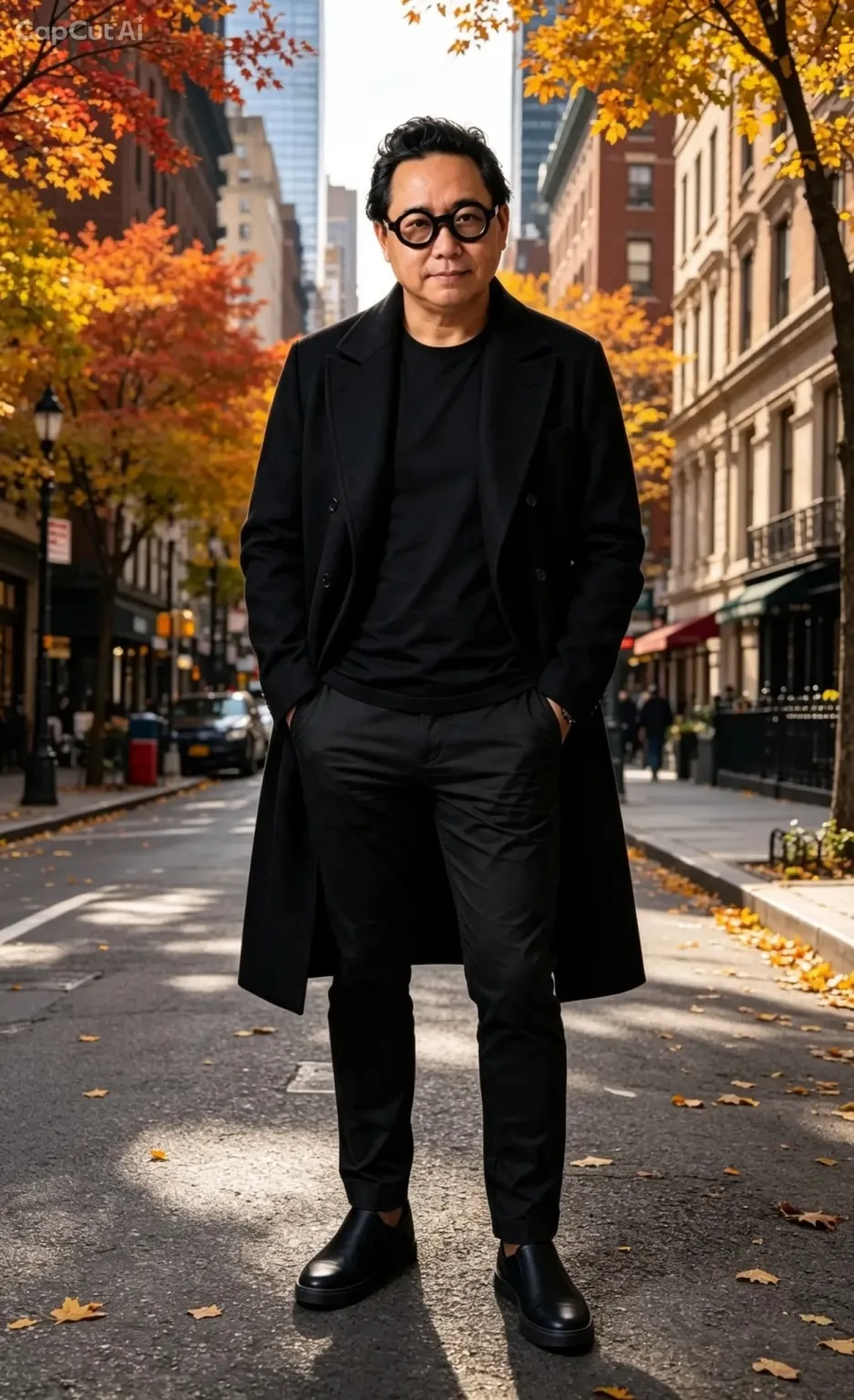
Character swap prompts replace one person and keep the original performance.
Replace the person in the center with Reference 1. Keep the dance moves, the camera and the background unchanged.
Replace the main character with Reference 1, including the face, hair and clothing. Keep the original motion and timing.
Replace the man in the black jacket with Reference 1. Keep his clothing as it is in the original video.
Replace the woman on the right with Reference 1. Keep the facial expressions and lip movement from the original clip.
What Are Good Prompts for Swapping Several People?
Multi-person prompts map each reference image to one person in the video.
Replace the man on the left with Reference 1 and the man on the right with Reference 2. Keep both performances and the stage.
Replace the three dancers from left to right with Reference 1, Reference 2 and Reference 3. Keep the choreography and the camera.
Replace only the person in the center with Reference 1. Keep everyone else in the video unchanged.
What Are Good Prompts for an Outfit Swap?
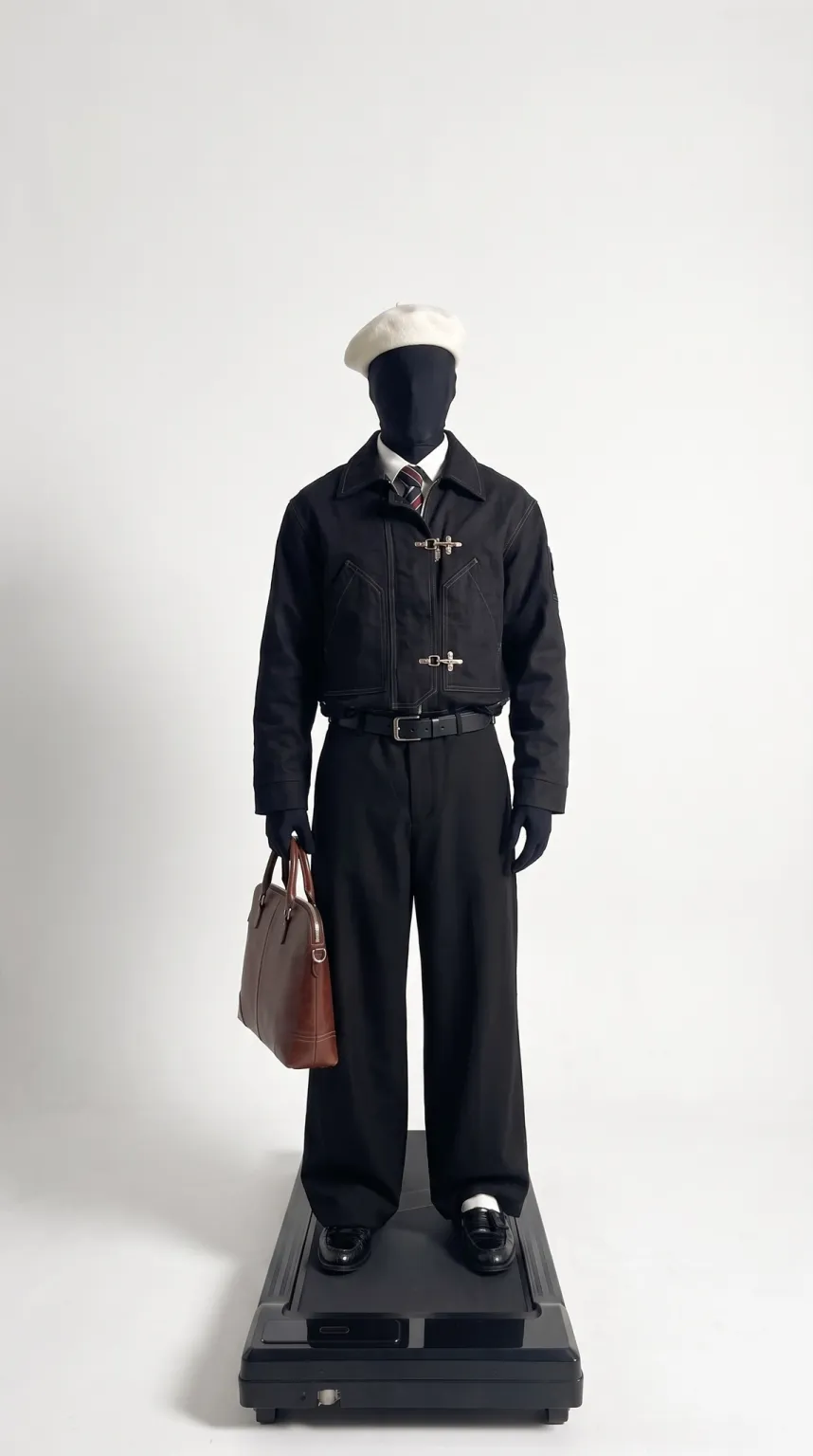
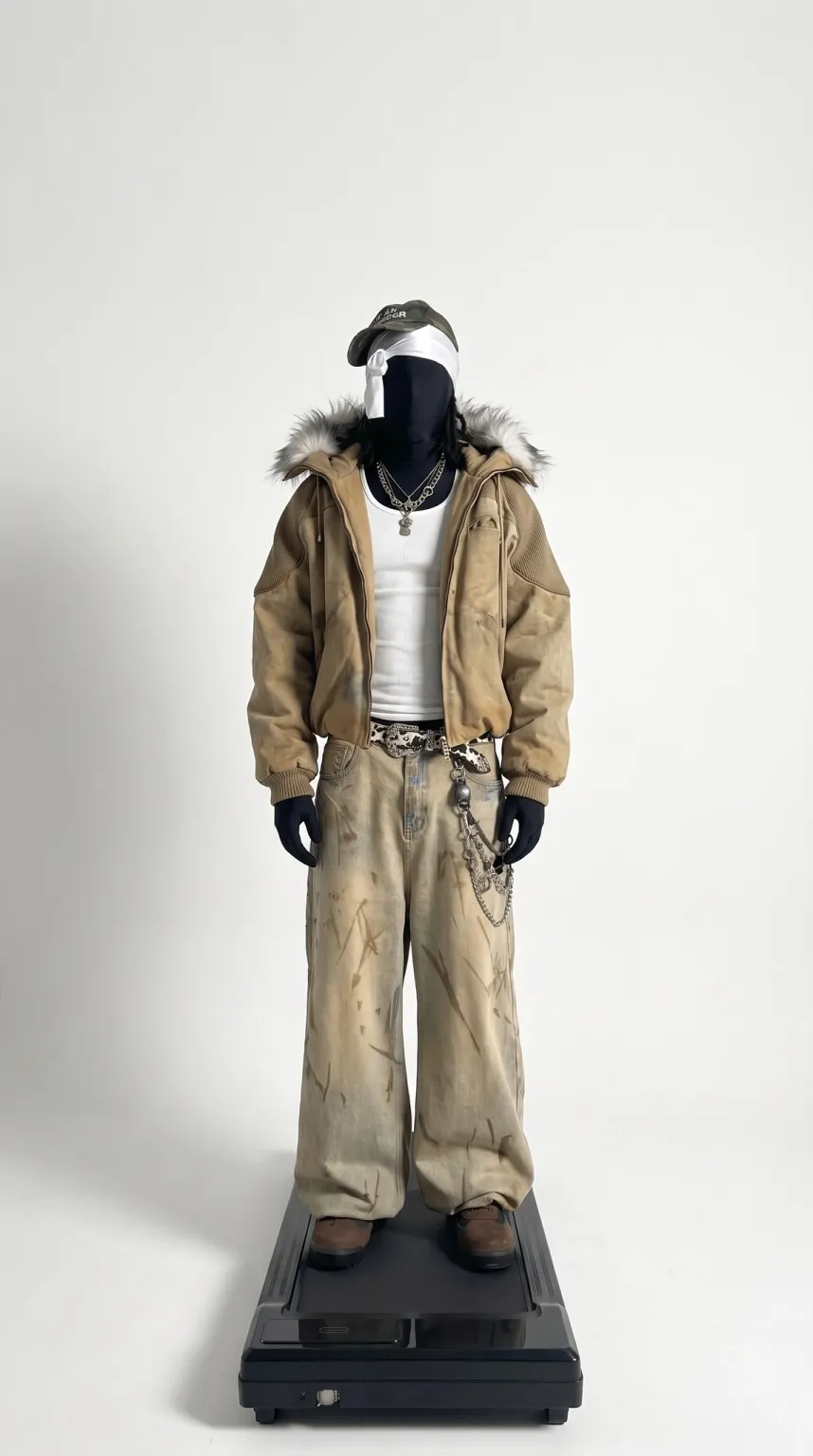
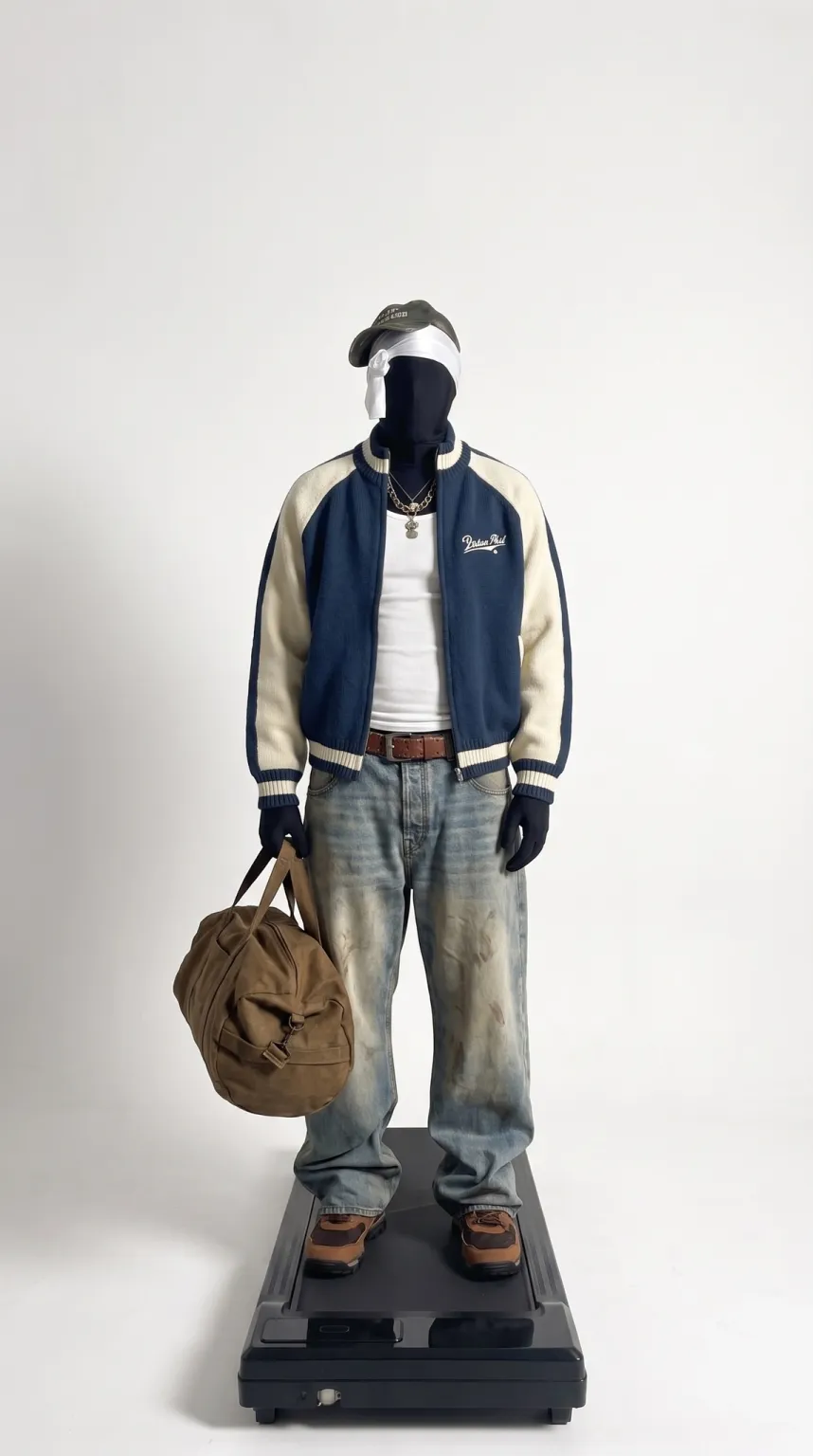
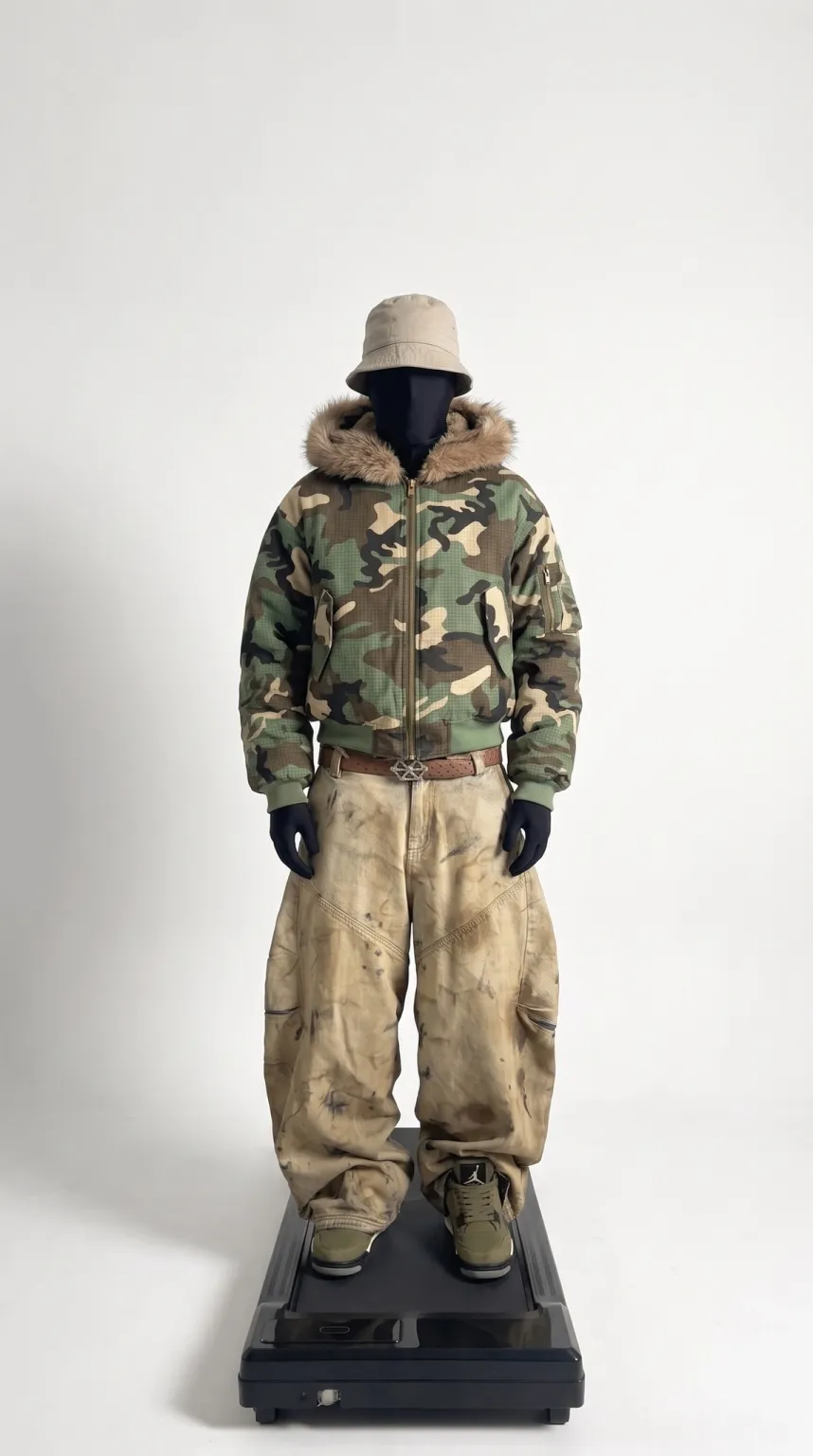
Outfit swap prompts change the clothing and keep the person, the pose and the setting.
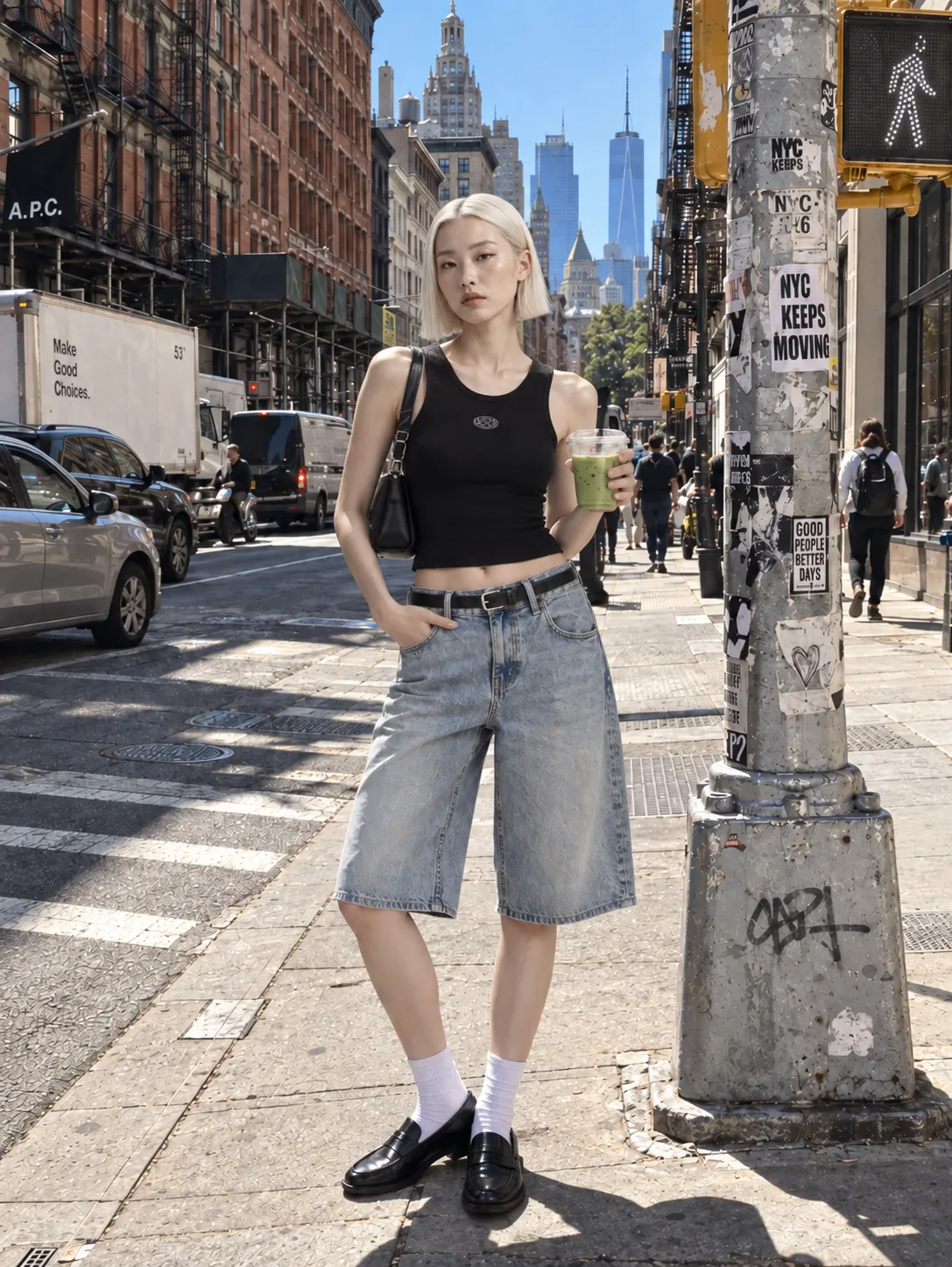
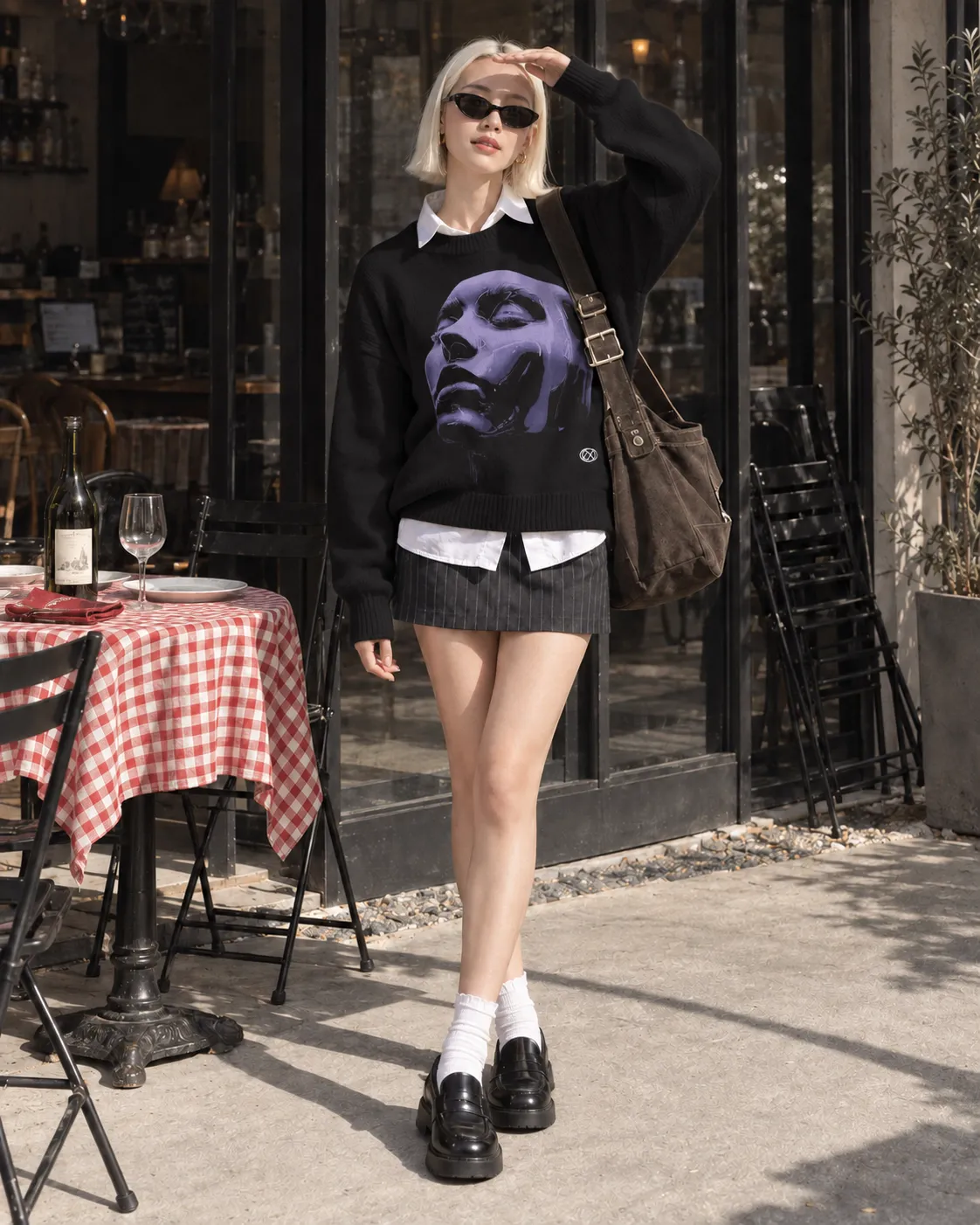
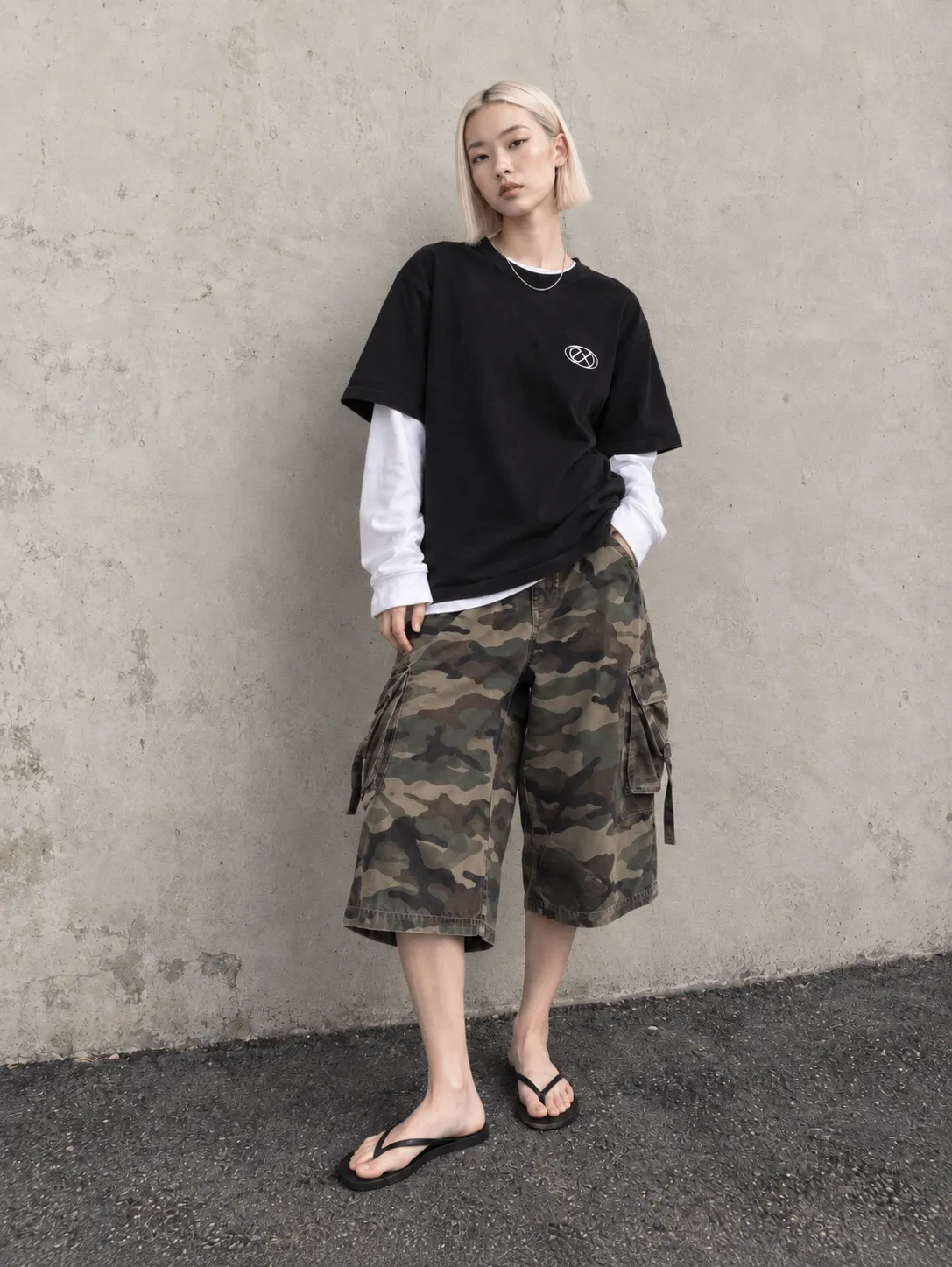
Put the person in the outfit from Reference 1. Keep the person, the movement and the setting unchanged.
Replace the jacket with the jacket in Reference 1. Keep the rest of the clothing and the person unchanged.
Dress the person in the outfit from Reference 1. Keep the face and hair from the original video.
What Are Good Prompts for a Product or Object Swap?
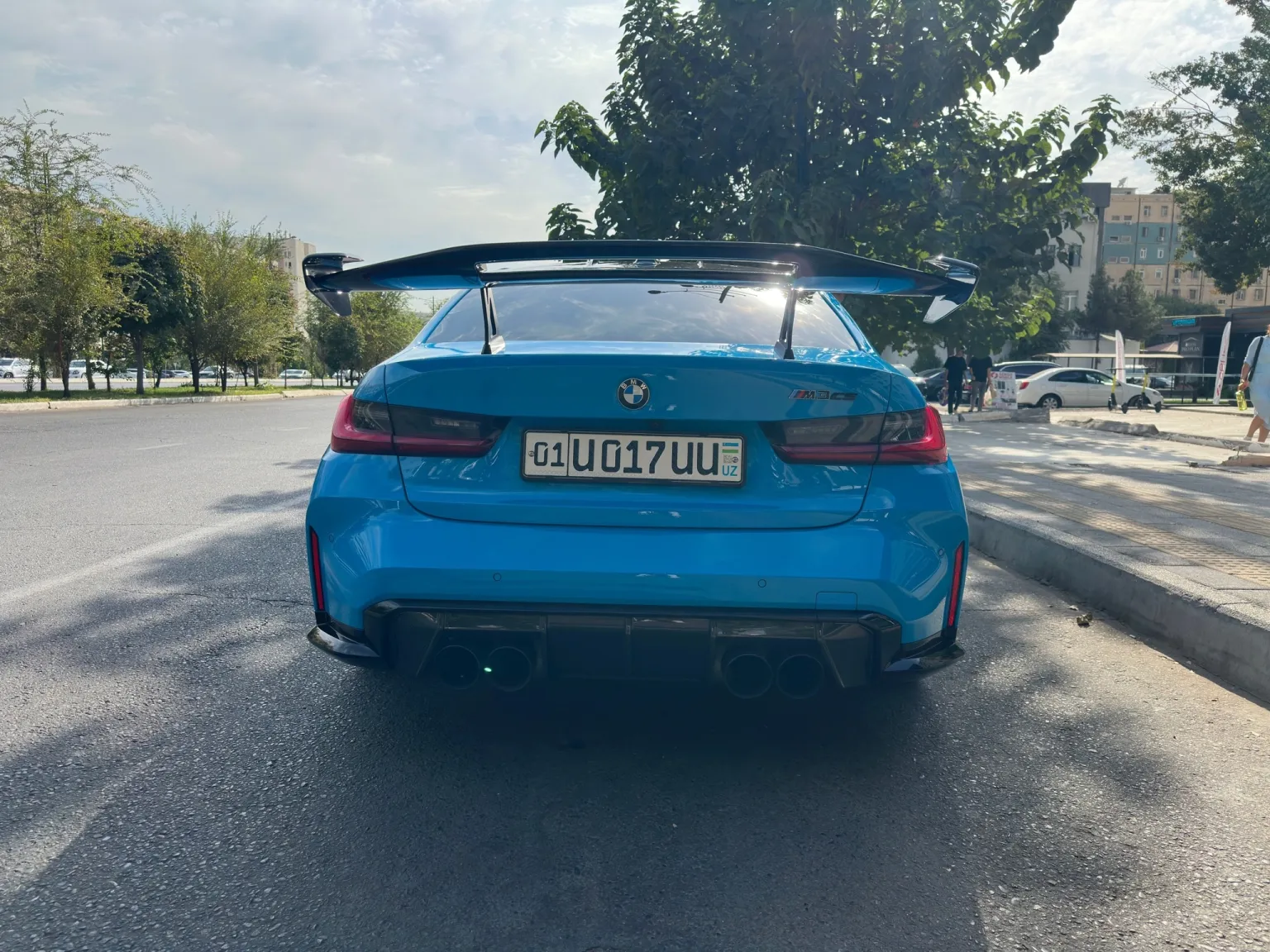
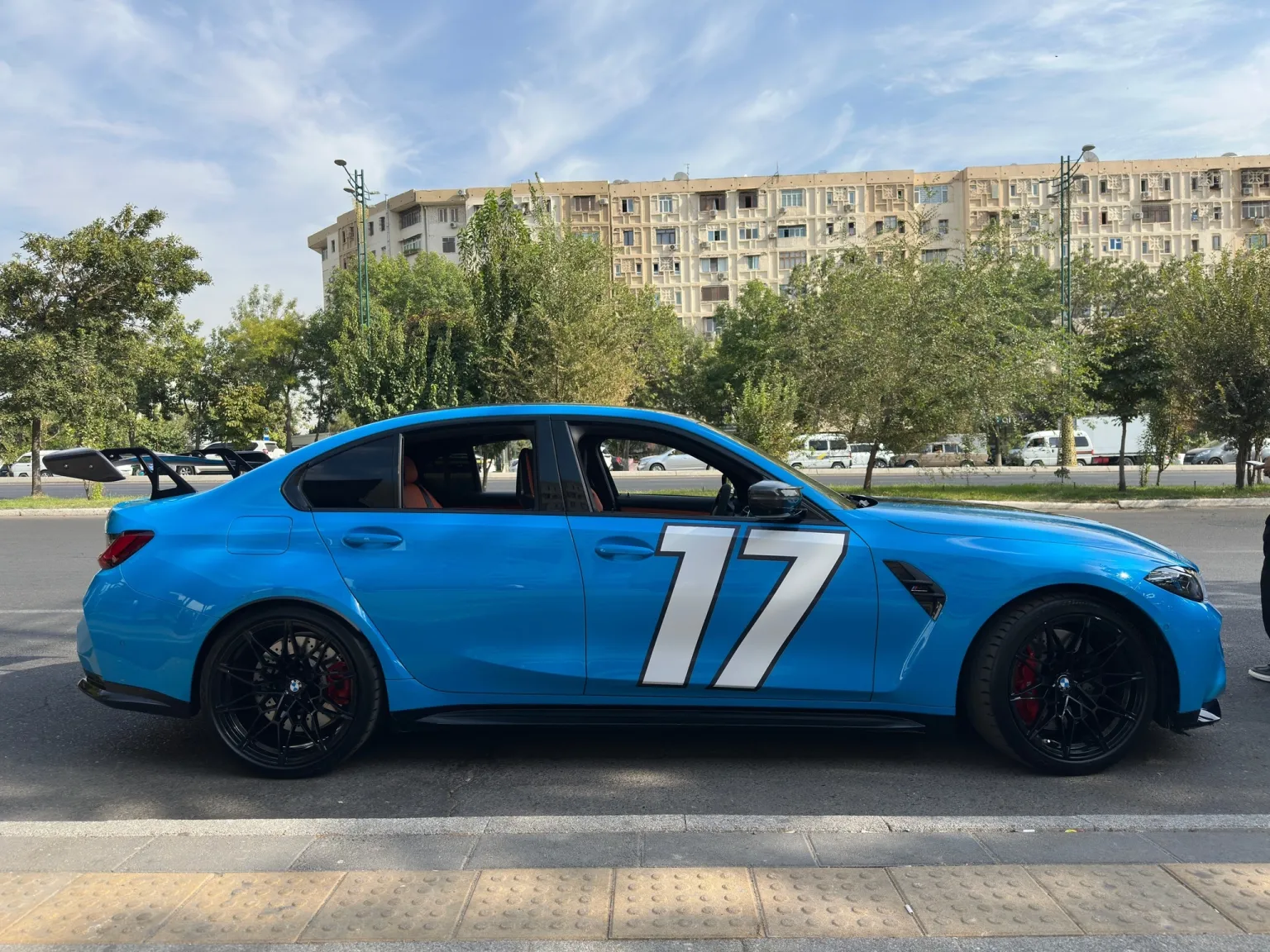
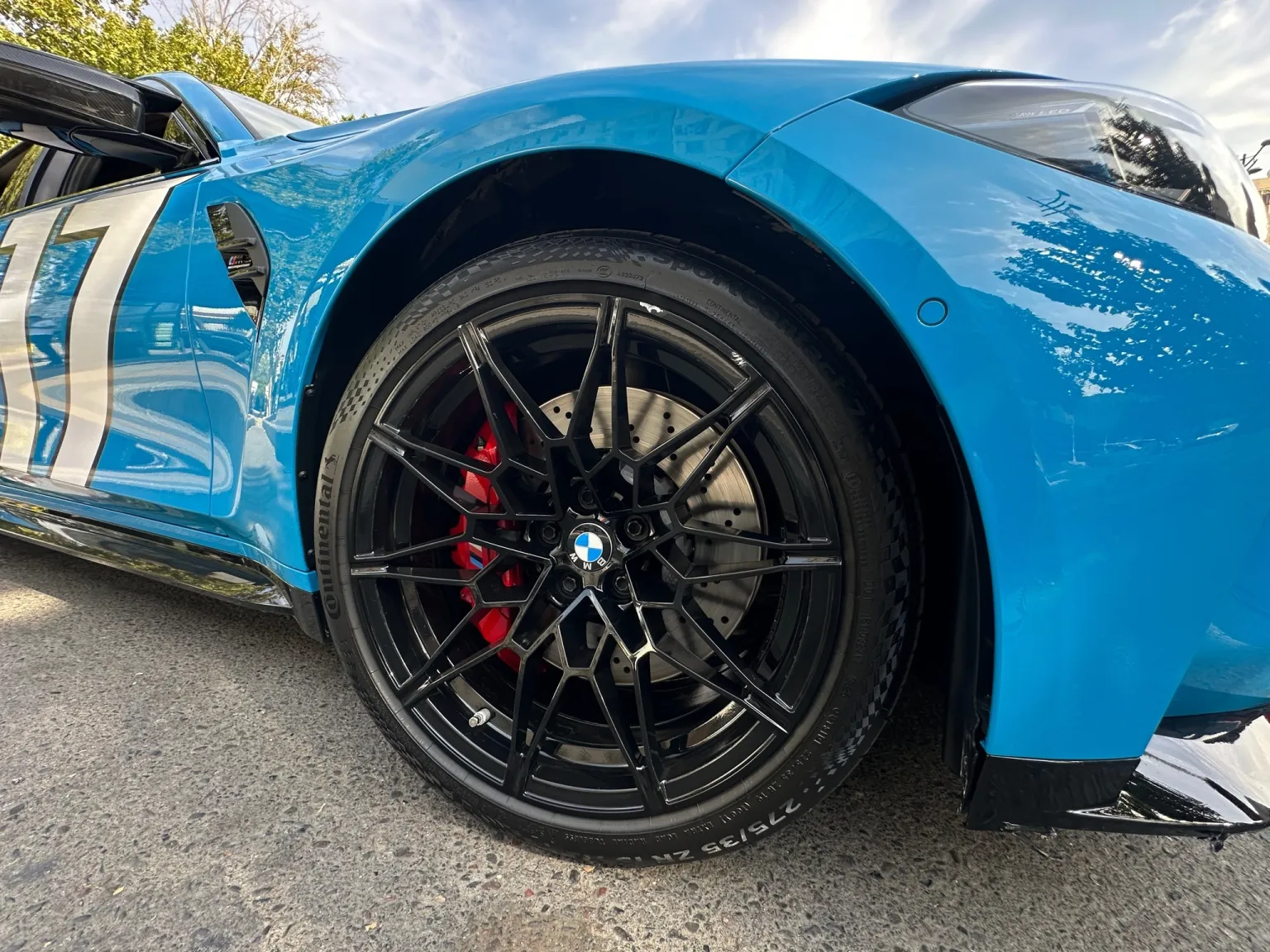
Product and object swap prompts replace one item and keep the motion, the camera and the lighting.
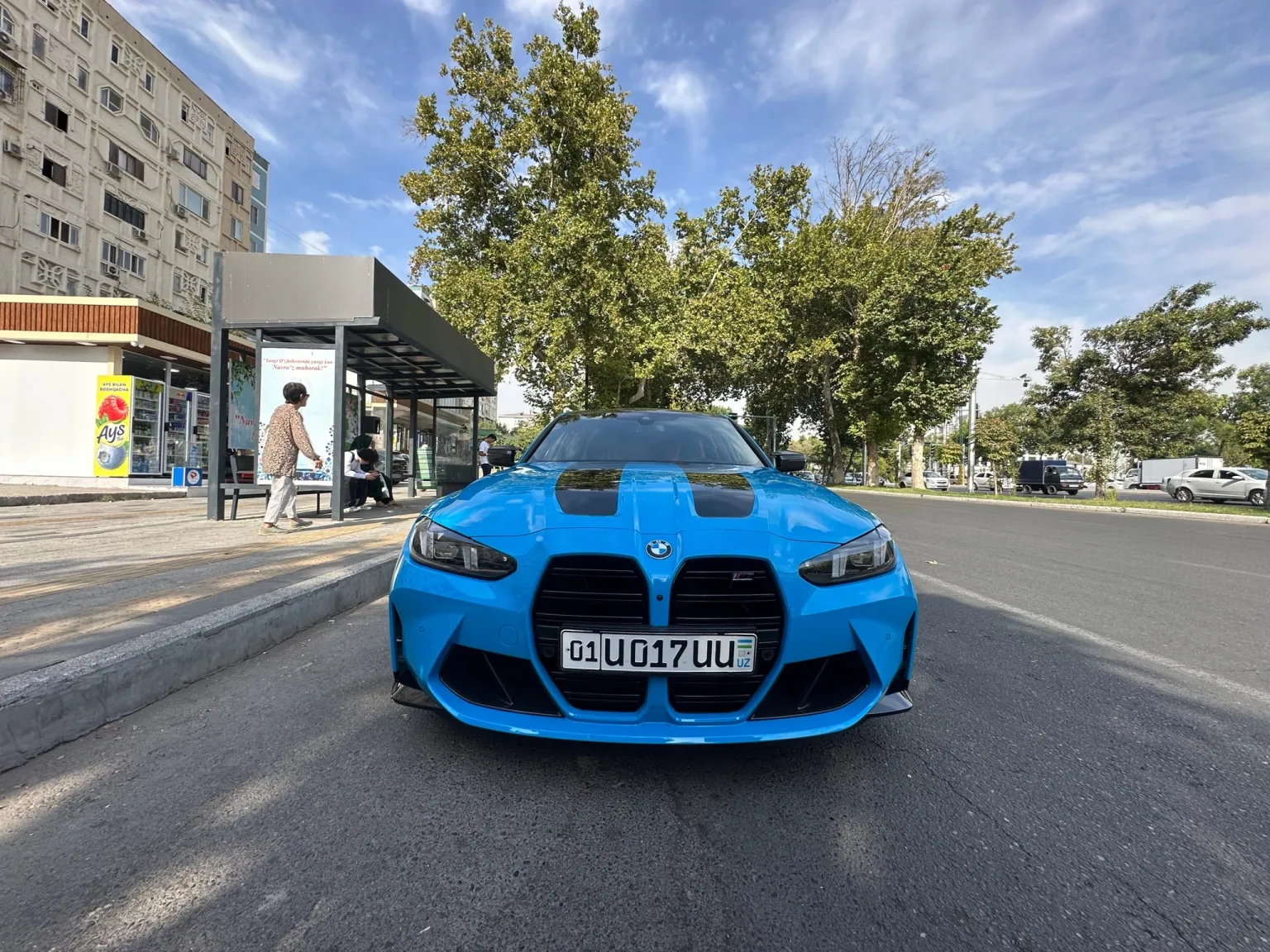
Swap the car for the one in Reference 1. Keep the driving line, the camera path and the reflections on the body.
Replace the drink can in the person's hand with the product in Reference 1. Keep the hand movement and the camera.
Replace the bottle on the table with the product in Reference 1. Keep the label facing the camera and the rest of the scene unchanged.
What Are Good Prompts for Motion Transfer?
Motion Transfer prompts describe the new character and keep the original movement, camera and timing.
Rebuild the video with Reference 1 as the main character. Keep the original movement, camera and timing.
Turn the dancer into the character in Reference 1. Keep the same choreography and framing.
Use Reference 1 for the character and keep the clothing from Reference 1 in every shot. Keep the original movement and cuts.
Do Higgsfield Genjutsu Prompts Work in Genjutsu AI?
Yes. Short Higgsfield Genjutsu prompts that say what to change and what to keep work in Genjutsu AI. Replace Higgsfield's image names with Reference 1, Reference 2 and so on, in the order you upload the photos. Long scene-by-scene scripts are not needed, because Genjutsu AI reads the timing from the source clip.
Compare Genjutsu AI with Higgsfield GenjutsuHow Higgsfield Genjutsu works
Genjutsu AI Prompt FAQ
No. The prompt is optional in Genjutsu AI. When the prompt box is empty, Genjutsu AI plans the edit from the clip and the reference photos.
A Genjutsu AI prompt can be up to 5,000 characters. One to three short sentences usually work best.
Write Genjutsu AI prompts in plain English for the most predictable results.
Genjutsu AI follows the source clip first. A prompt cannot add movement that is not in the clip, and very small targets may not change reliably.