- Longest video
- 30 s
- 4–30 seconds, MP4 or MOV, up to 100 MB
- Photos per video
- 20
- One full-body photo per person
- Highest output
- 1080P
- Choose 480P, 720P or 1080P
- Smallest credit pack
- $4.99
- One-time payment, no subscription. New accounts get one free 5-second preview.
What Does an AI Body Swap Video Look Like?
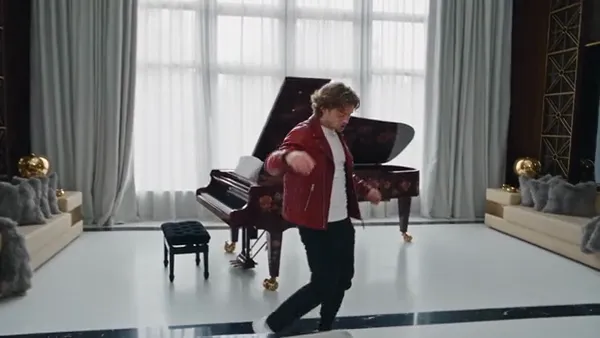
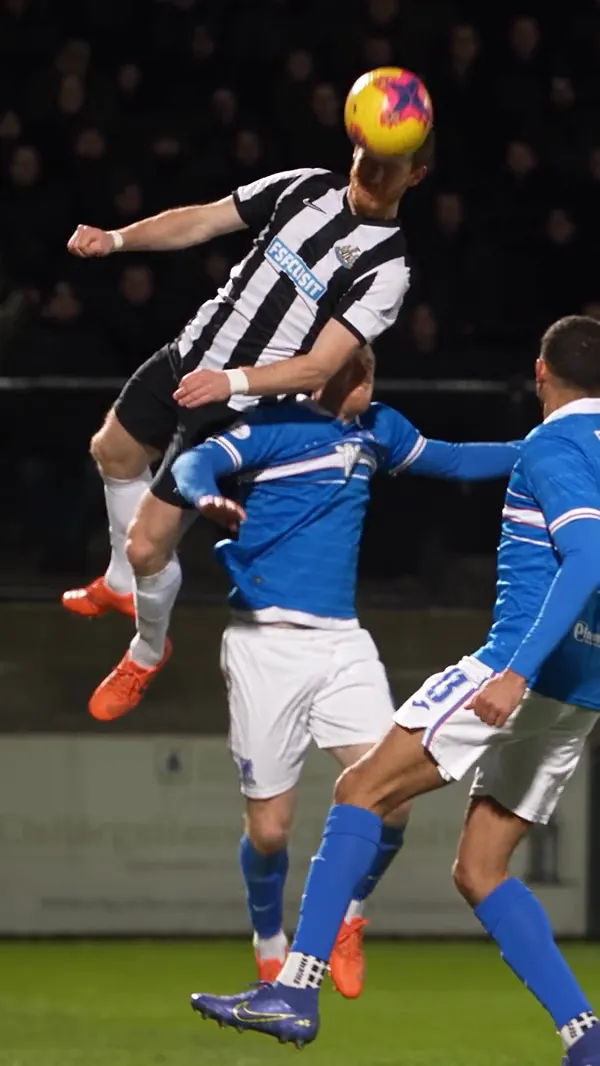
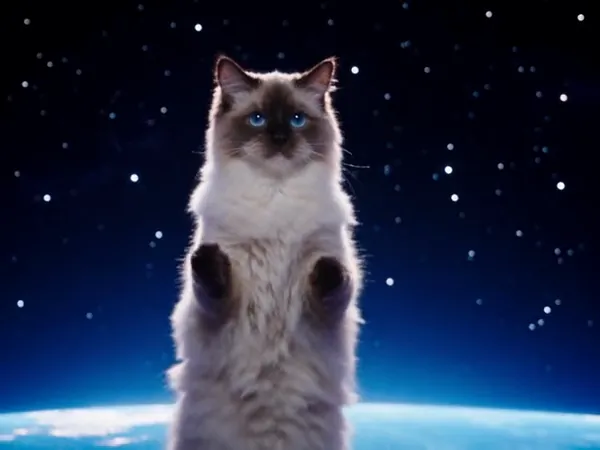
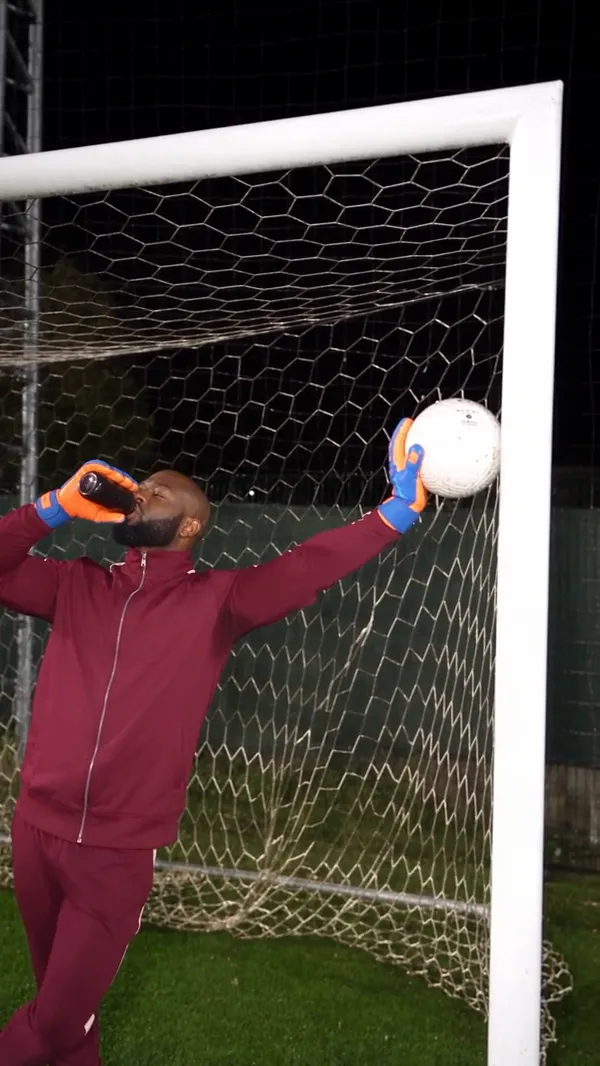
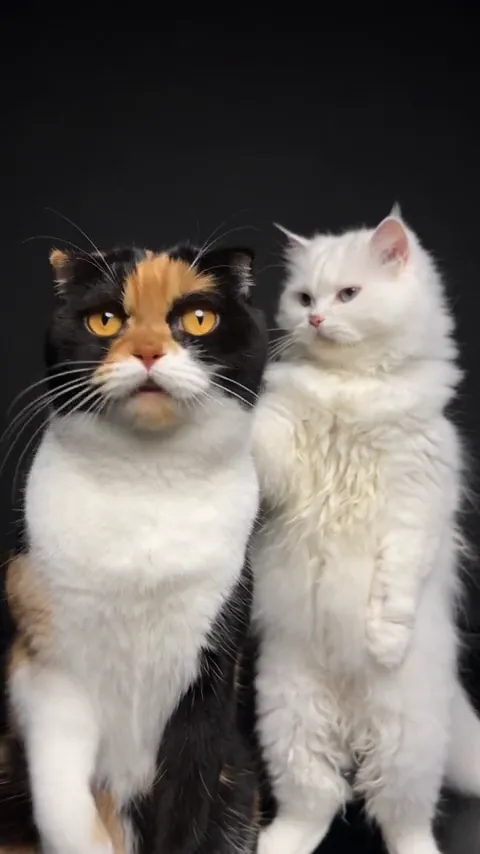
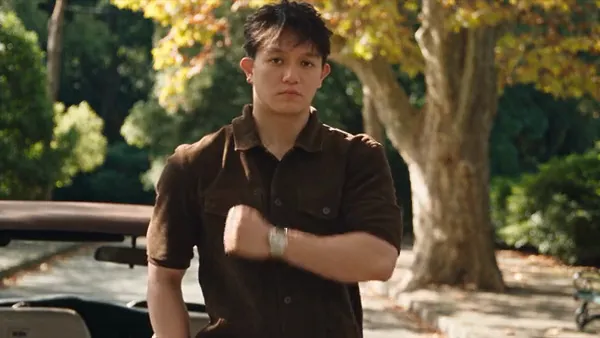
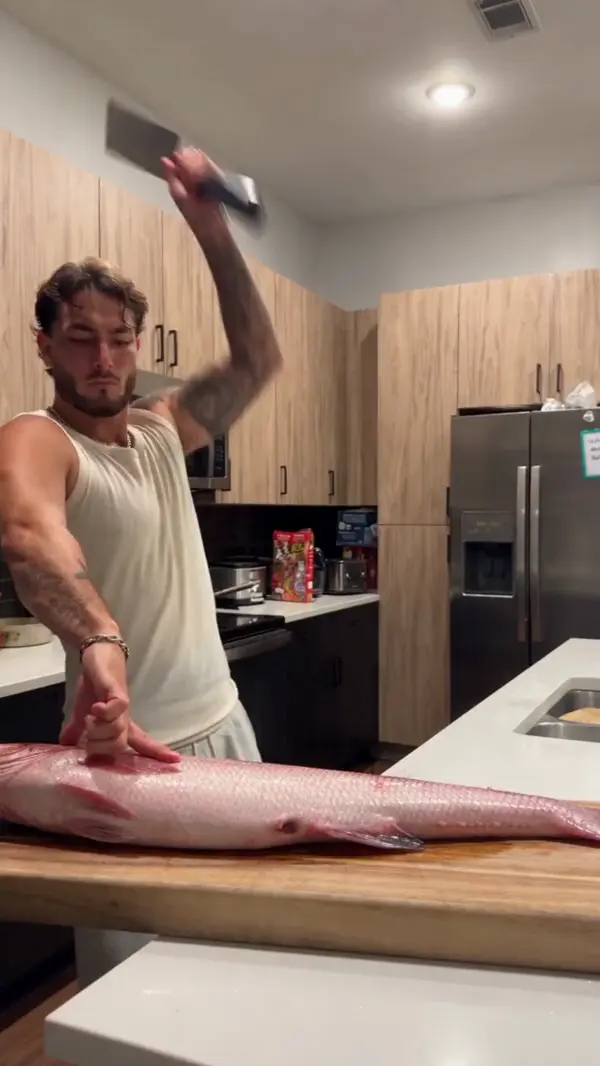
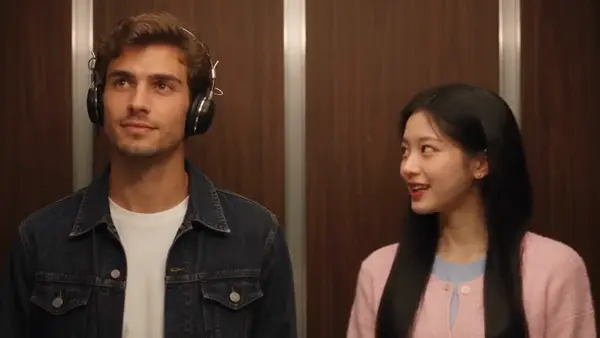
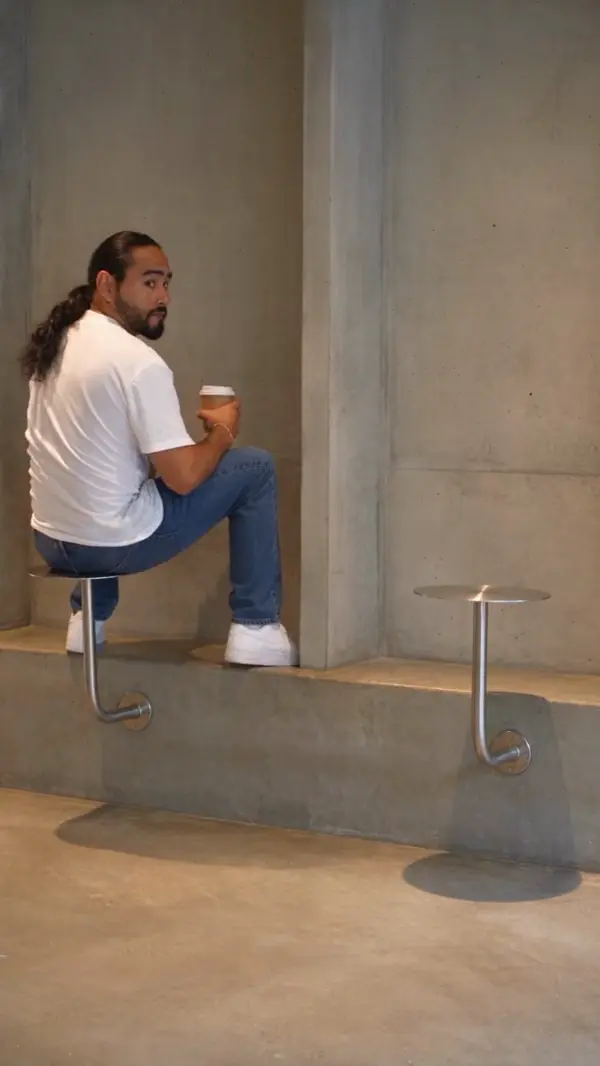
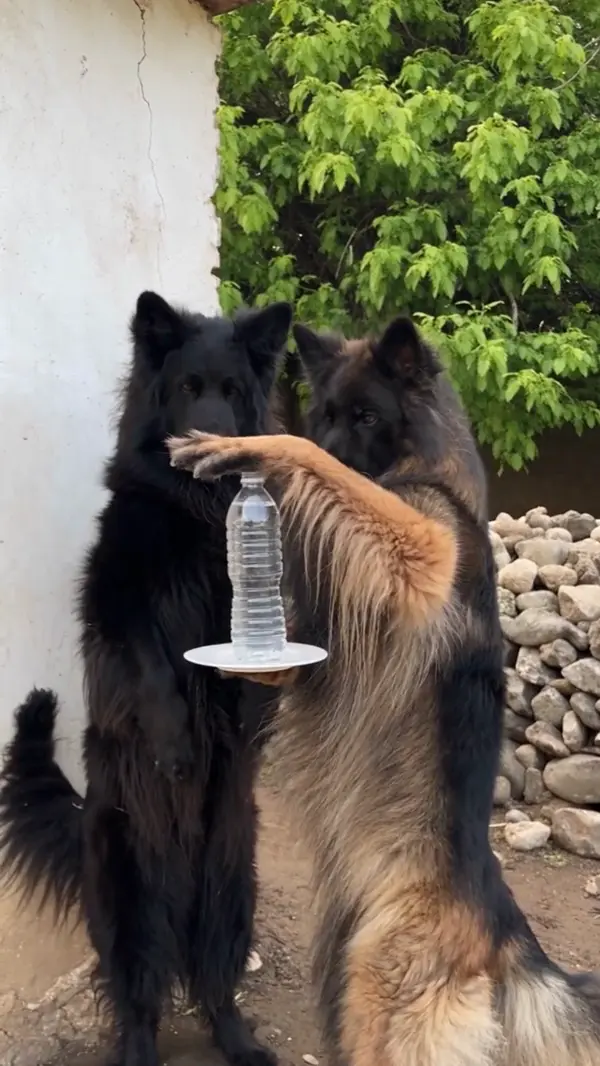
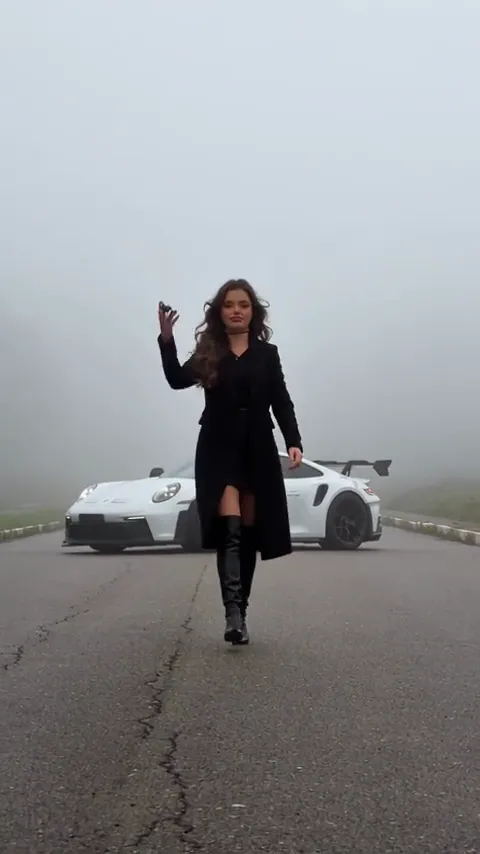
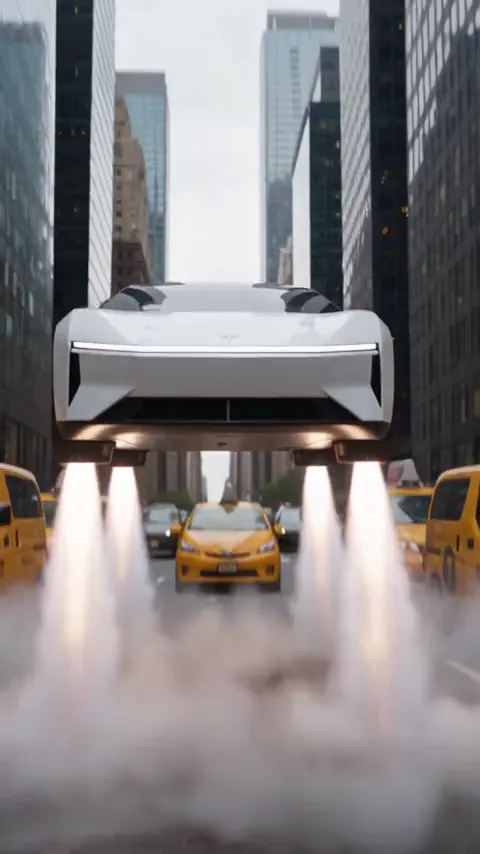
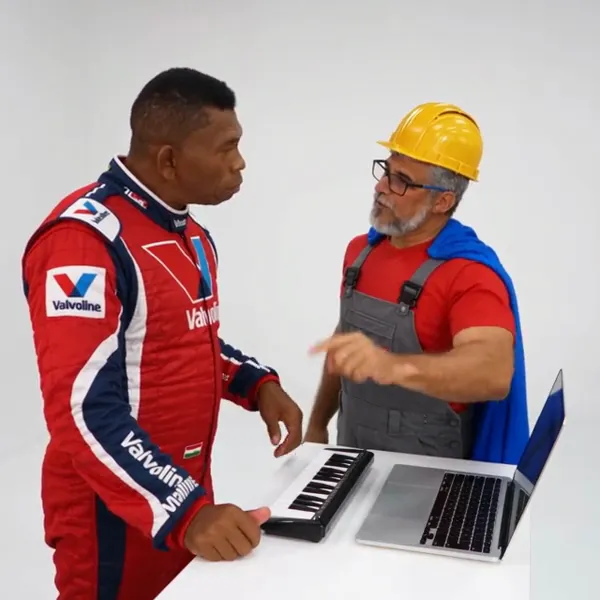
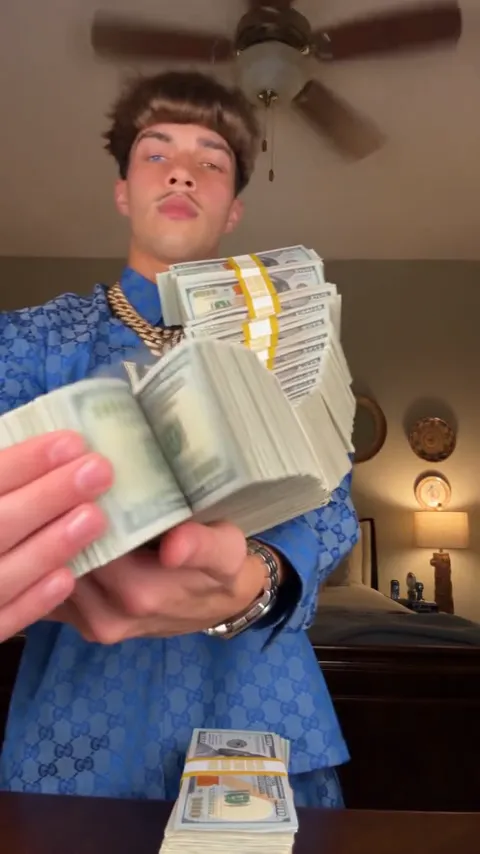
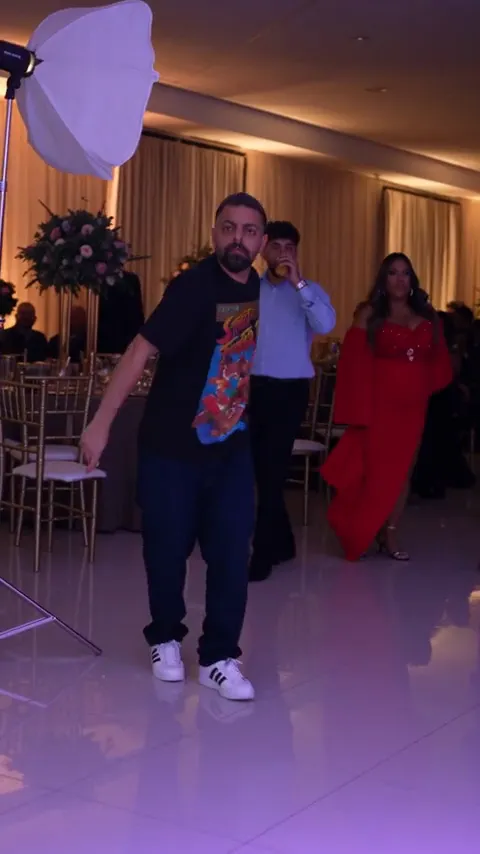
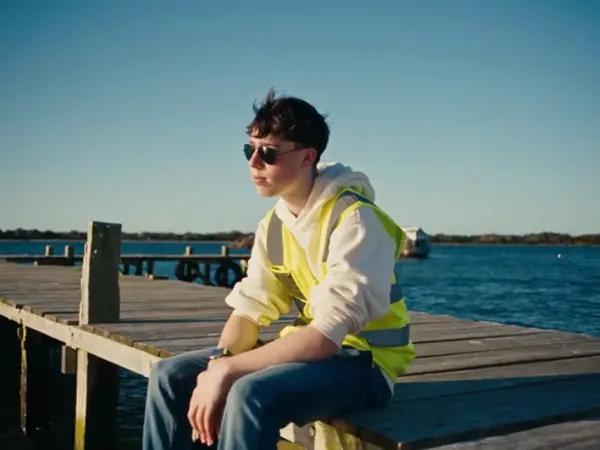
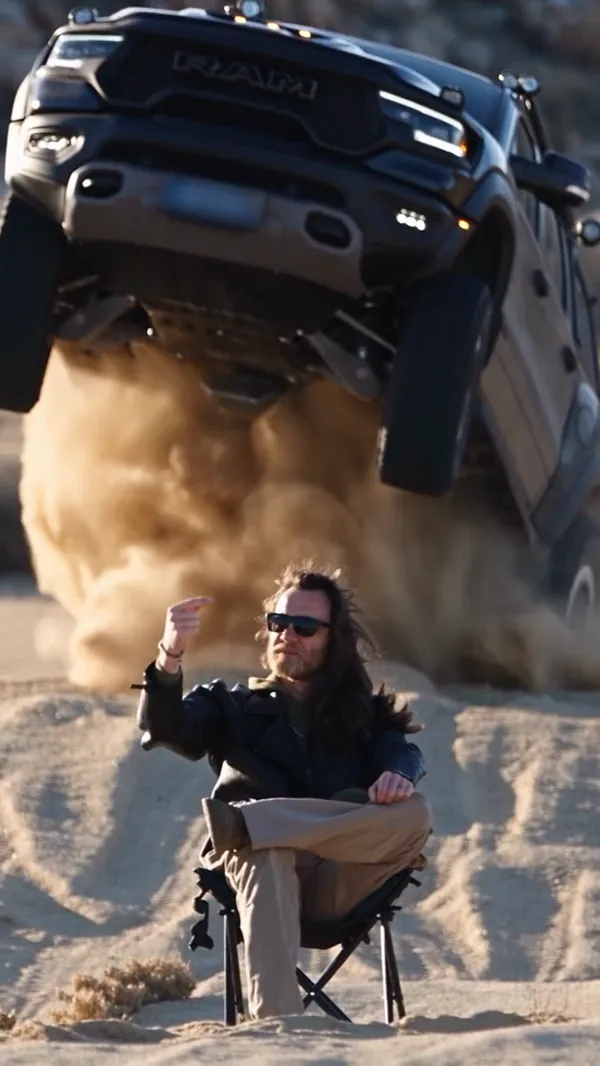
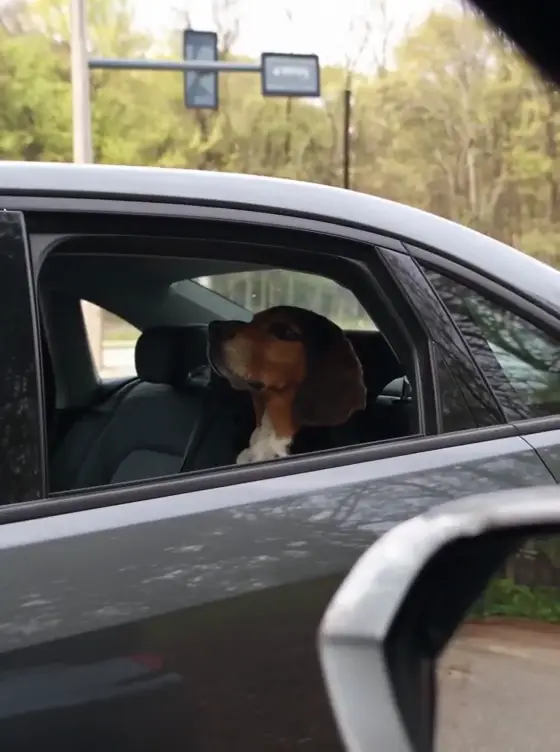
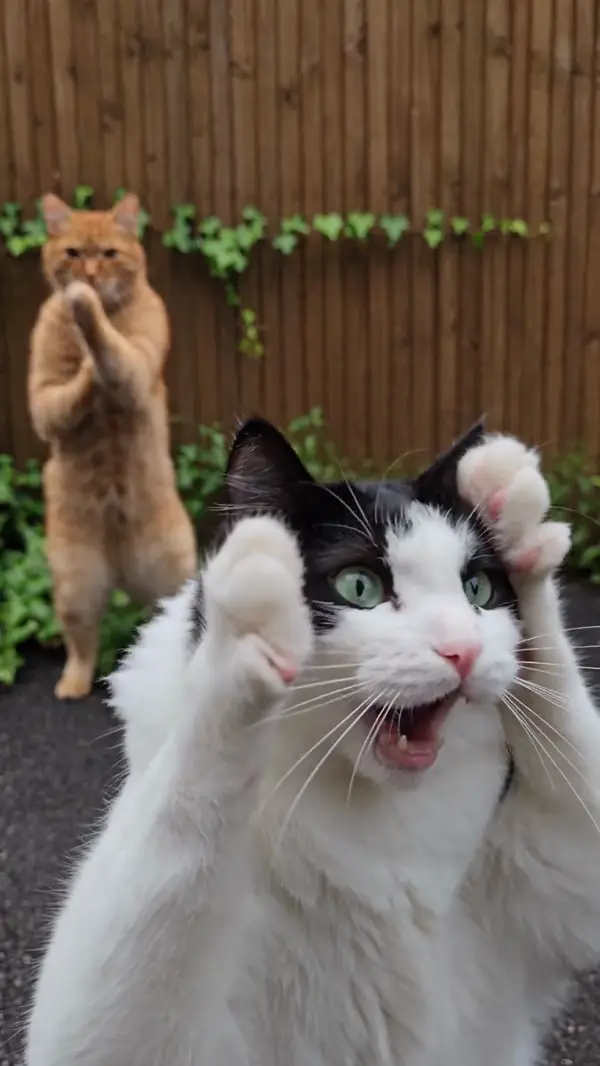
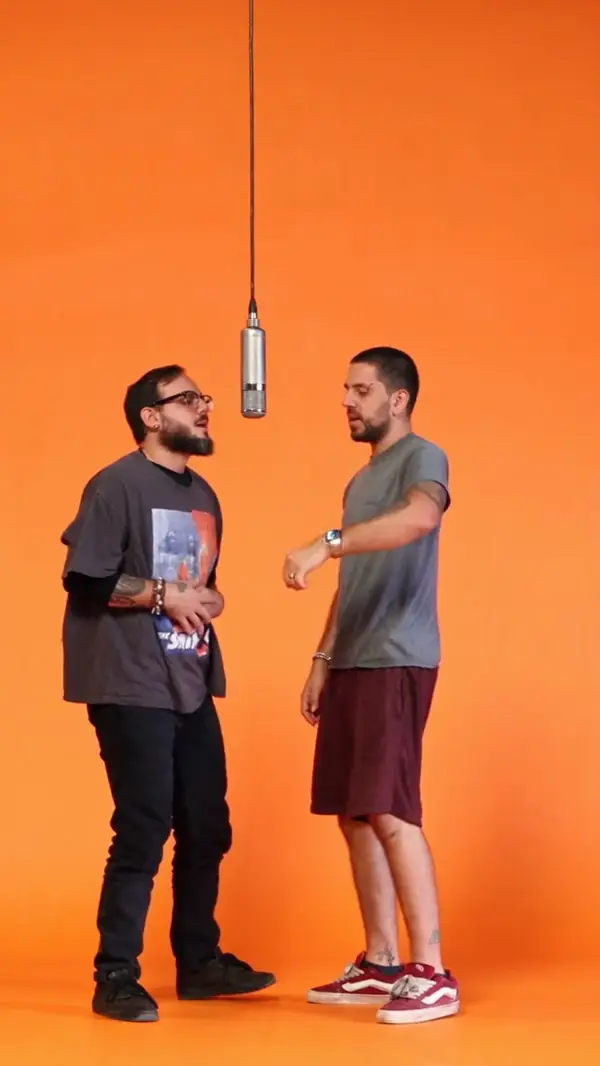
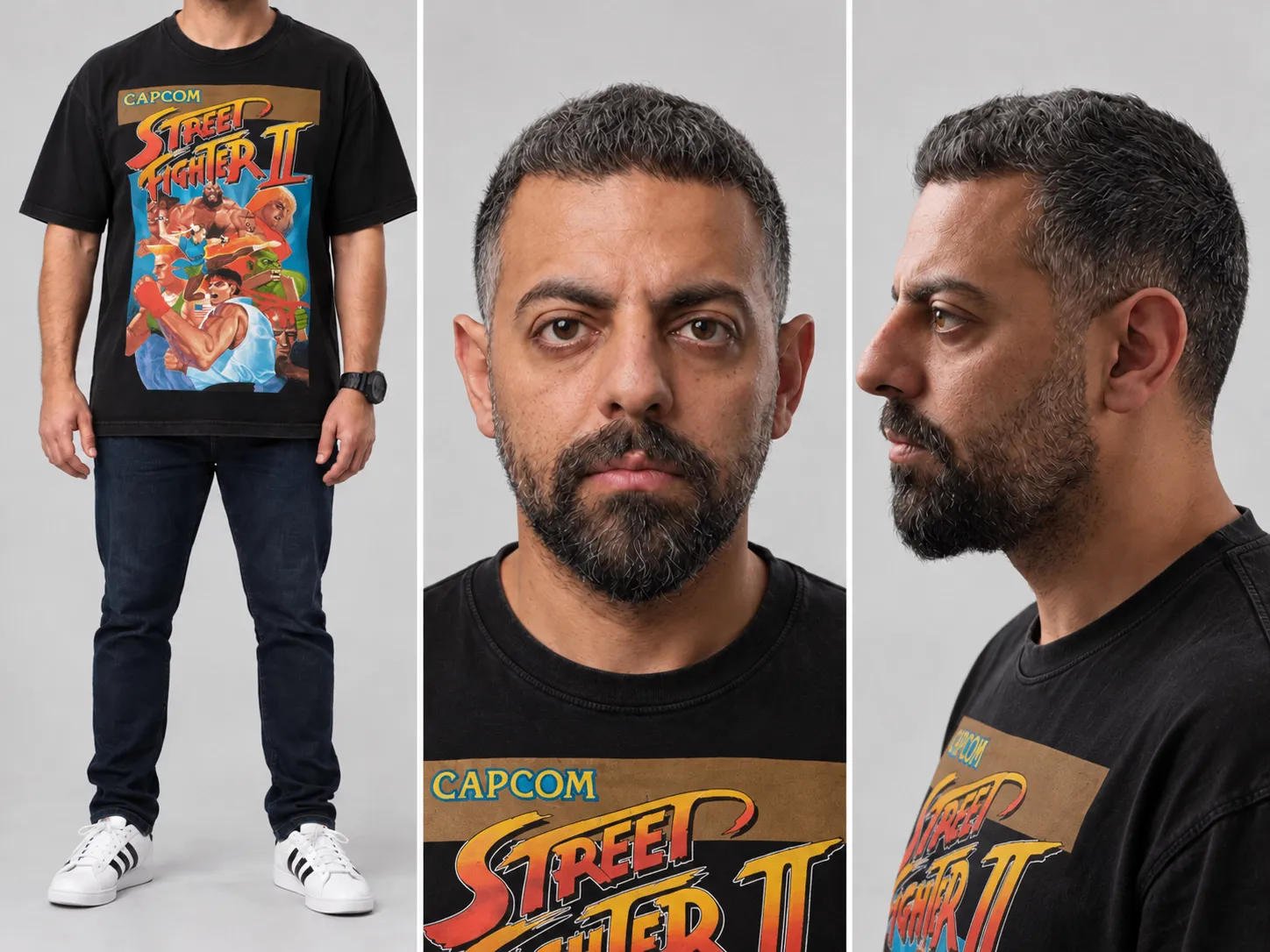
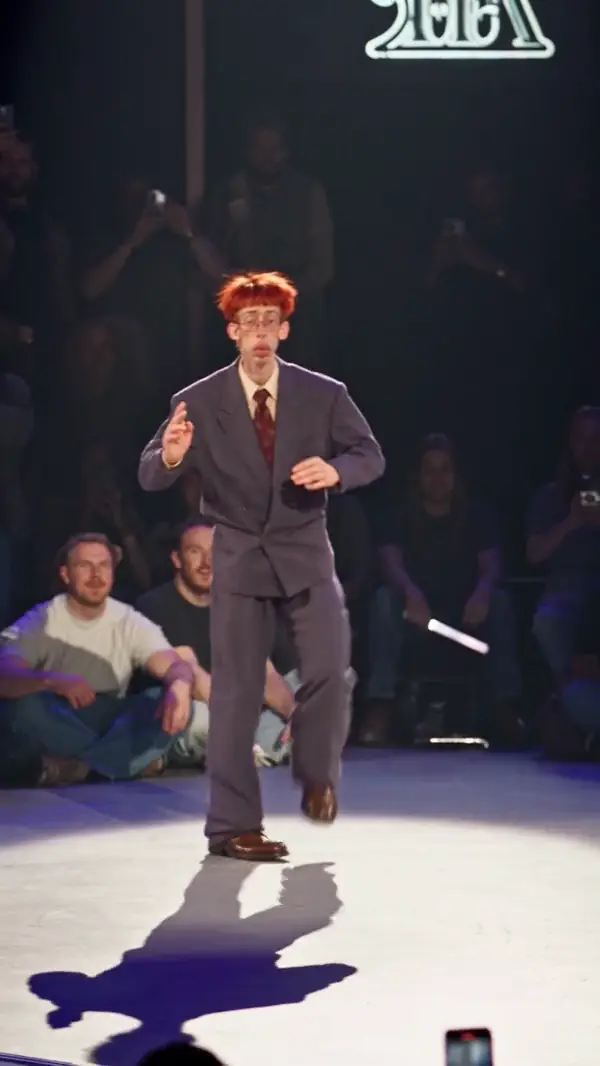
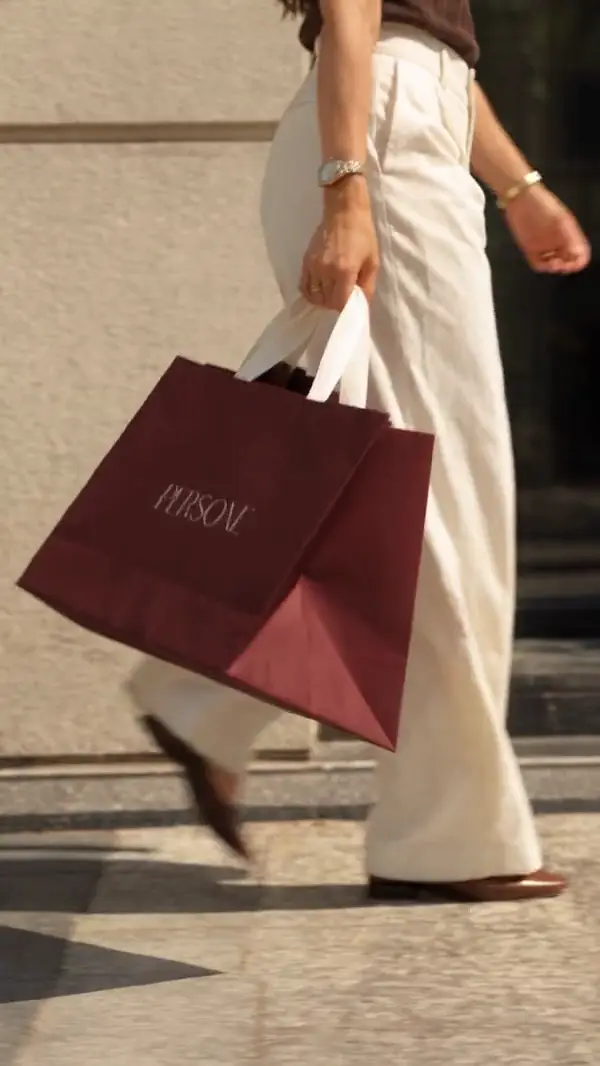
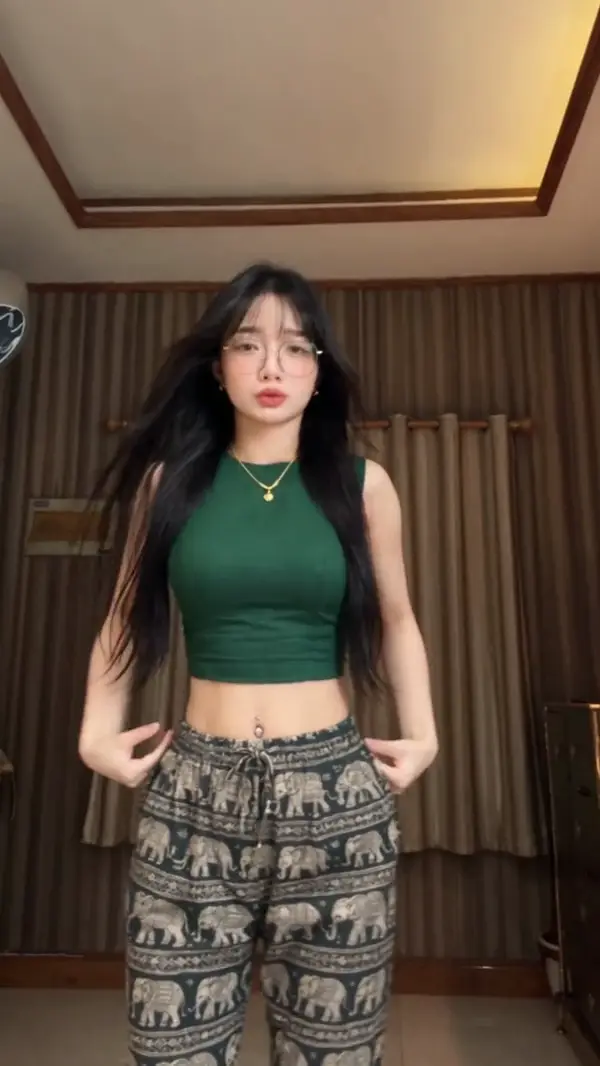
Each example shows the original clip, the uploaded photo and the Genjutsu AI body swap result side by side.
Choose an example
How Do I Do an AI Body Swap in a Video?
An AI body swap with Genjutsu AI takes three steps in the browser. No editing software or green screen is needed.
Upload the video
Upload an MP4 or MOV clip from 4 to 30 seconds long. The clip sets the moves, camera and timing of the result.
Add a full-body photo
Upload a photo that shows the whole person, from head to shoes. Genjutsu AI takes the face, hair, build and outfit from this photo.
Generate and download
Genjutsu AI shows the credit cost before it starts. The finished video is saved to My Creations, ready to download.
Can I Swap Bodies Between Two People in One Video?
Yes. Genjutsu AI can replace two or more people in the same clip, with one photo per person and up to 20 photos per video.
One photo per person
Upload a separate full-body photo for each person you want to replace. Each photo should show one person.
Say who is who
Use the instructions box to match photos to people, for example “Image 1 replaces the man on the right”.
Clear positions
Clips where each person keeps a clear spot give the most reliable result. People who overlap or cross often are harder to keep apart.
What Photos and Videos Work Best for an AI Body Swap?
An AI body swap works best with a full-body photo of one person and a video where the body stays in frame.
Full-body photo
A photo from head to shoes gives Genjutsu AI the outfit and build as well as the face. A cropped photo leaves the hidden parts to guesswork.
Body in frame
Videos where the person is fully visible and not blocked by objects give the cleanest swap.
4 to 30 seconds
Genjutsu AI accepts MP4 and MOV videos from 4 to 30 seconds long and up to 100 MB.
Sharp, even light
A sharp, well-lit photo gives the closest likeness. Strong shadows or filters in the photo can carry into the video.
One person per photo
A photo with one person tells Genjutsu AI exactly whose body to use. Group photos work, but the result is less predictable.
Clean source clips
Captions, stickers and watermarks in the original video can stay in the result. A clean clip gives the cleanest output.
Recasting a movie-style scene instead? See AI character swapNeed prompt ideas? Browse Genjutsu AI prompts
What Is the Difference Between Body Swap and Face Swap?
Face swap replaces only the face and keeps the original body and clothes. An AI body swap in Genjutsu AI replaces the whole person, from hair to shoes, and keeps the original moves.
Can I Do a Body Swap Without AI?
Yes, but a manual body swap takes a green screen and hours of editing. Genjutsu AI takes the moves from the video and your look from one photo instead.
| Step | By handGreen screen and a video editor | Genjutsu AIOne video and one full-body photo |
|---|---|---|
| Filming | Film yourself copying every move in front of a green screen | Not needed: one full-body photo is enough |
| Removing the original person | Mask the original person out frame by frame | Done by Genjutsu AI |
| Light and camera | Match the light, camera movement and timing yourself | The original light, camera and cuts are kept |
| Time | Often hours of editing for a short clip | About 5 to 20 minutes for most clips |
AI Body Swap FAQ
Genjutsu AI gives each new account one free body swap preview: a 5-second, 720P clip with a watermark, made from the first 5 seconds of your video and your photos. A full body swap costs credits, and the smallest credit pack costs $4.99 with no subscription.
Genjutsu AI takes the look of the person, including build and outfit, from the photo and the moves from the video. A full-body photo taken from the front gives the closest match. A cropped photo leaves the hidden parts of the body to guesswork.
Yes. Genjutsu AI follows the original choreography, including spins and floor moves. Clips where the dancer stays in frame and in focus give the cleanest result.
Most clips finish in about 5 to 20 minutes, depending on clip length and resolution. You can leave the page while Genjutsu AI works, and the result is saved to My Creations.
Yes. Genjutsu AI runs in the browser on desktop and mobile. Upload the video and the photo, then download the result from My Creations.
Only use photos of yourself or of people who have given permission. Do not use AI body swap to impersonate, harass or mislead anyone.