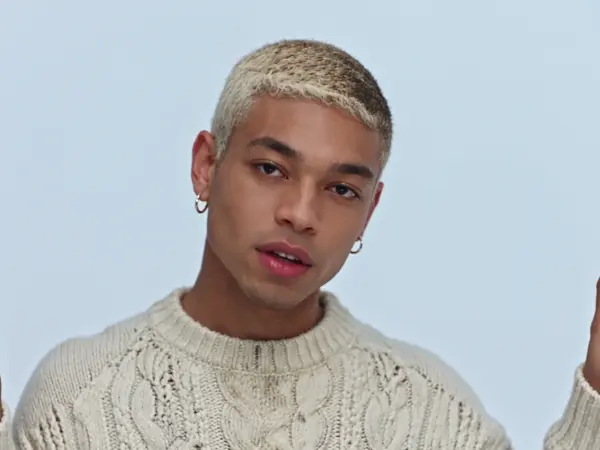
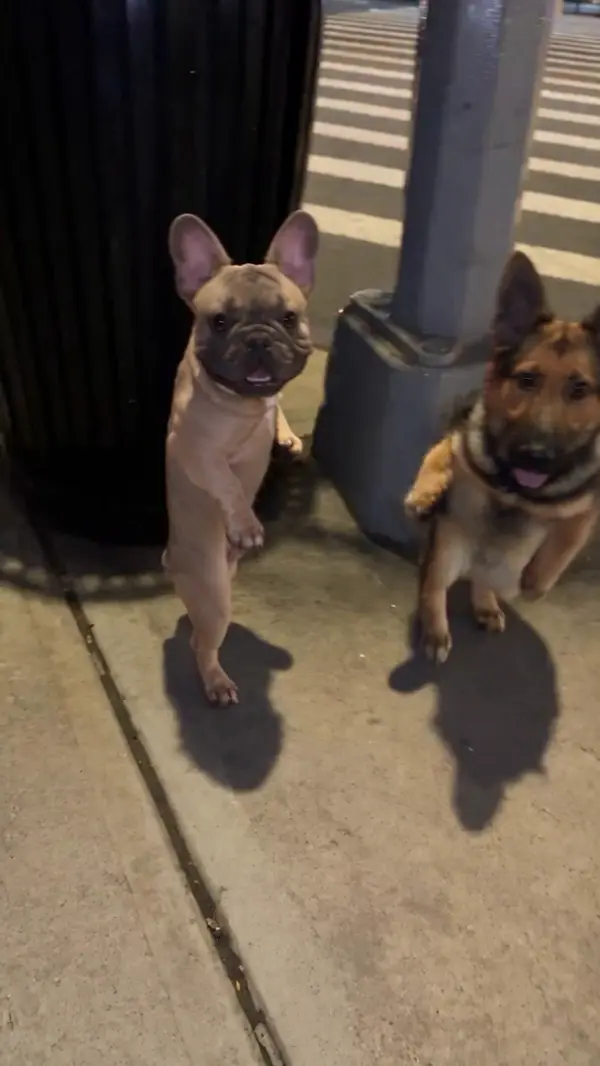
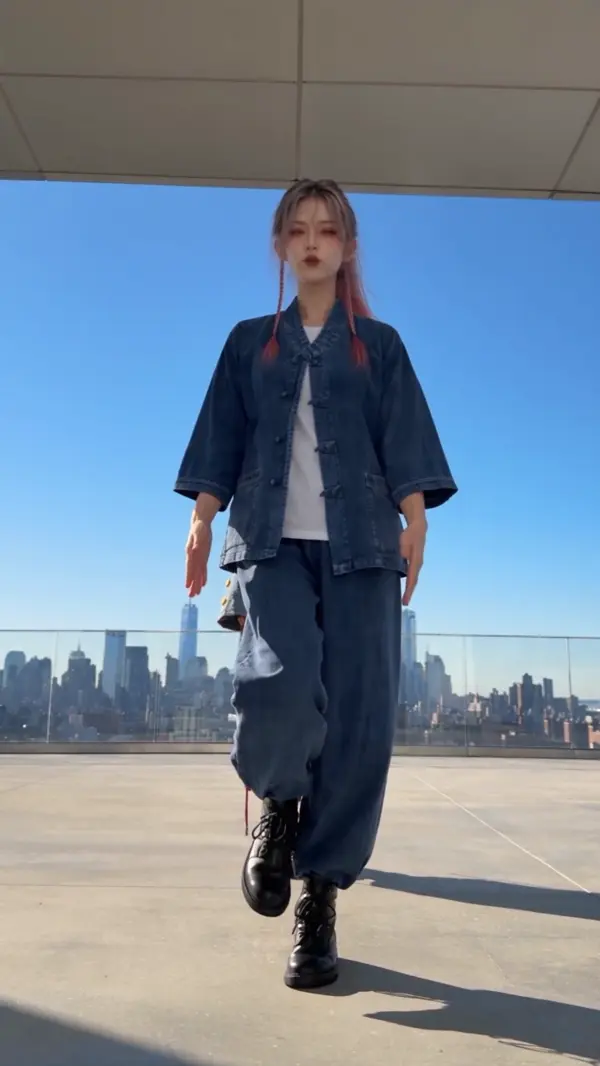
Preserve the original motion, camera movement, and timing while recreating the characters and visuals with your references.

Tip: one person per photo gives the most reliable swap.

Resolution

Genjutsu AI: Recast Any Video With Your Own Characters

Genjutsu AI is an AI video editing tool that transforms existing footage using reference images. Genjutsu AI keeps the original motion and camera movement and changes the characters, outfits, or products. You pay with one-time credit packs, not a monthly plan.
  • No subscription
  • Credits never expire
  • 480P to 1080P
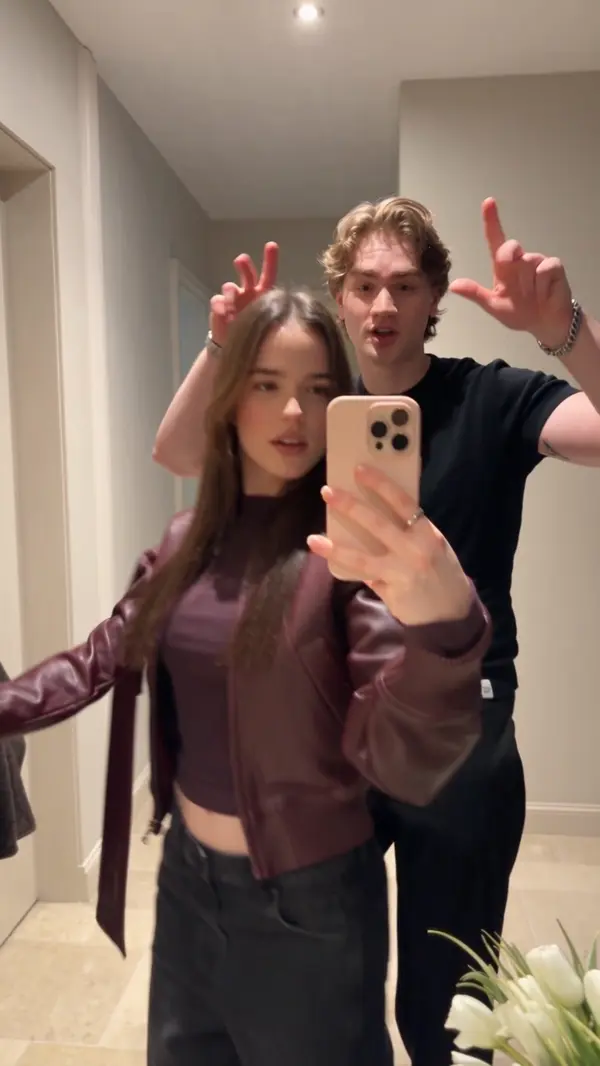
  • Two friends dance behind a phone in a mirror selfie. Add one clear full-body photo for each person.
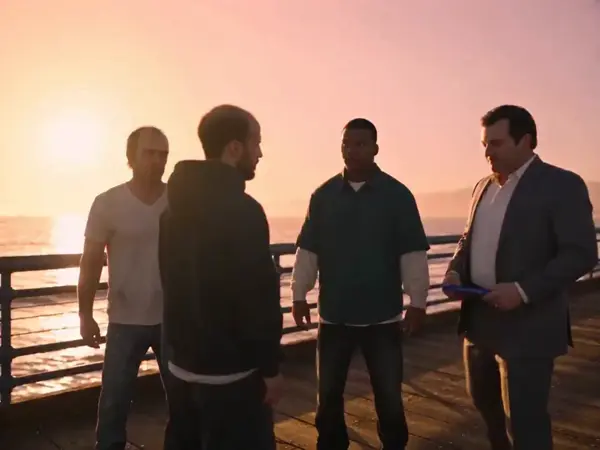
  • Say goodbye to GTA 5 on the sunset pier as the new player the crew welcomes. Use one clear photo of one person.
  • Put three friends into a synchronized trio dance. Add one clear photo per person, in the order they appear.
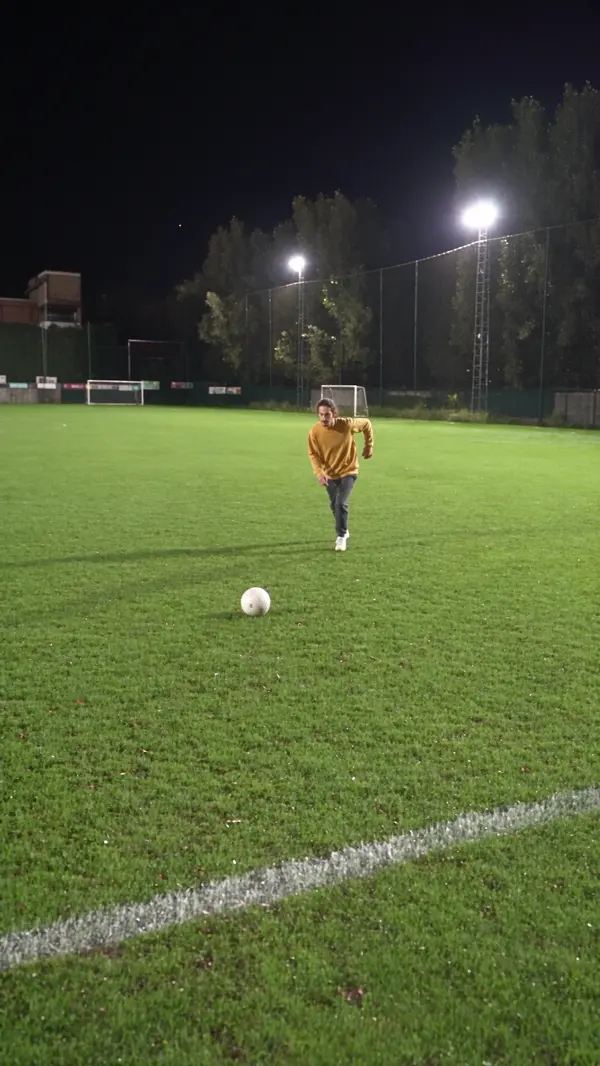
  • Recast both players in a night-time football drill, the kicker and the keeper. Add one full-body photo for each.
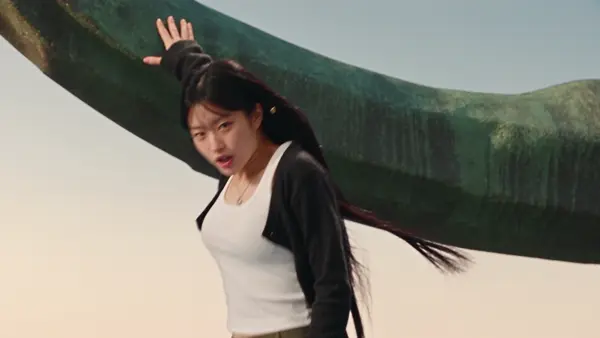
  • Dance on top of a giant fantasy creature in a music-video scene. One clear photo of one person works best.
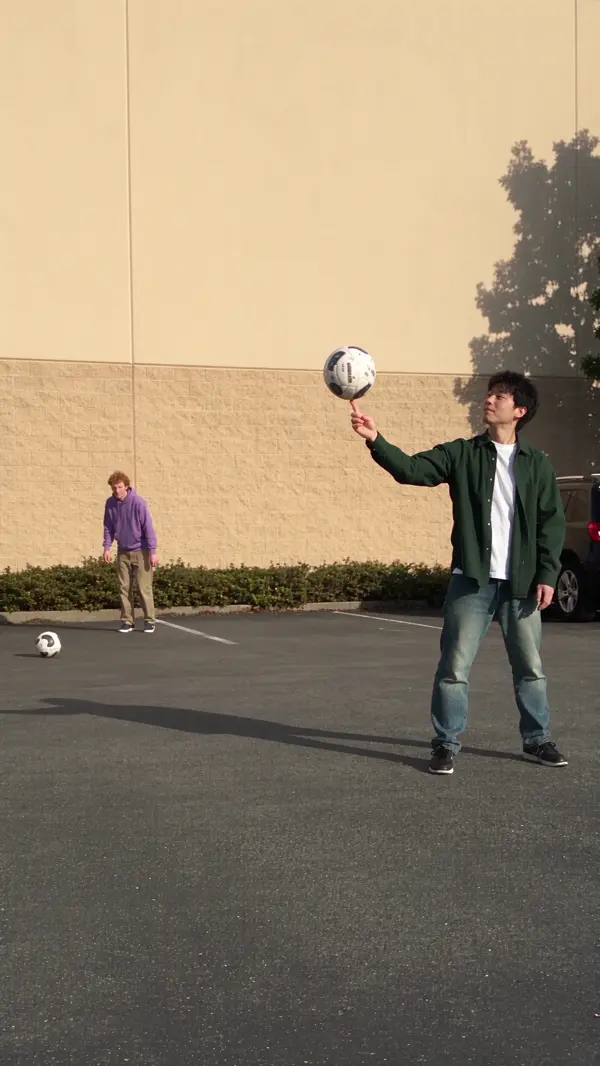
  • Recast two people in a parking-lot football trick, the juggler in front and the player behind. Add one photo for each.
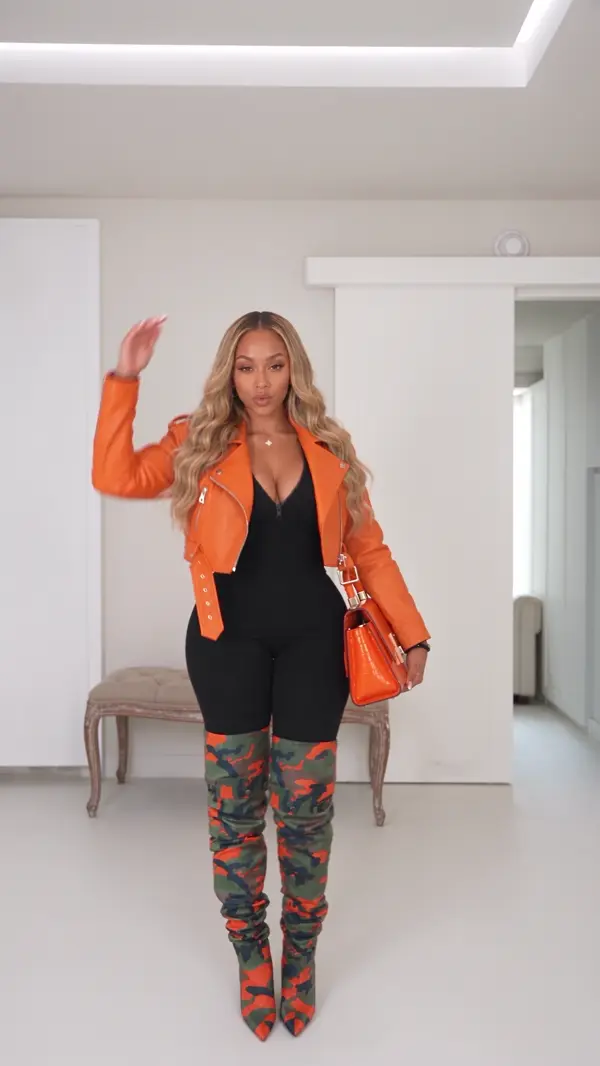
  • Show up to seven outfits with the same moves, one outfit per beat. Add one photo per outfit, in order.
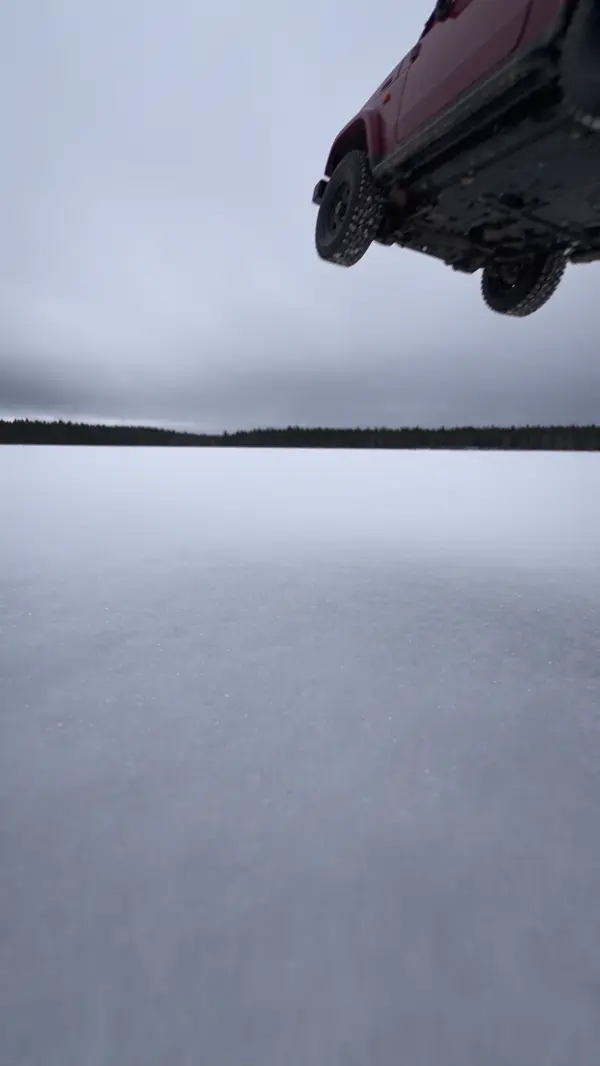
  • Swap the car in a snowy drift scene for your own car. Add one clear photo of the car from the side.
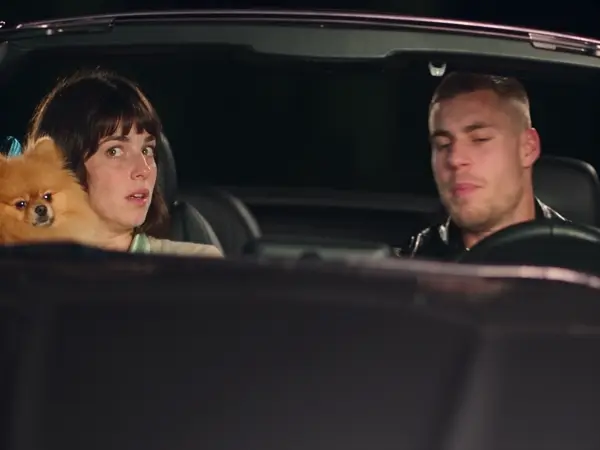
  • Put two people into a night drive in an open-top car. Add one photo for the driver and one for the passenger.
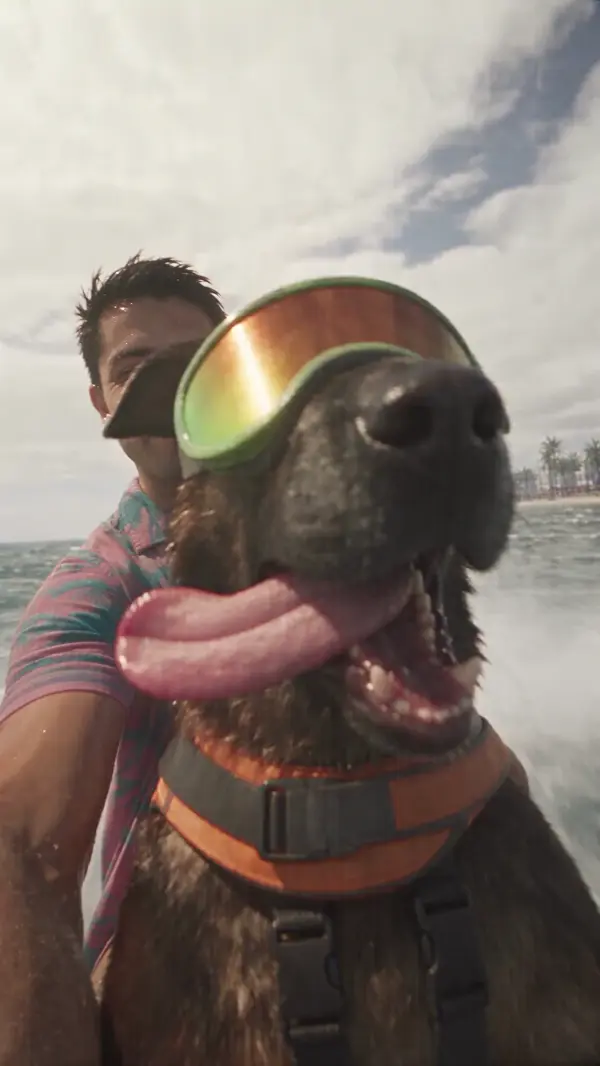
  • Ride a jet ski with your dog in a selfie shot. Add one photo of yourself and one of your dog.
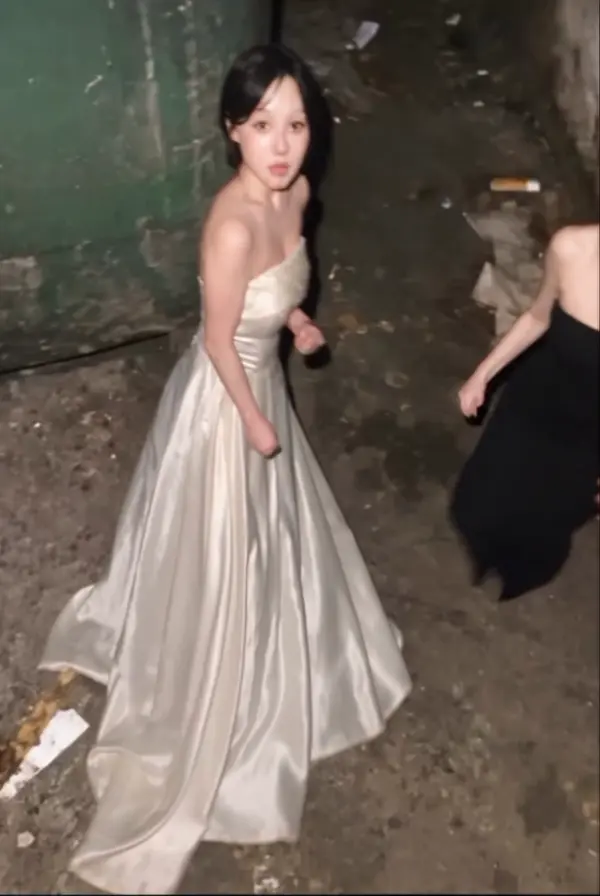
  • Two people in evening gowns dance down a night alley. Add one photo for each person.
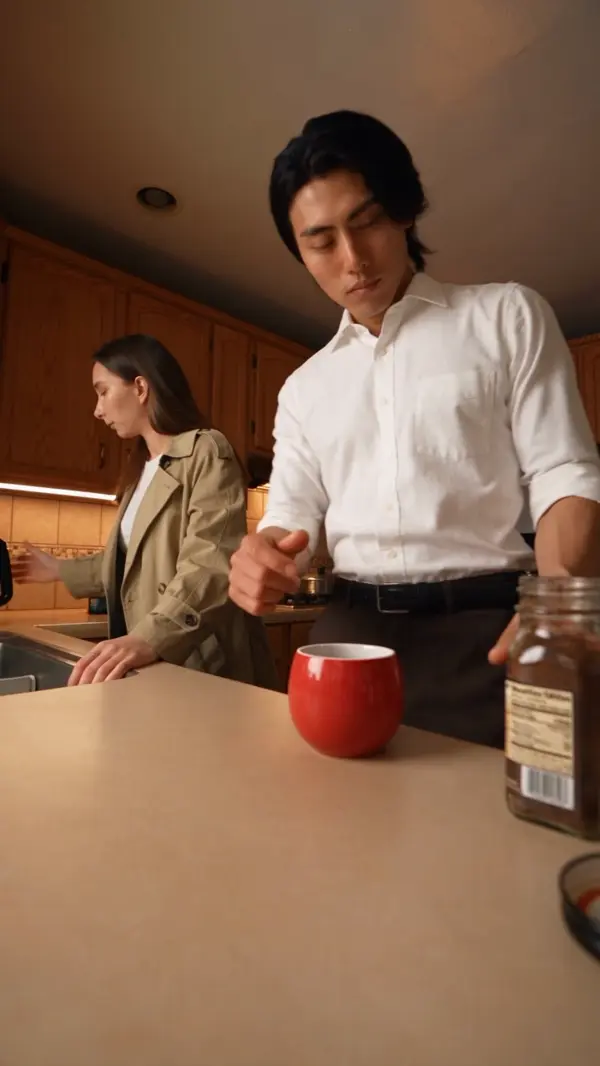
  • Recast a two-person kitchen comedy sketch. Add one clear photo for each performer.
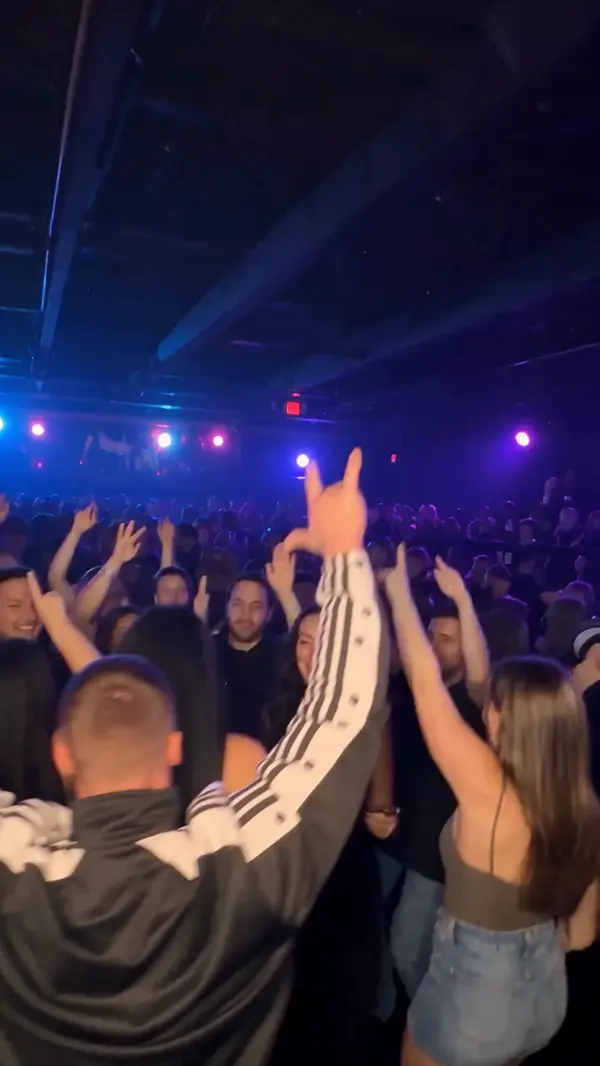
  • Dance in the middle of a packed club crowd. One or two clear photos of the same person work best.
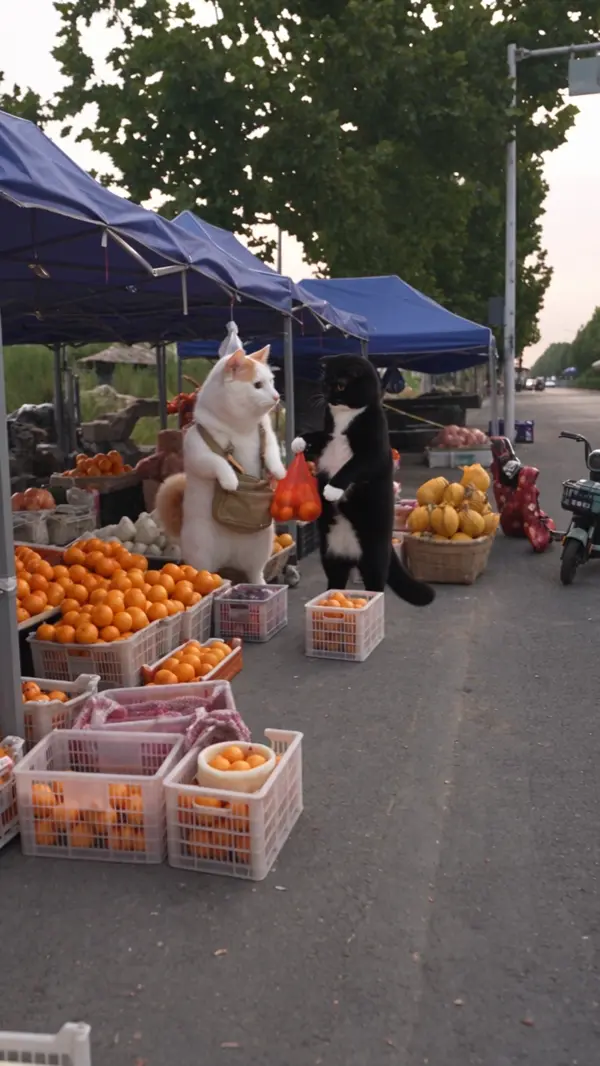
  • Turn three pets into the characters of a street-market scene: a shopper, a stall owner and a rider. Add one photo per pet.
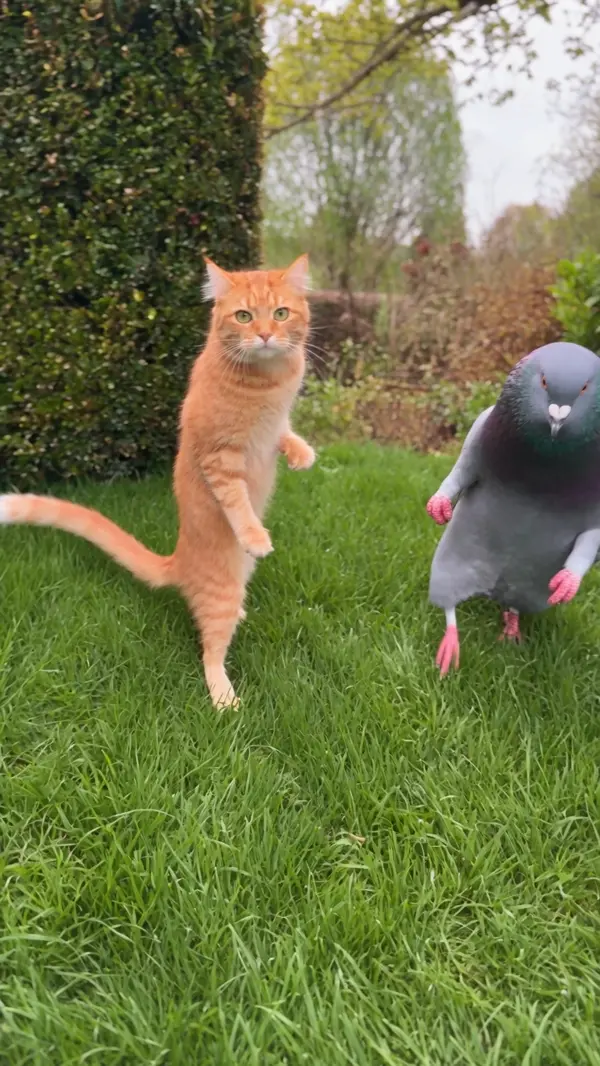
  • Two animals dance together on a garden lawn. Add one clear photo for each animal.
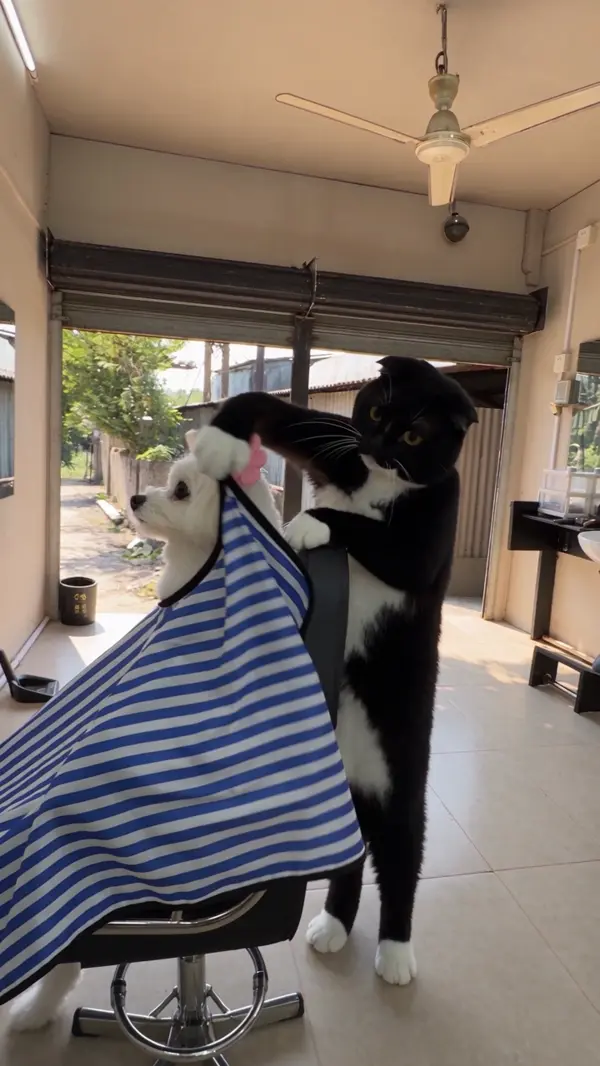
  • A dog and a cat dance together in a grooming salon. Add one clear photo of each pet.
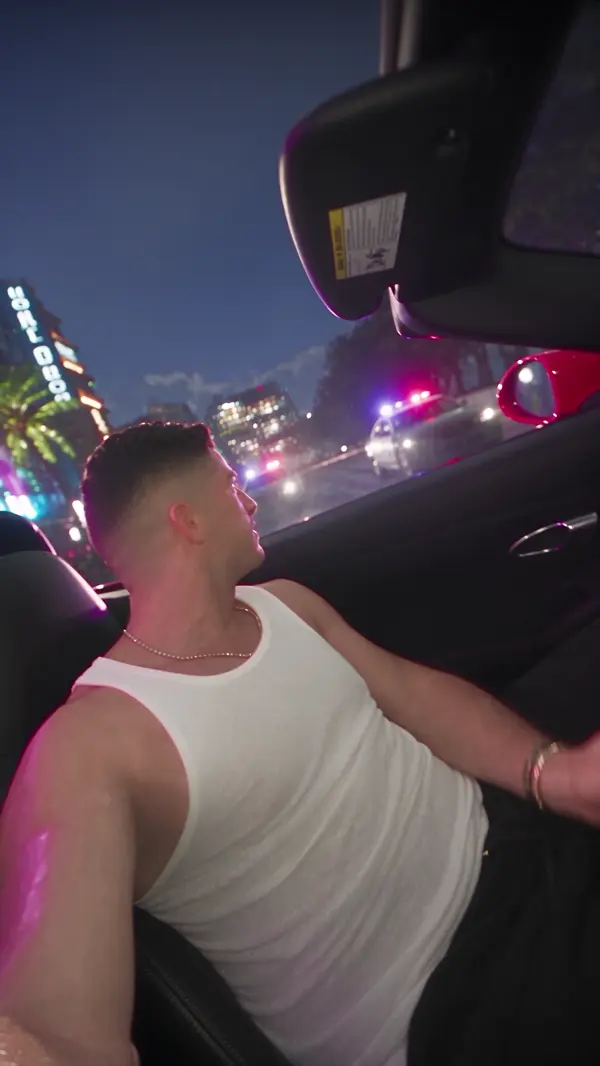
  • Drive through a neon city at night with police lights behind you. Use one clear photo of the driver.
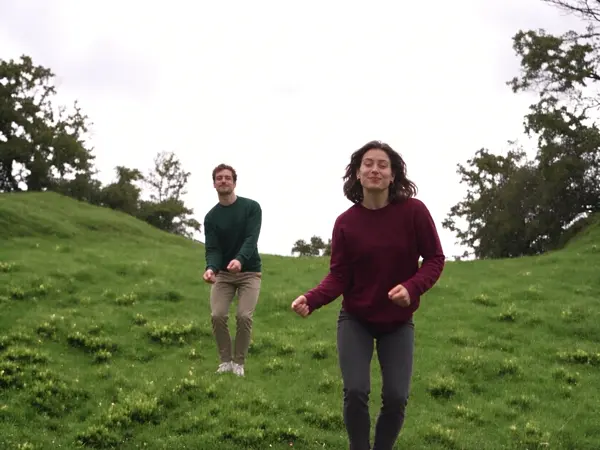
  • Two people dance a duet on a green hillside. Add one photo for each dancer.
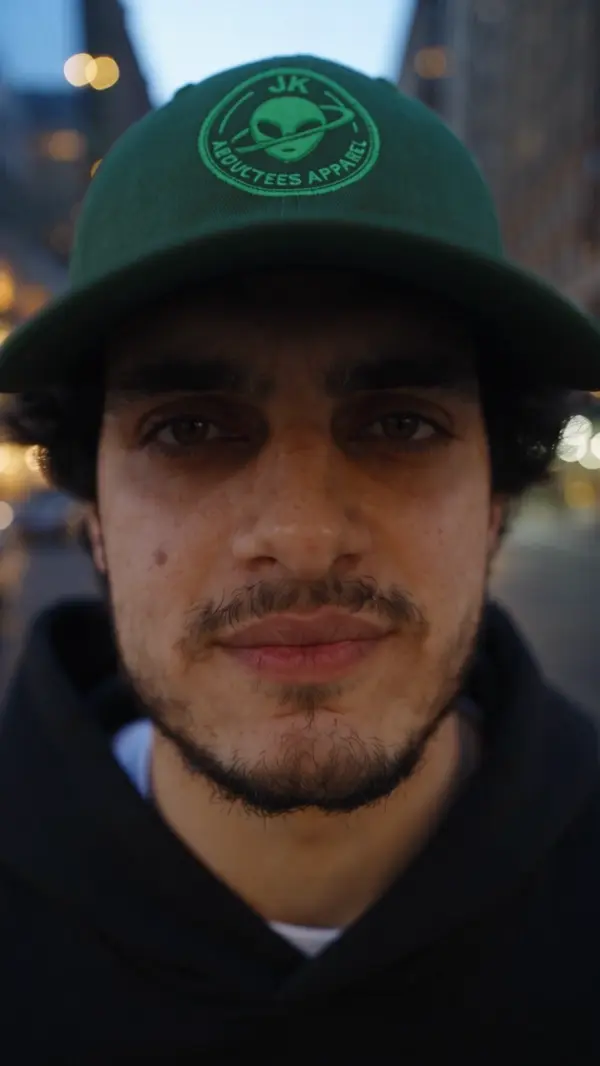
  • The camera circles you in the middle of a city street. Use one clear photo; extra photos can set the outfit.
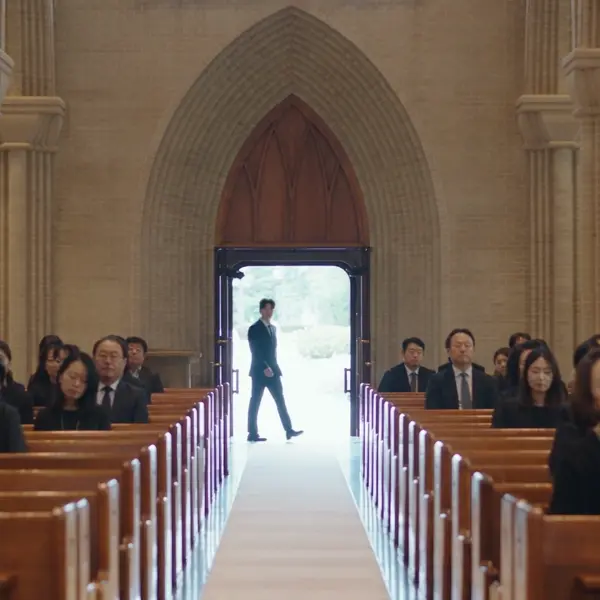
  • Walk down a church aisle in a cinematic wedding scene. Use one clear, front-facing photo.
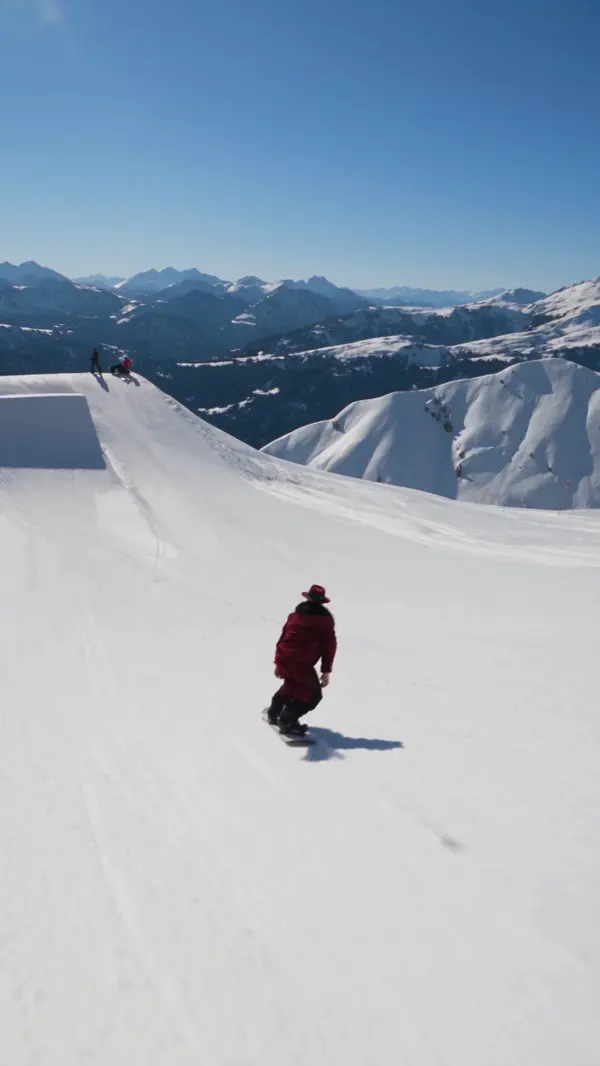
  • Snowboard down a mountain run and land a flip. Use one full-body photo; extra photos can set the outfit.
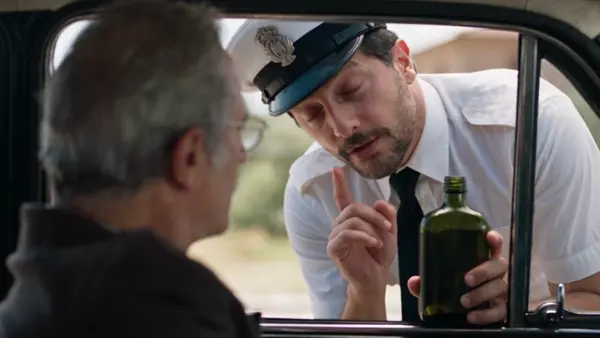
  • Play a traffic officer leaning into a car window. Use one clear photo of one person.
  • Two pets dance on a city sidewalk. Add one clear photo for each pet.
  • Two people pose on a rooftop with the city skyline behind them. Add one photo for each person.

What Can You Change in a Video With Genjutsu AI?

Genjutsu AI can swap characters, outfits, products, and objects in an existing video. The original motion and camera stay. Pick a case to compare the original clip with the result.

AI Character Swap

Upload a clip and one photo of the new person. Genjutsu AI replaces the person and keeps the original movement and performance. Tip: use a photo where the face and body are clearly visible.

More about AI character swap

Reference photos

Motion Transfer or Object Swap: Which Mode Should You Use?

Use Motion Transfer to rebuild the whole video around the original motion. Use Object Swap to change one target and keep everything else.

Motion Transfer

When should you use Motion Transfer?

Use Motion Transfer when you want new characters or a new look with the same movement. Genjutsu AI follows the motion, timing, and camera of the source clip and rebuilds the people and visuals from your photos. Motion Transfer works best when the subject is fully visible for most of the clip.
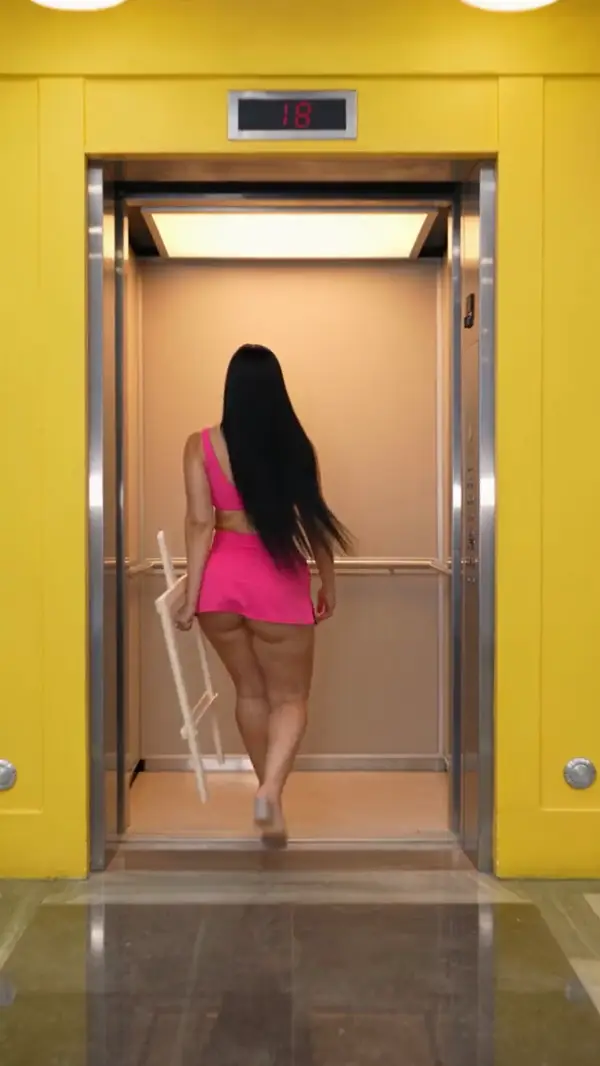
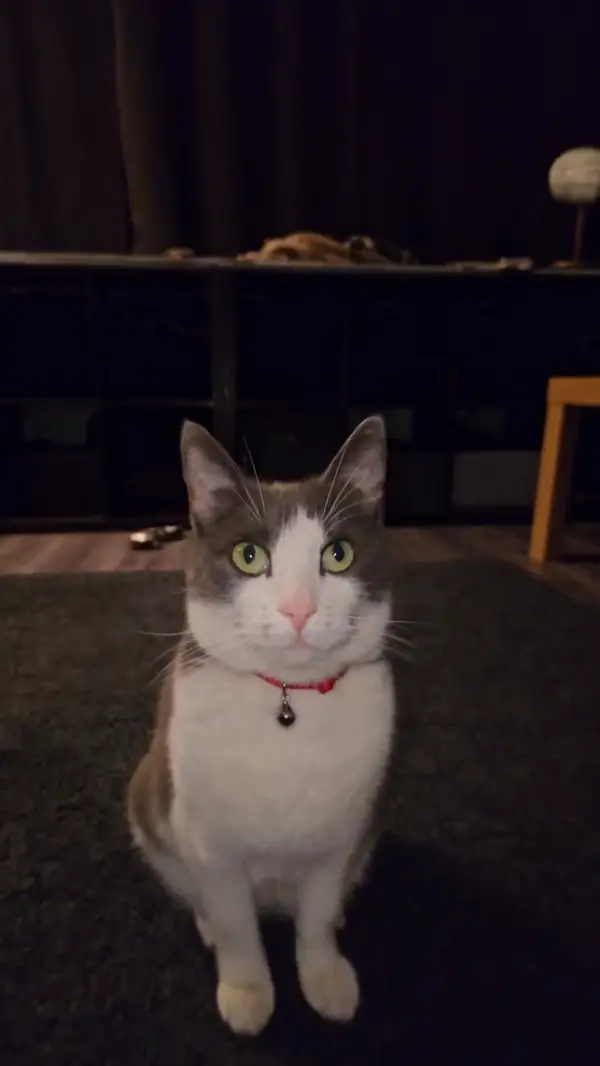
Object Swap

When should you use Object Swap?

Use Object Swap when only one thing should change. Genjutsu AI replaces the selected person, outfit, product, or object and keeps the background and camera as close to the source as possible. Object Swap is most accurate when the target is large and visible in most frames.

Motion Transfer and Object Swap compared
ModeMotion TransferObject Swap
Best forA new character or a new look with the same movementChanging one person, outfit, product, or object
What changesPeople and visuals, rebuilt from your reference imagesOnly the selected target
What staysMotion, timing, and camera movementBackground, motion, and camera movement
Source clip4–30 seconds, MP4 or MOV, up to 100 MB4–30 seconds, MP4 or MOV, up to 100 MB
Reference imagesUp to 20 photosUp to 20 photos
Output480P to 1080P480P to 1080P
PricingOne-time credit packs, charged per second of videoOne-time credit packs, charged per second of video

See AI character swap examplesSee credit pack prices

How Do You Use Genjutsu AI?

Genjutsu AI needs one source video and at least one reference photo. A prompt is optional. Most videos take four steps.

  1. Upload a Source Video

    Upload the clip you want to change, or pick one from the community library.

  2. Add Reference Photos

    Add photos of the characters, outfits, or products you want in the video.

  3. Add Instructions if Needed

    Say what to replace, change, or keep. Skip this step when one photo clearly matches one subject.

  4. Choose Quality and Generate

    Pick a quality and generate. Genjutsu AI shows the credit cost before you start.

What Videos and Photos Work Best With Genjutsu AI?

Genjutsu AI works best with short, clear clips and clear reference photos. These are the limits and the factors that change the result.

  • Source video

    MP4 or MOV, 4 to 30 seconds long, up to 100 MB. The generated video has the same length as the source.

  • Reference photos

    Up to 20 photos in JPG, PNG, WebP, or BMP. Each photo should show one character, outfit, or product clearly.

  • Output quality

    Choose 480P, 720P, or 1080P for each video. Higher quality uses more credits per second.

  • Credit cost

    A video uses 20 credits per second of source video at 480P, 40 at 720P, and 140 at 1080P. A 5-second 480P video costs about $1.25.

  • Best results

    The subject is fully visible, evenly lit, and not covered by other objects for long. One clear subject per reference photo works best.

  • Limits

    Genjutsu AI follows the source motion closely but not frame for frame. Very fast motion, tiny subjects, and heavy occlusion give less accurate results.

Does Genjutsu AI Need a Subscription?

No. Genjutsu AI uses one-time credit packs from $4.99, and credits never expire. Unlike a monthly AI video subscription, you pay only for the videos you generate.

Does Genjutsu AI Need a Subscription?
TopicGenjutsu AI creditsMonthly subscription
How you payOne-time credit packs, from $4.99A fee every month, whether you create or not
Unused balanceCredits never expireUsually tied to the billing cycle
Features and qualityEvery pack works with both modes and 480P to 1080PPlan tier decides what you can use
Cost per videoAbout $1.25 for a 5-second 480P video, shown before you generateSpread across the monthly fee
StoppingNothing to cancelCancel before the next renewal
See credit packs

Subscription terms differ between services, so check the plan you are comparing.

Genjutsu AI Video FAQs

Direct answers about Genjutsu AI pricing, credits, file limits, and results.

Genjutsu AI is an online video tool that swaps the characters, outfits, products, or objects in an existing video using your reference photos. It keeps the original motion and camera. Genjutsu AI has two modes: Motion Transfer rebuilds the whole video, and Object Swap changes one selected target.

Still have a question?

Email us and we will get back to you.

Email support

Pick a Motion and Make It Yours

Start from the community library or upload your own clip. Pay only for the videos you create.
See pricing
  • Transport your character through a series of themed elevator stops as their accessories and surroundings change with every floor.
  • Showcase your pet from multiple angles and distances with rhythmic cuts and a dramatic final close-up.
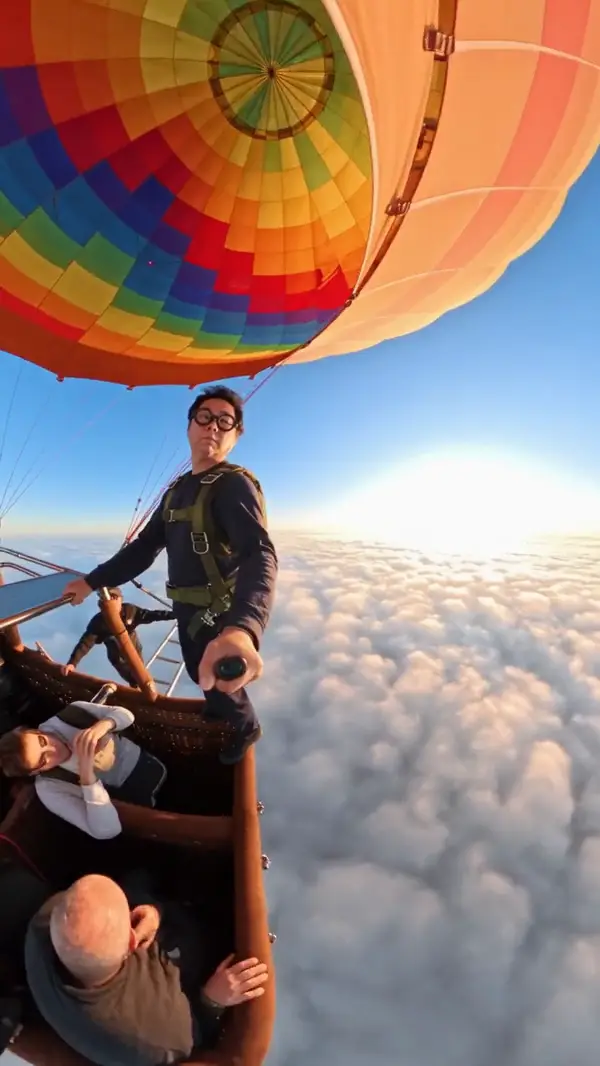
  • Transform a portrait into an action sequence where the subject leaps from a hot air balloon to skydive through the clouds.
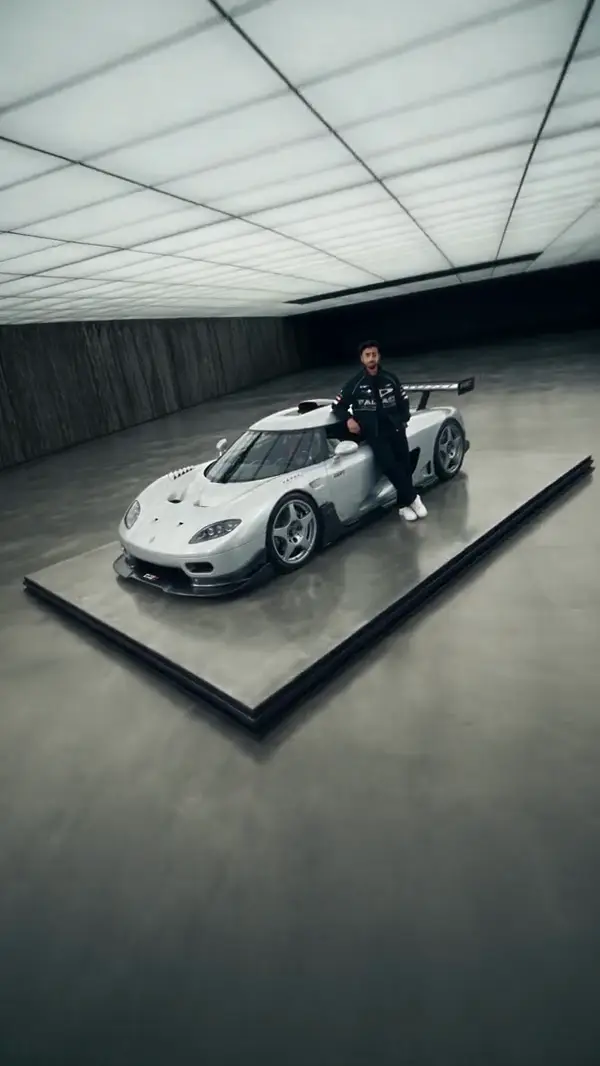
  • A dynamic camera orbits a vehicle and subject, featuring smooth transitions between detailed close-ups and wide perspectives in a studio.