- To join the trend
- 3 steps
- Pick a clip, add a photo, generate
- Longest clip
- 30 s
- 4–30 seconds, MP4 or MOV, up to 100 MB
- Highest output
- 1080P
- Choose 480P, 720P or 1080P
- First preview
- Free
- New accounts get one 5-second preview with a watermark
What Is the Genjutsu Trend?
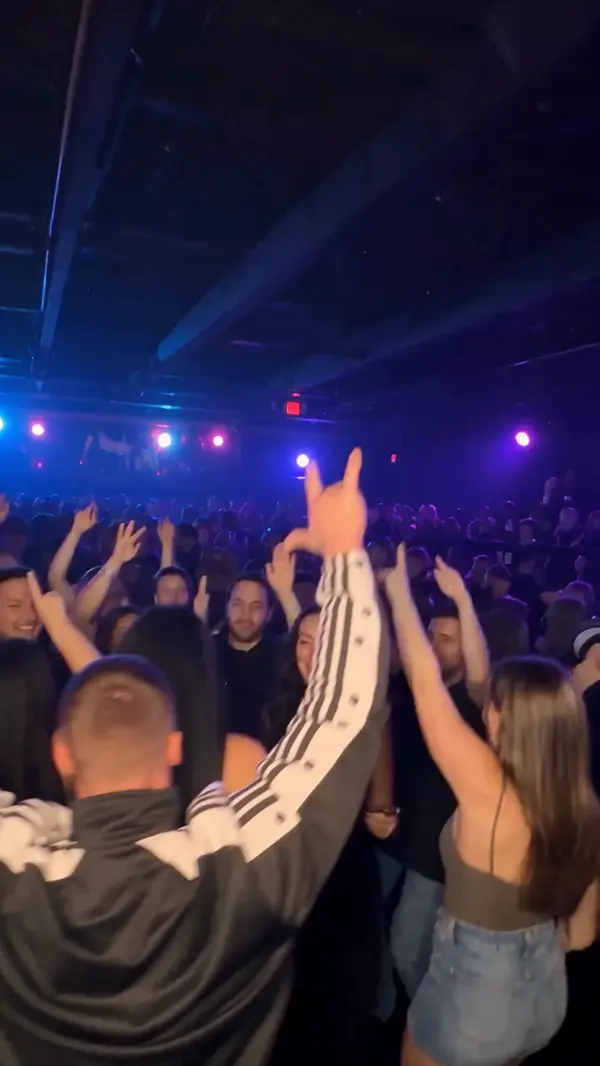
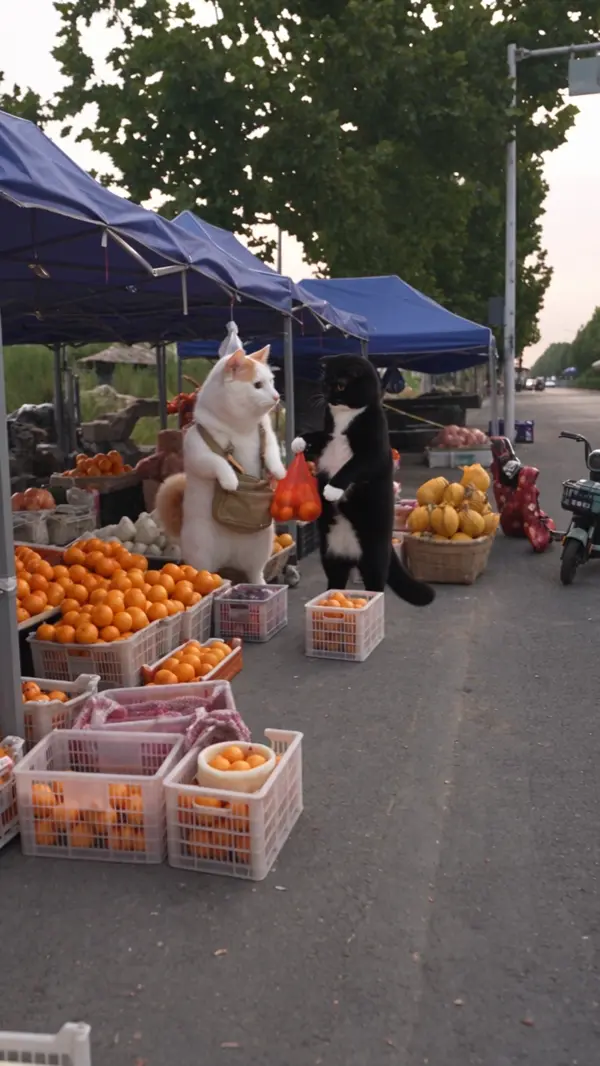
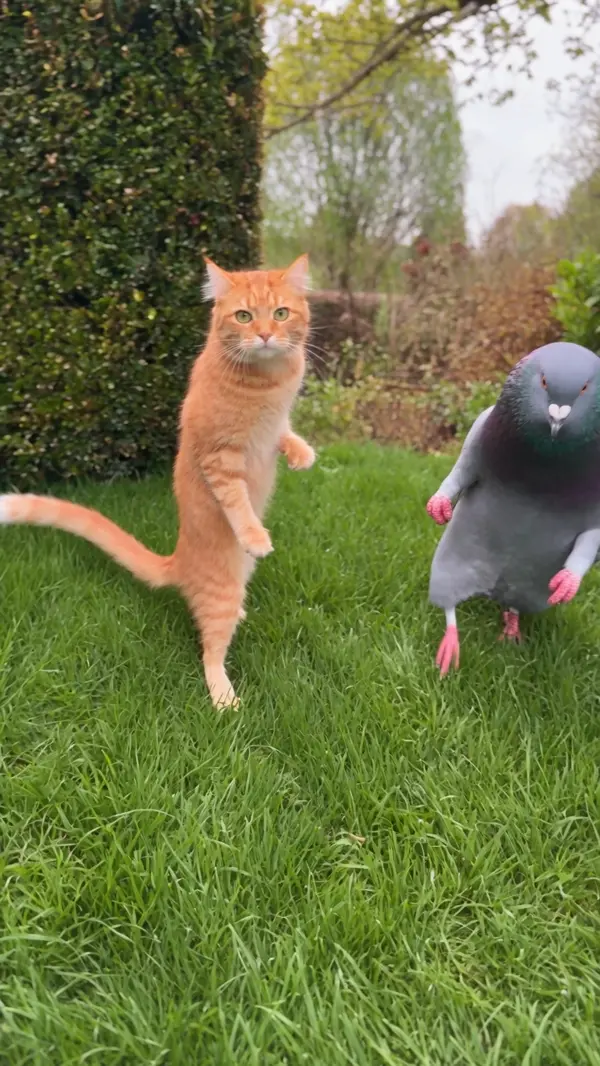
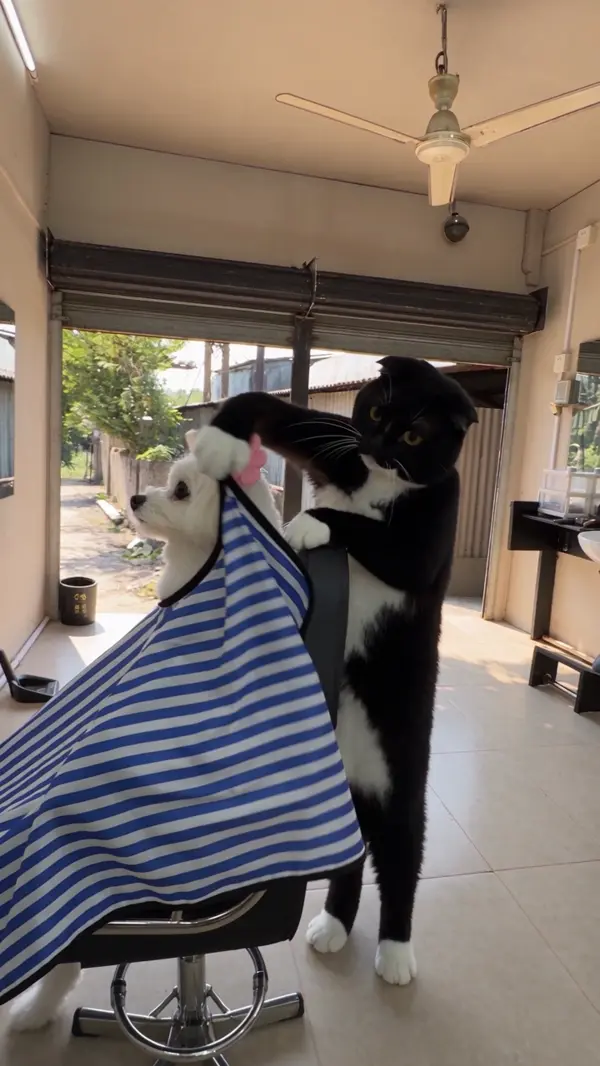
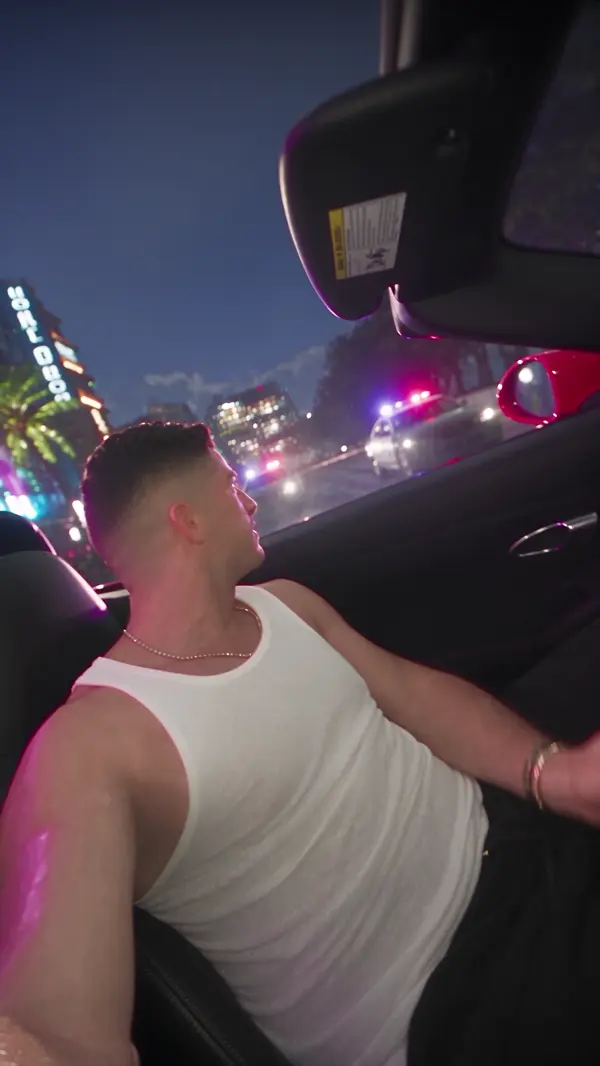
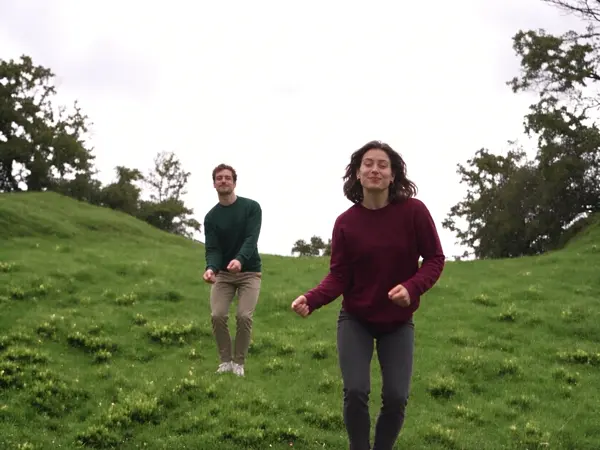
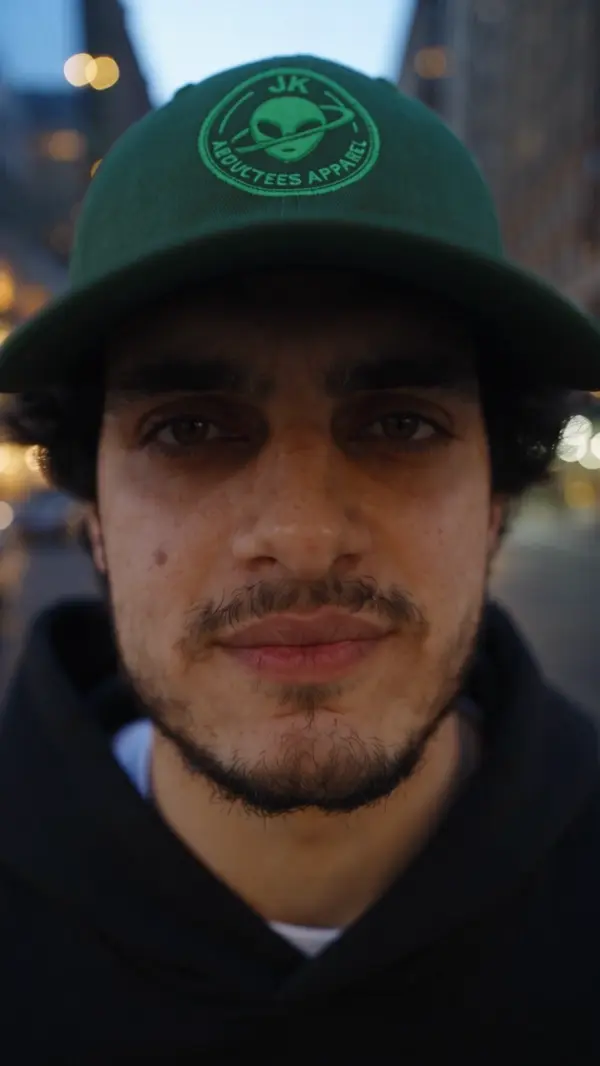
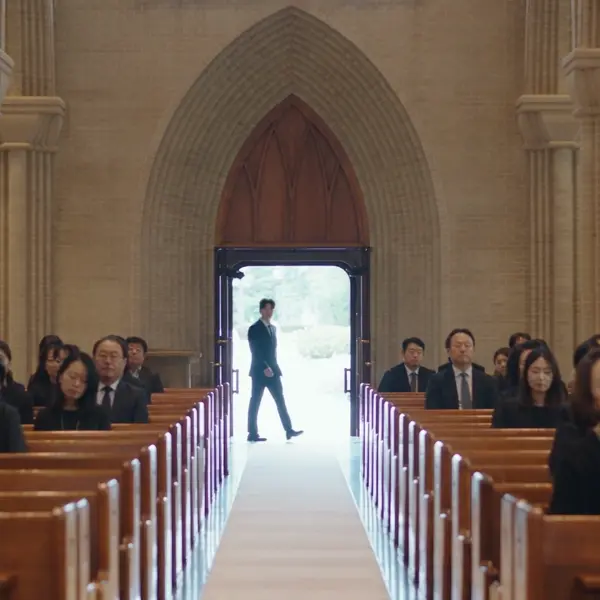
The Genjutsu trend is a viral TikTok and Instagram format in which people use AI to swap themselves, their friends or their pets into a popular video clip. The trend takes its name from Higgsfield's Genjutsu feature, where it started. The moves, camera and timing of the clip stay the same, so the new version looks as if the new person filmed it.
The original moves stay
In a Genjutsu trend video, every step, turn and camera move of the original clip carries over. Only the person or animal changes.
Your photo replaces the person
In a Genjutsu trend video, the face and hair come from your photo. The outfit comes from your photo too, unless the template keeps the original costume.
Built on clips people know
Genjutsu trend videos reuse clips that are already popular on TikTok and Instagram, so viewers recognize the scene and notice the new face.
How Do You Do the Genjutsu Trend?
With Genjutsu AI, you do the Genjutsu trend in three steps: pick a trending clip, add a photo, and generate. Genjutsu AI works in the browser on phone and desktop, with no app to install.
Pick a trending clip
Press Recreate on a Genjutsu trend template on this page, or upload your own 4–30 second video.
Add your photo
Upload one clear photo of yourself, a friend or a pet. For a clip with two people, add one photo per person.
Generate and download
Press Generate. Most Genjutsu trend videos finish in about 5 to 20 minutes, and each video is saved to My Creations.
Trending Genjutsu Templates to Recreate Now
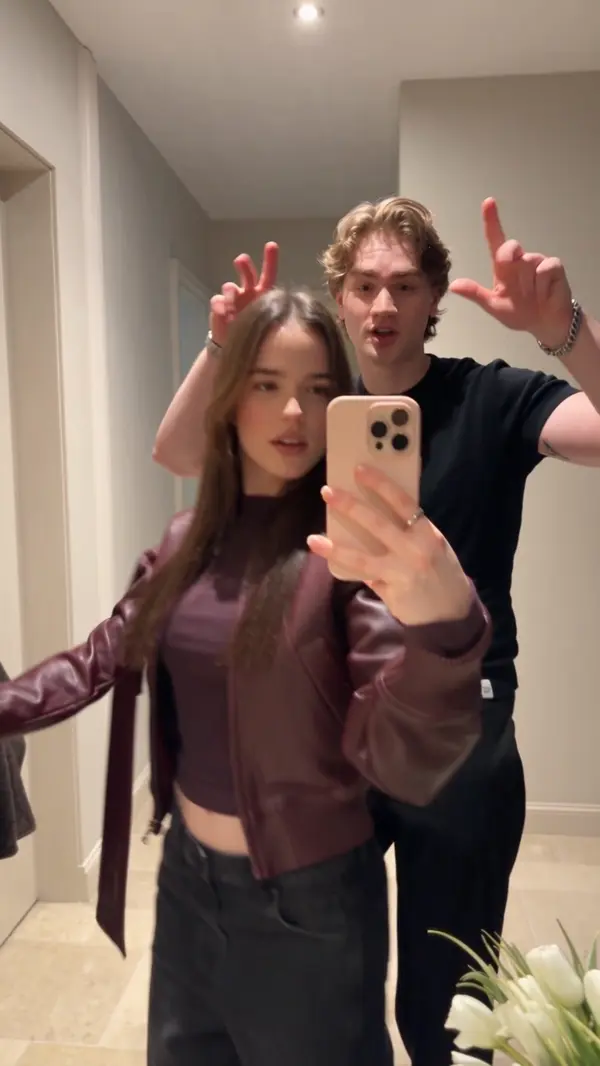
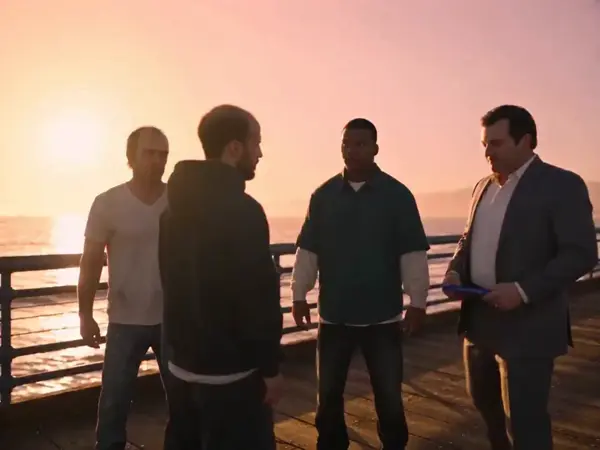
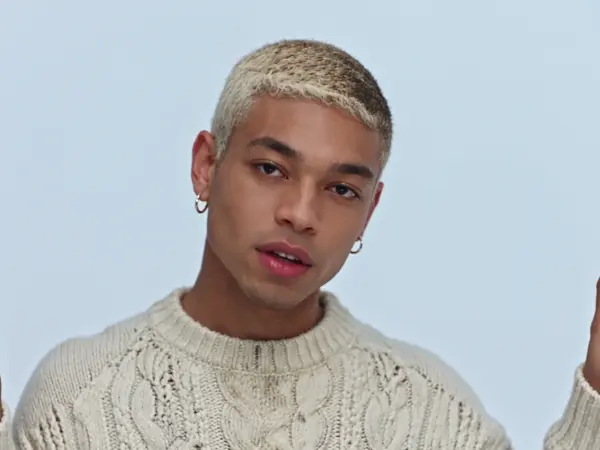
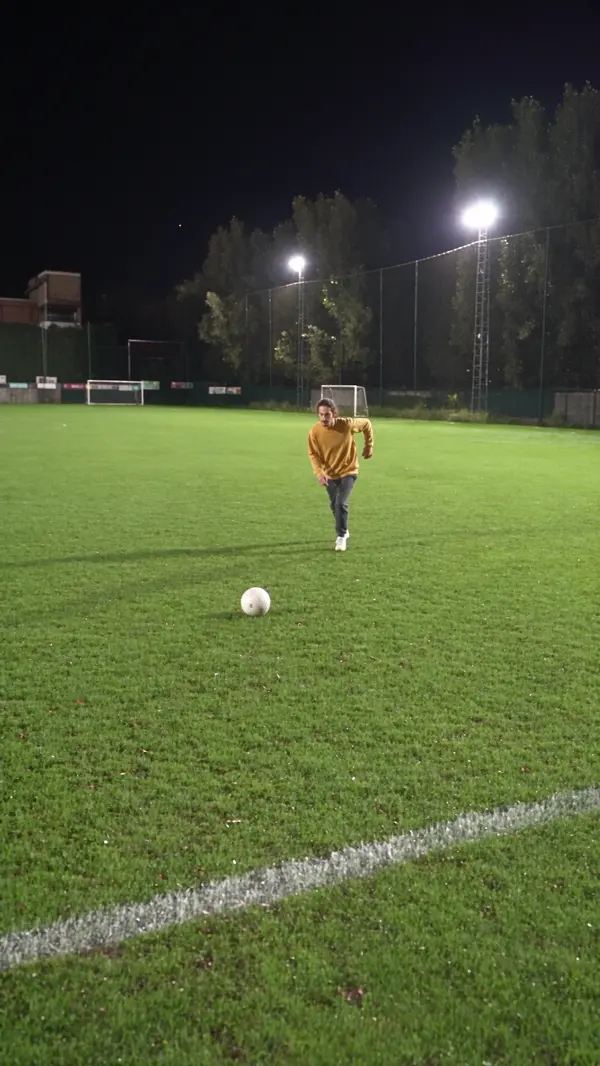
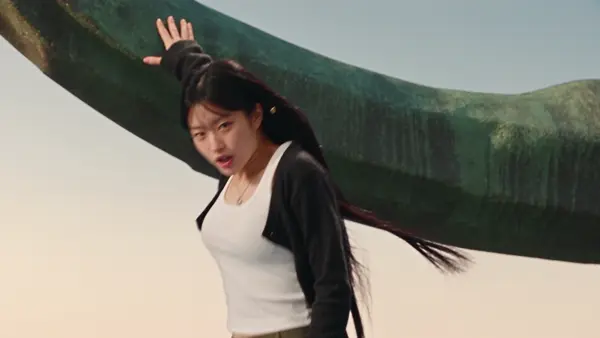
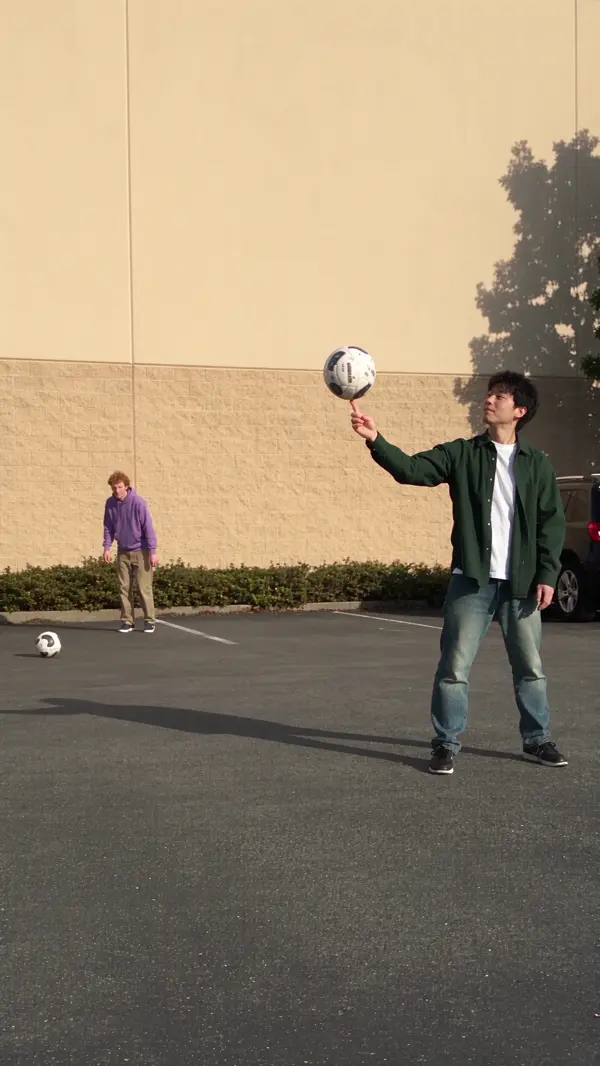
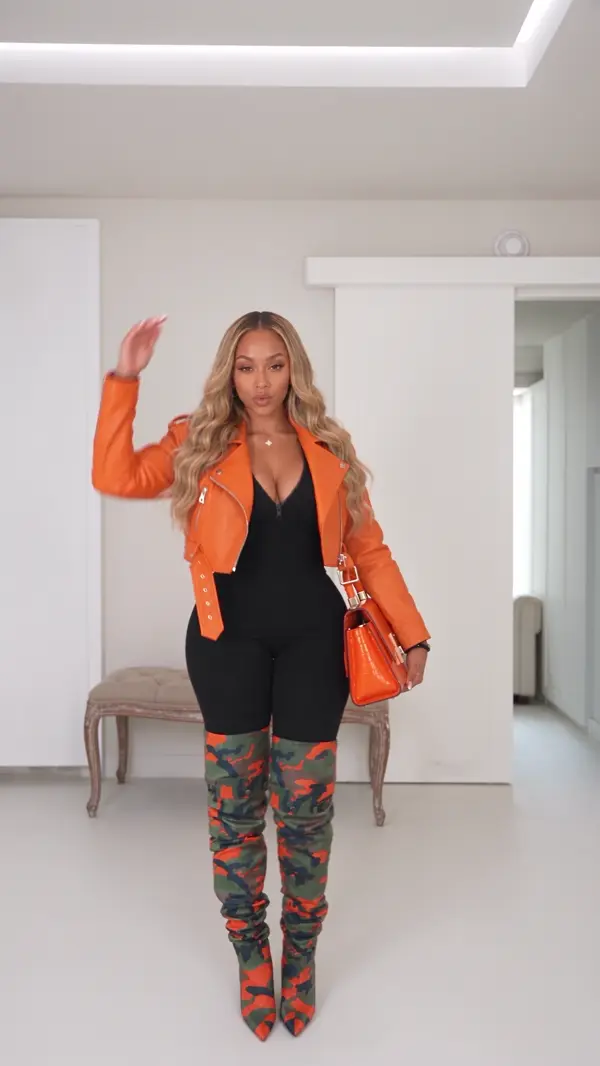
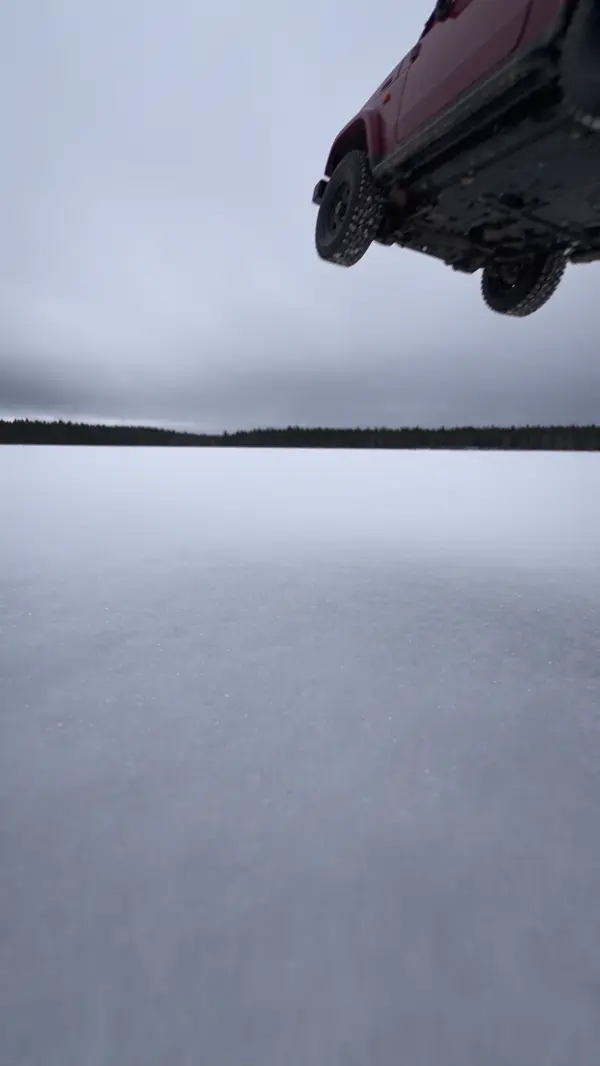
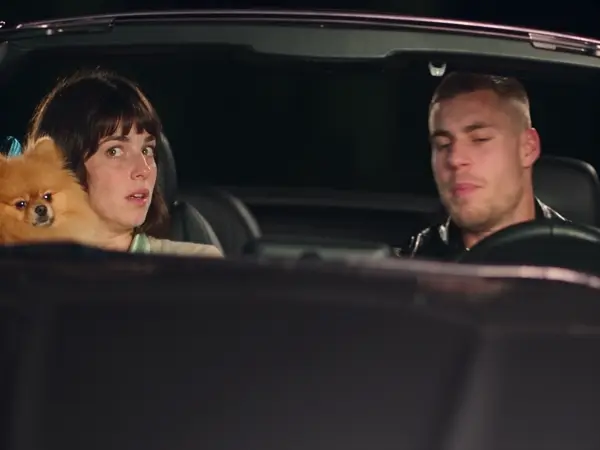
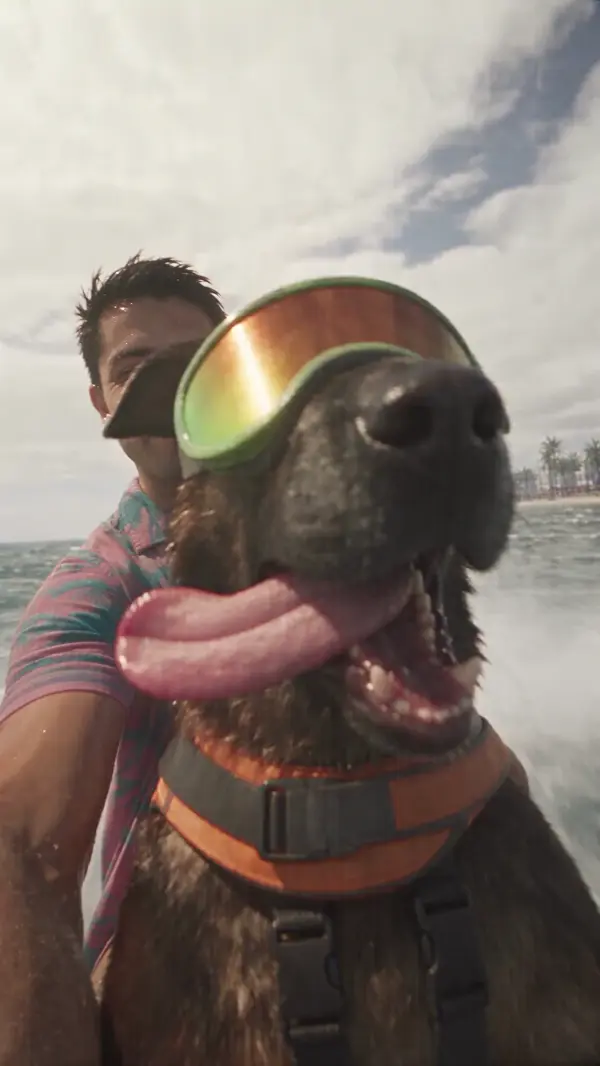
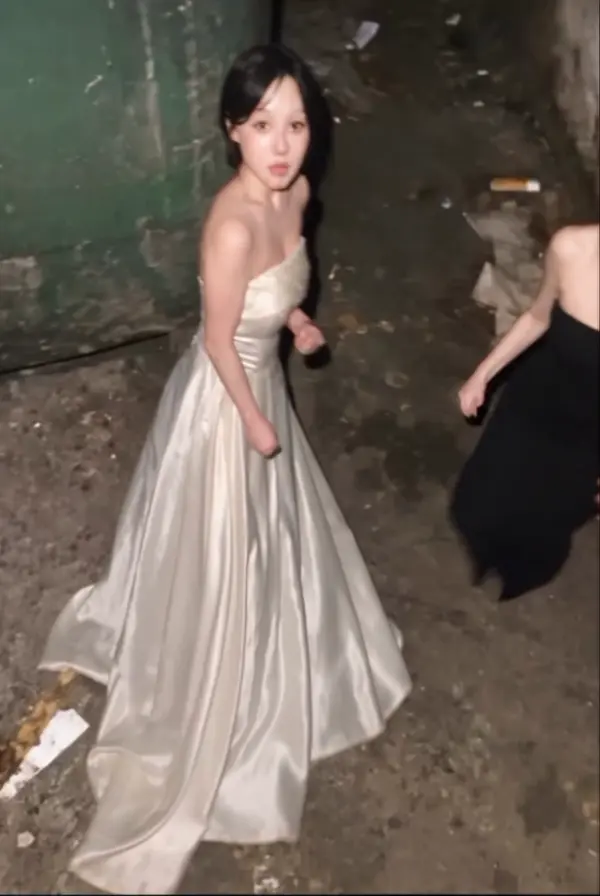
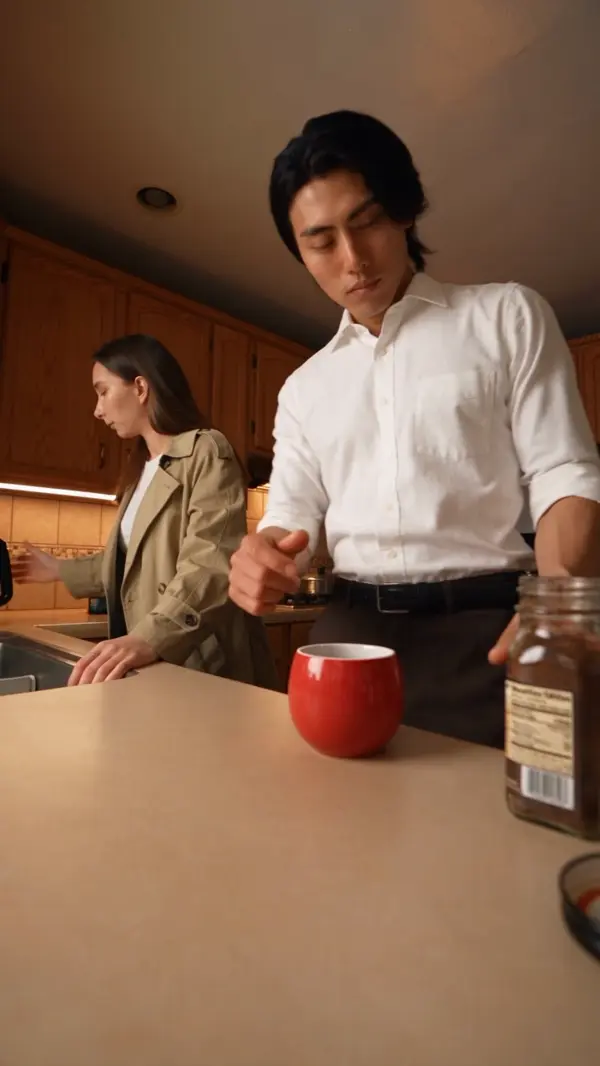
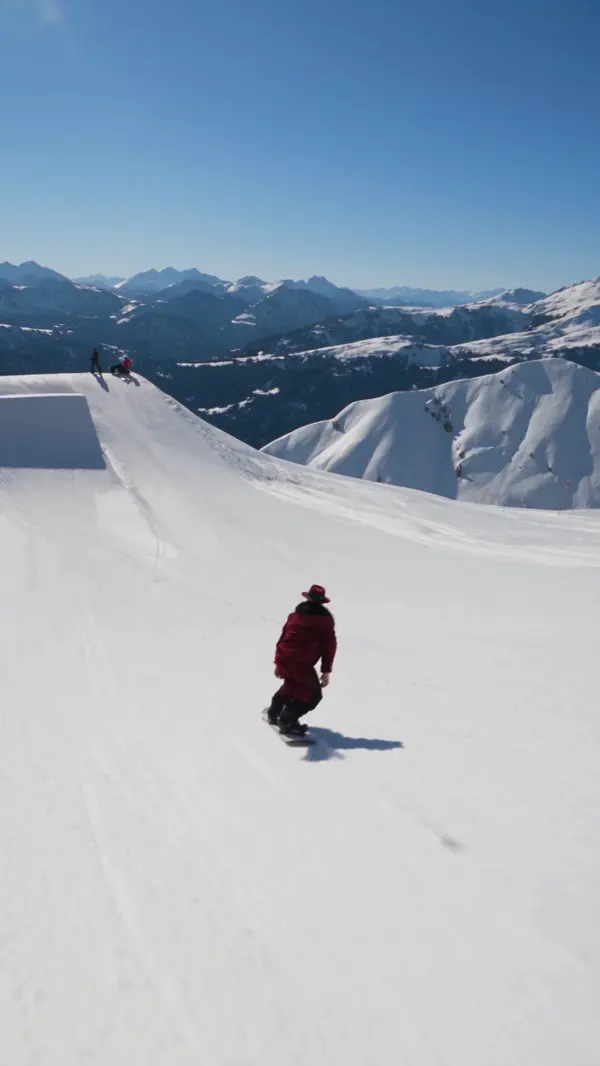
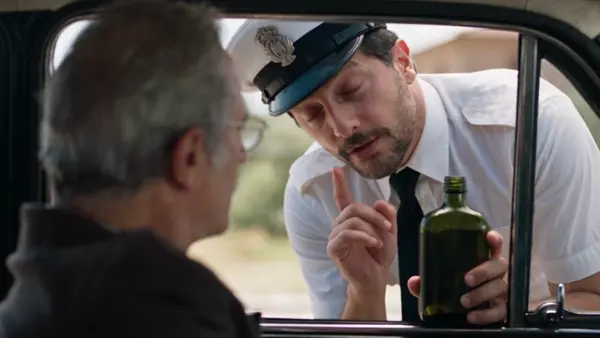
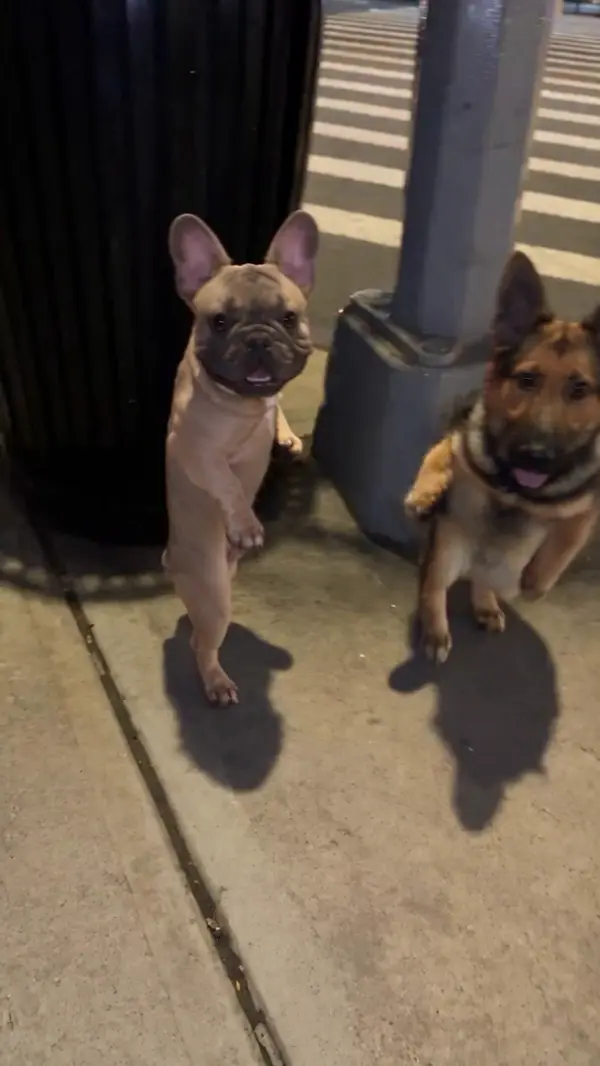
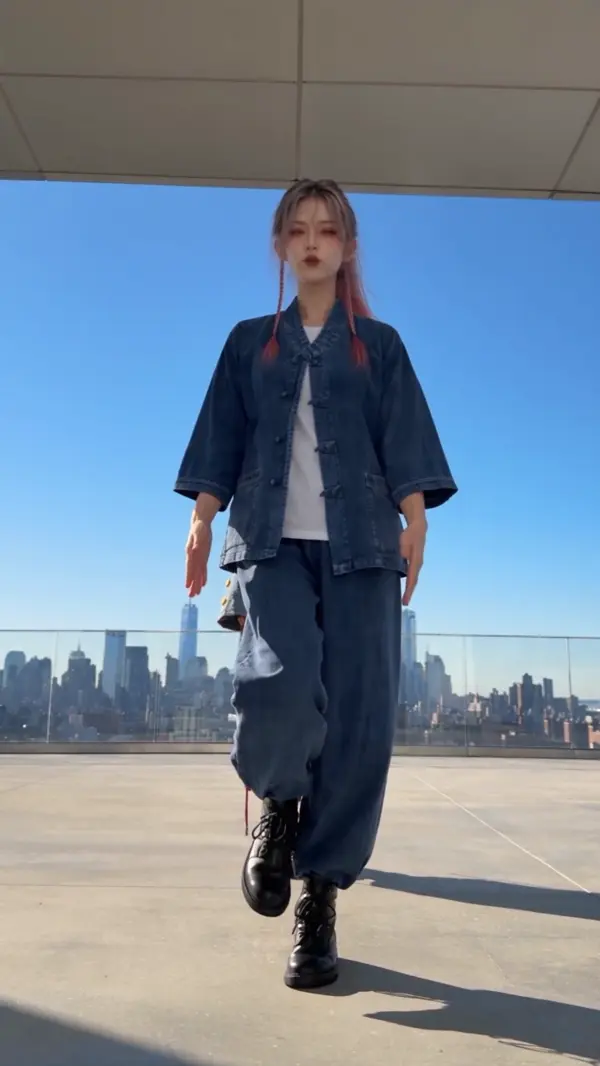
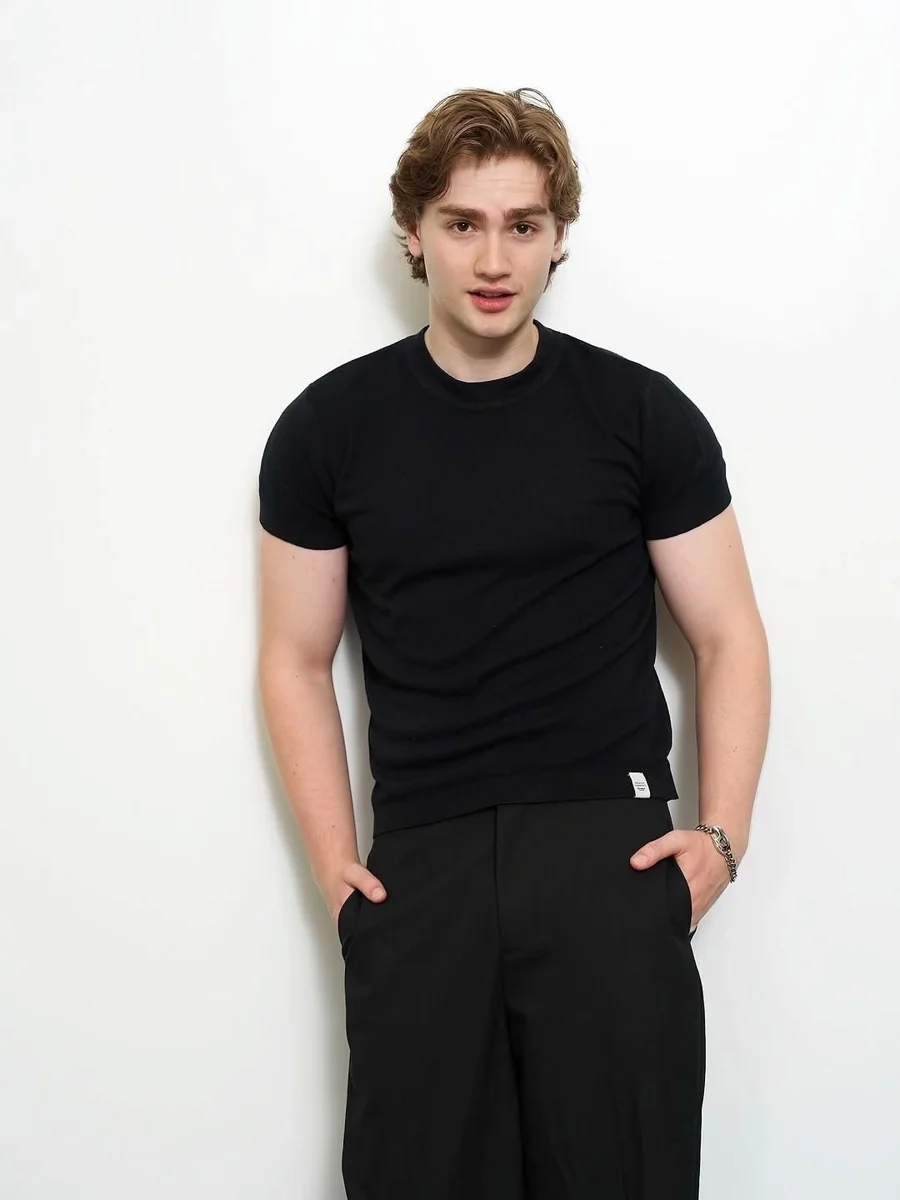
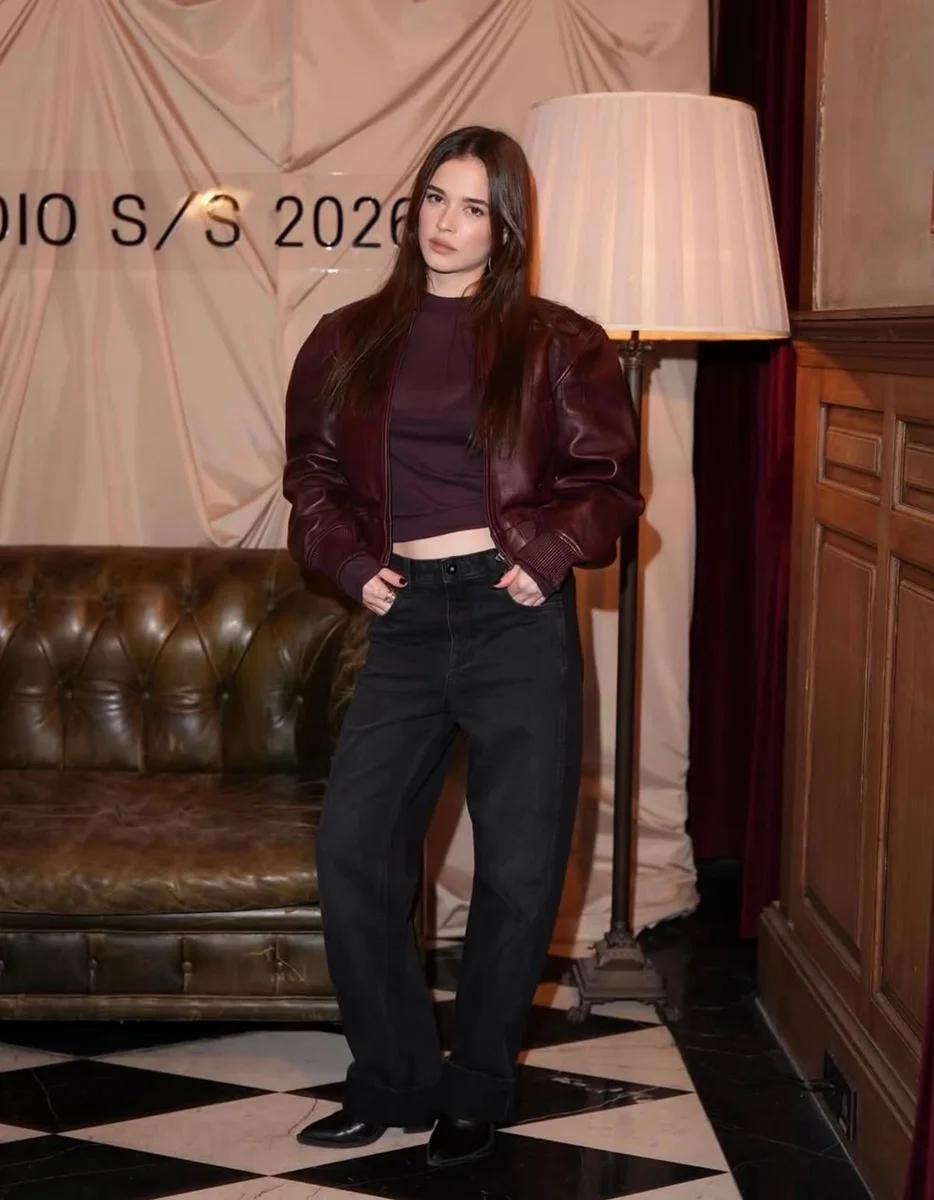
The Genjutsu trend templates on this page are community clips that are trending now. Each template shows the original clip next to a finished video. Press Recreate to load the clip into the Genjutsu AI studio, then add your own photo.
Pick a trend template
Want a different scene?
Where Do You Get the Original Genjutsu Trend Video?
The original clip for a Genjutsu trend video comes from a ready-made template or from a video you upload. You can upload MP4 or MOV clips to Genjutsu AI from 4 to 30 seconds long, up to 100 MB.
Use a trend template
The Genjutsu trend templates on this page and in the Genjutsu AI community library are trimmed and ready. Press Recreate and the clip loads into the studio.
Upload your own clip
Upload any 4–30 second MP4 or MOV, up to 100 MB. Clips without captions or stickers give the cleanest result.
Only use clips you have rights to
Only upload videos you filmed or have permission to reuse, and only use photos of yourself or of people who agreed.
Can You Do the Genjutsu Trend Without a Higgsfield Subscription?
Yes. Genjutsu AI lets you do the Genjutsu trend without any subscription. You buy a credit pack once, pay only for the videos you make, and credits never expire. New accounts can make one free 5-second preview first.
How Do You Make a Genjutsu Trend Video Look Right?
A Genjutsu trend video looks right when the photo is clear and matches the shot in the original clip. These tips apply to every Genjutsu trend template.
One person per photo
A photo with one person tells the generator exactly whose face to use. Group photos make a Genjutsu trend video less predictable.
A clear, front-facing face
A sharp photo that shows the whole face keeps the likeness steady through turns and close-ups.
Full body for dance and action clips
Clips that show the whole body need a photo from head to shoes, so the outfit and build carry over.
Even light, no filters
Strong shadows, beauty filters and heavy edits in the photo can carry into the video.
Keep the person in frame
Original clips where the person stays visible and in focus give the cleanest swap.
Try a free preview first
The free Genjutsu AI preview renders the first 5 seconds of the clip, so you can check the photo before you make the full video.
Copy-ready Genjutsu AI promptsHow Higgsfield Genjutsu worksAI character swap for any videoGTA 5 goodbye AI video
Genjutsu Trend FAQ
Most Genjutsu trend videos made with Genjutsu AI finish in about 5 to 20 minutes, depending on clip length and resolution. You can leave the page while the video renders, and the finished video is saved to My Creations.
You can try the Genjutsu trend for free with Genjutsu AI. Each new account gets one free preview: a 5-second, 1080P clip with a watermark, made from the first 5 seconds of the video. A full Genjutsu trend video costs credits. Credits come in one-time packs with no subscription, and the exact cost is shown before you generate.
Yes, if you filmed the TikTok video or have permission to reuse it. Save the clip as MP4 or MOV, trim it to 4–30 seconds, and upload it to Genjutsu AI. Captions, stickers and watermarks in the original clip can stay in the Genjutsu trend video.
A sharp, evenly lit, front-facing photo of one person works best for the Genjutsu trend. For dance and action clips, use a full-body photo so the outfit and build carry over.
Yes. To put two people into one Genjutsu trend video, choose a clip with two people, add one photo for each person, and say who replaces whom in the instructions, for example the person on the left and the person on the right.
The Genjutsu TikTok challenge is the Genjutsu trend on TikTok: many people post their own version of the same popular clip, each with a different face swapped in by AI. You join the challenge by recreating a Genjutsu trend template with your photo and posting the video on TikTok.
No. Genjutsu AI is an independent site and is not affiliated with Higgsfield. The Genjutsu trend takes its name from Higgsfield's Genjutsu feature, where the trend started. Genjutsu AI makes the same kind of character swap video without a Higgsfield account.