

What is the GTA 5 goodbye AI trend?
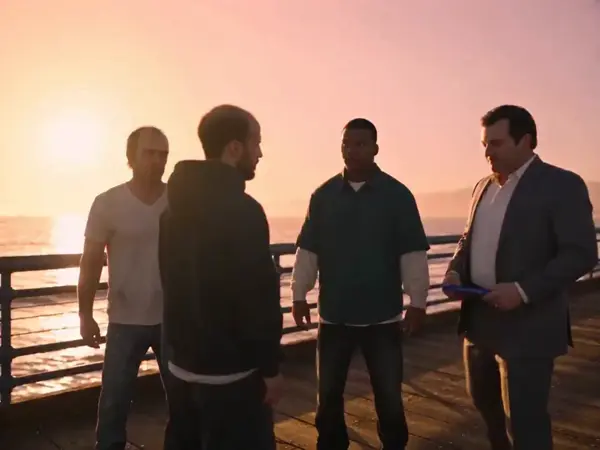
The GTA 5 goodbye AI trend is a fan-made "goodbye GTA 5, hello GTA 6" video. GTA 5's three main characters welcome a newcomer on a sunset pier, hand over the car keys and send the newcomer off before GTA 6. People make it with AI to put themselves in the newcomer's place.
A farewell before GTA 6
The GTA 5 goodbye trend spread in November 2026, as players said goodbye to 13 years of GTA 5 before GTA 6 came out.
You play the newcomer
Genjutsu AI replaces the newcomer with the character in your photo. The crew, the pier, the camera and the timing stay the same.
A fan video, not game footage
A GTA 5 goodbye AI video is AI-generated fan art. Label it as AI when you post it, and do not present it as official Rockstar content.
How do I make the GTA 5 goodbye AI video?
Making the GTA 5 goodbye AI video with Genjutsu AI takes three steps and one photo.
Pick a version
In the studio, choose the 16-second short version or the 30-second full version.
Add one photo
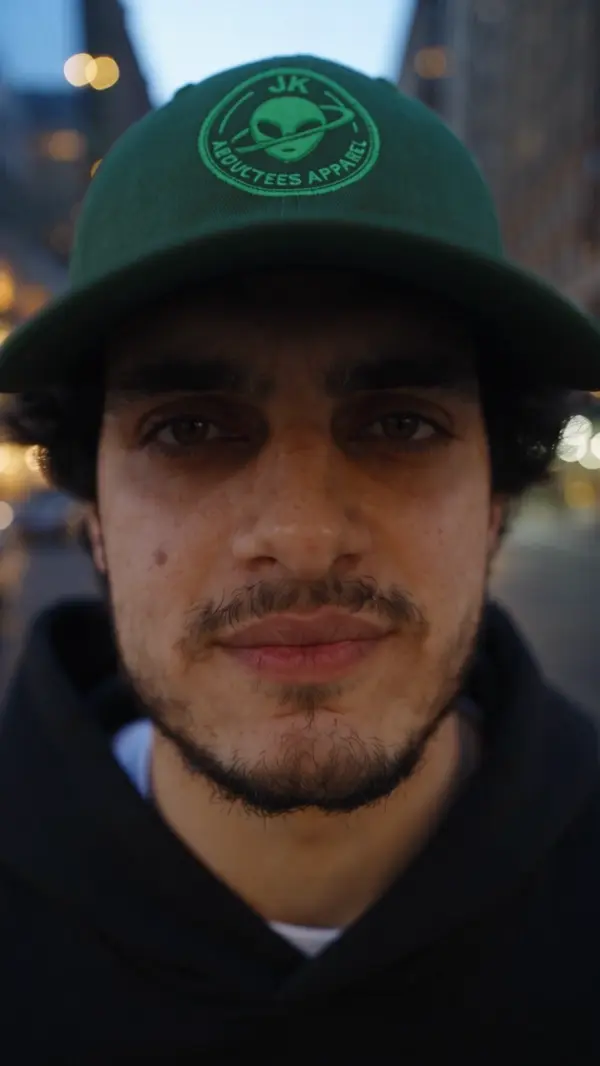
Upload one clear photo of the character who plays the newcomer.
Generate and download
Press Generate. Most GTA 5 goodbye videos finish in about 5 to 20 minutes and are saved to My Creations.
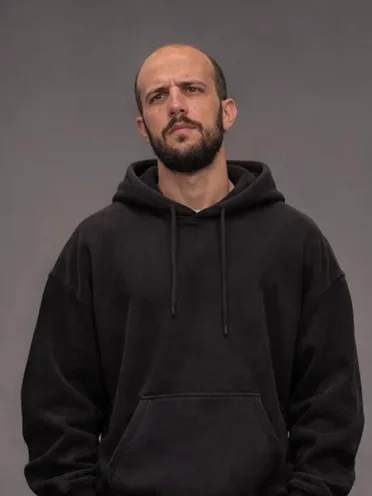
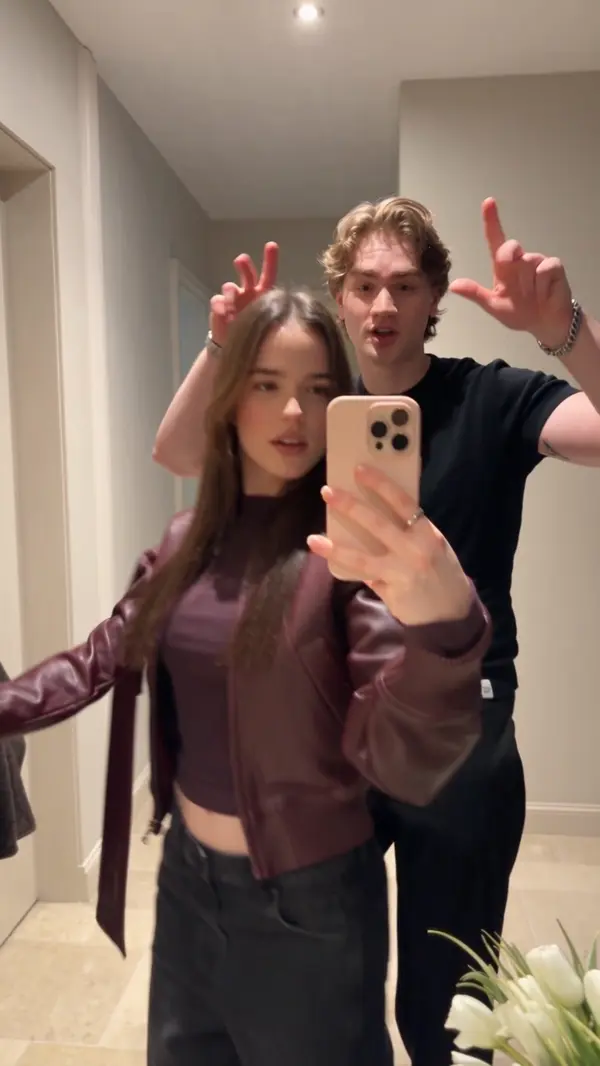
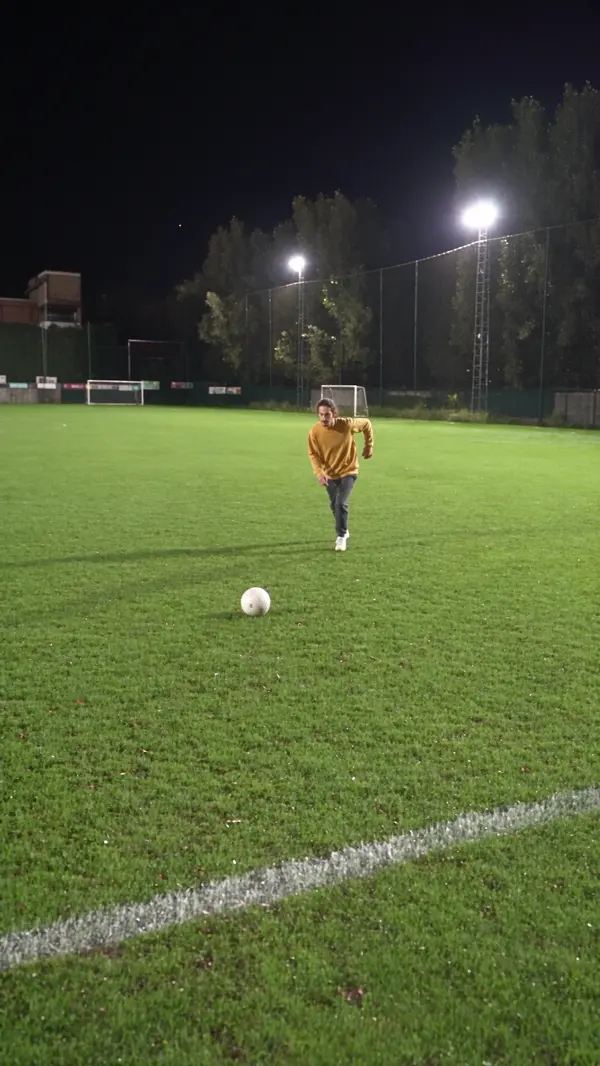
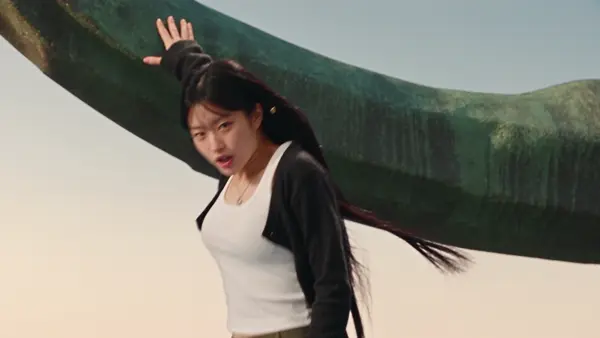
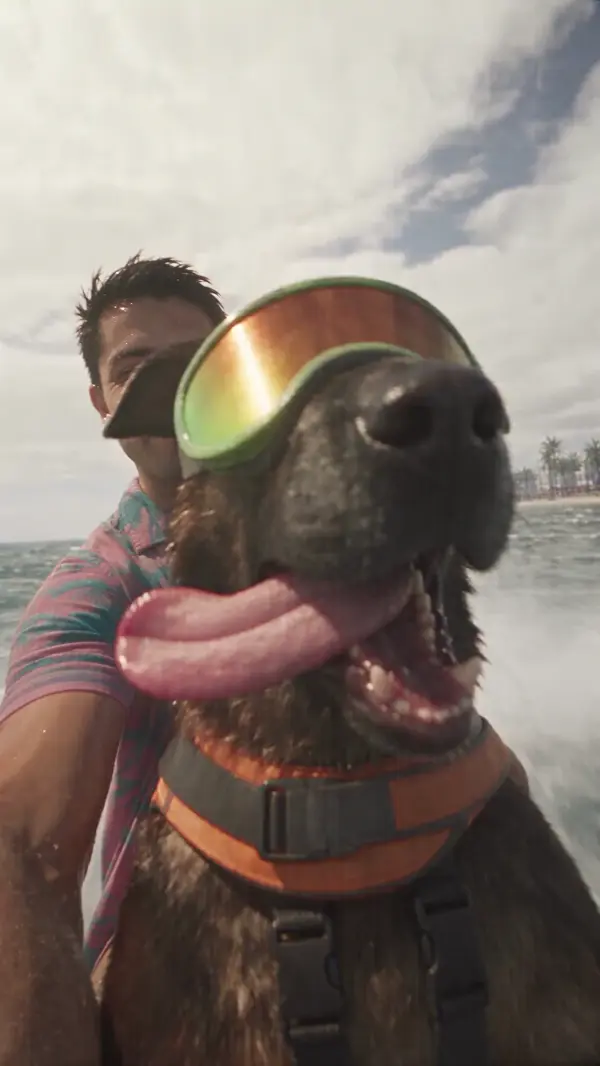
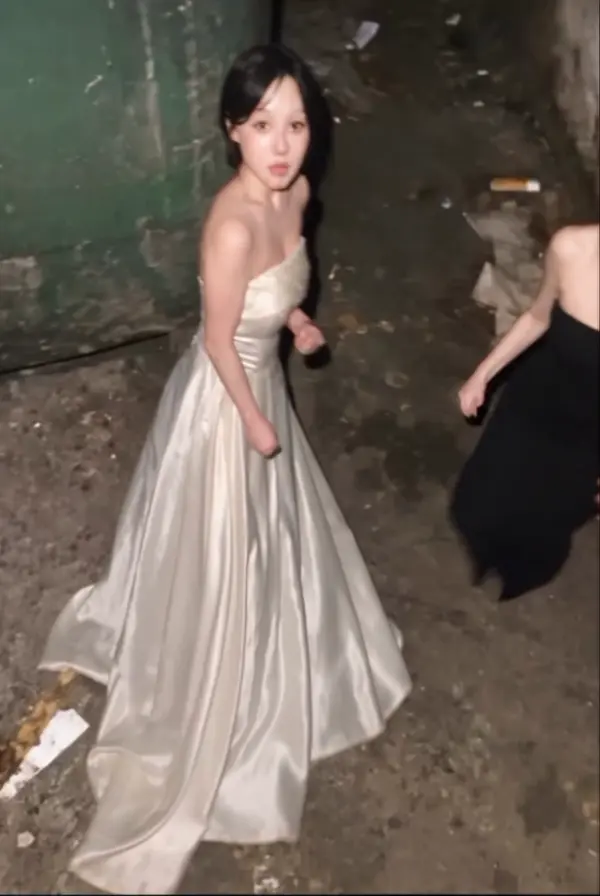
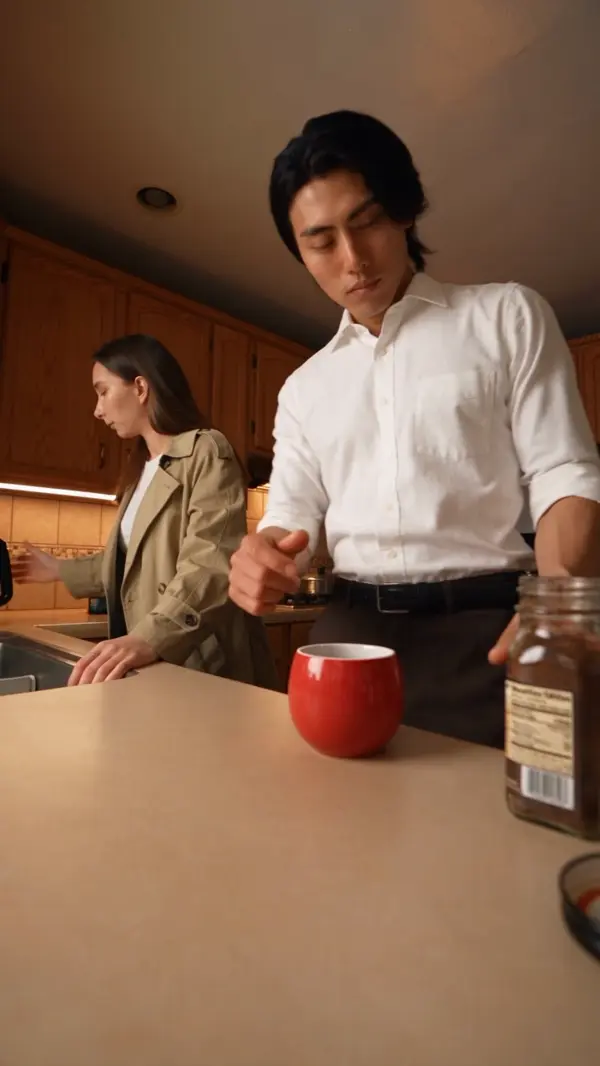
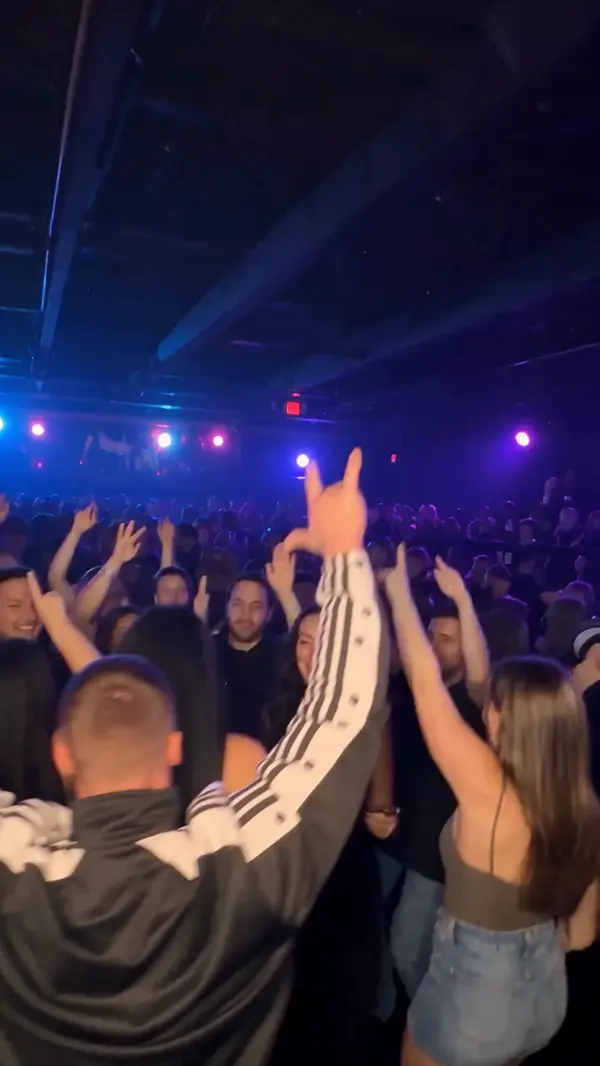
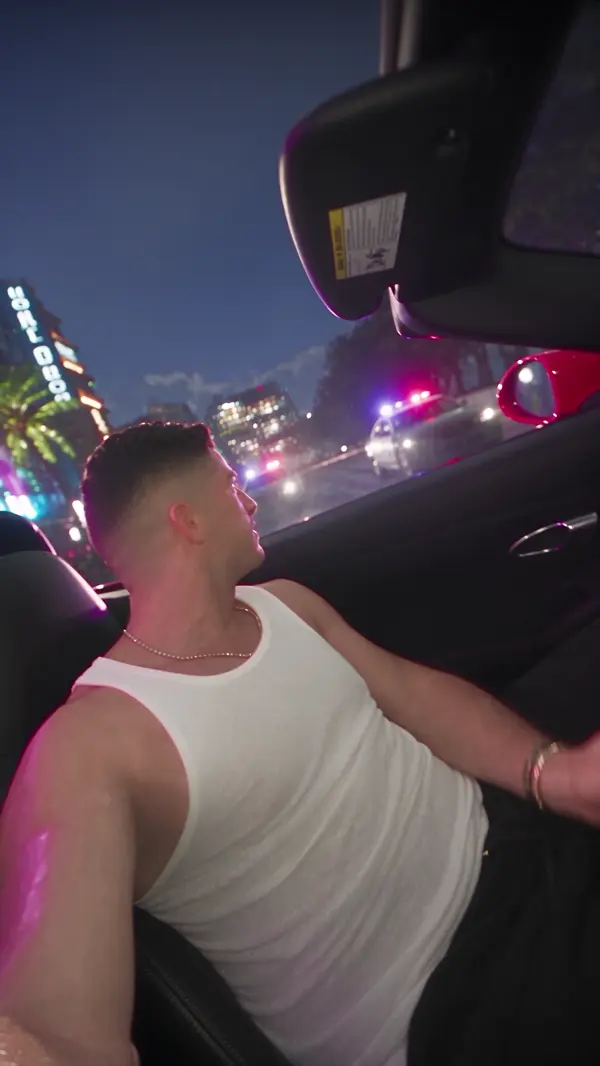
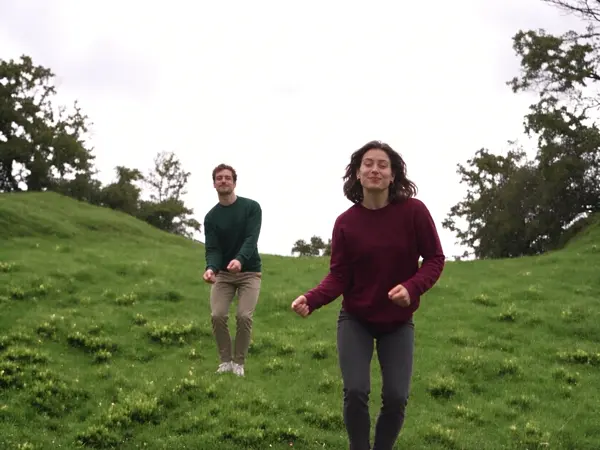
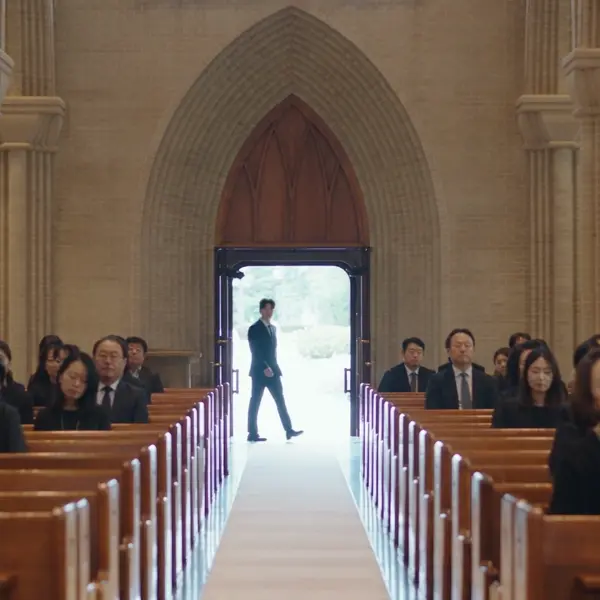
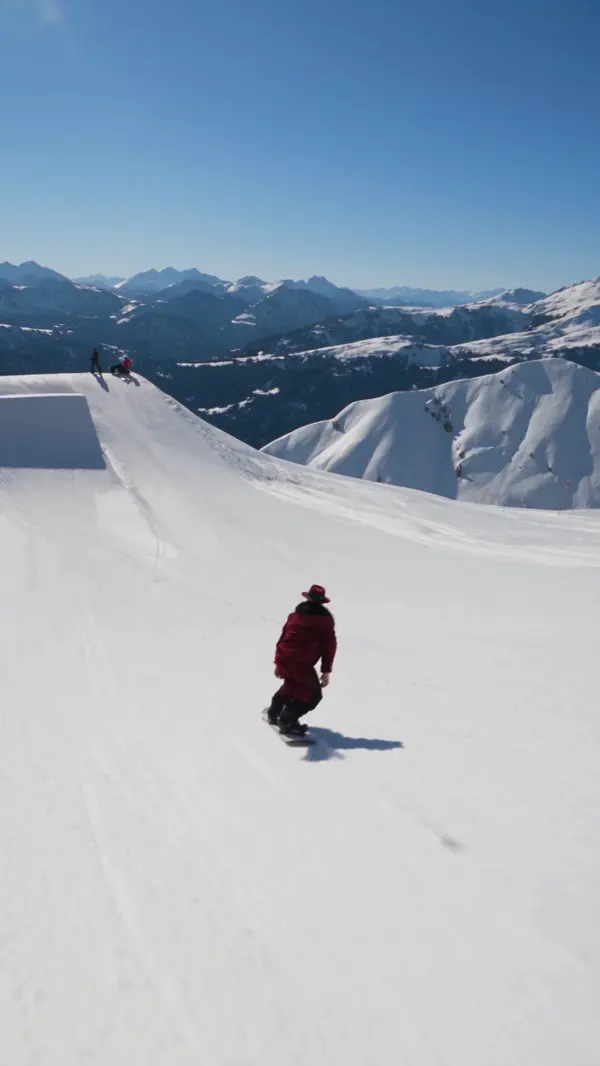
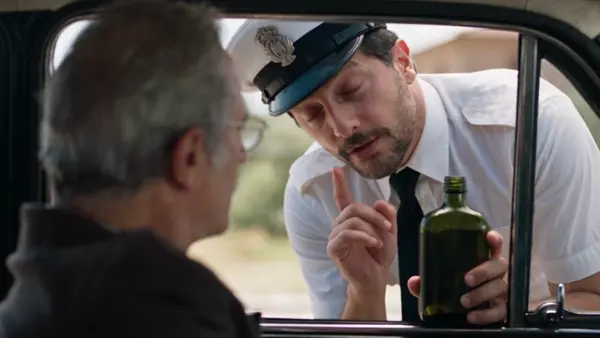
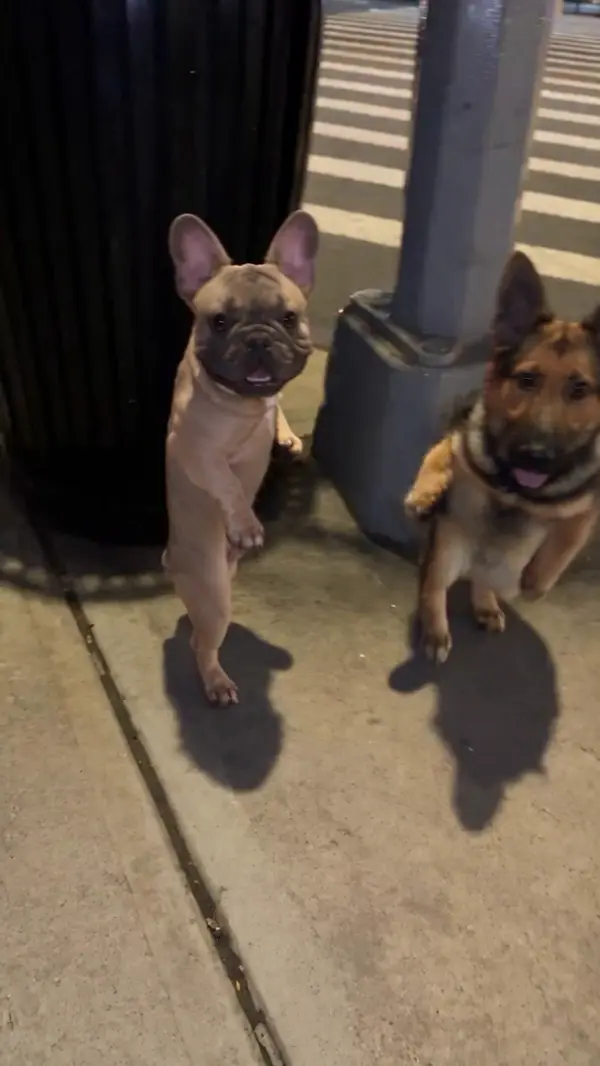
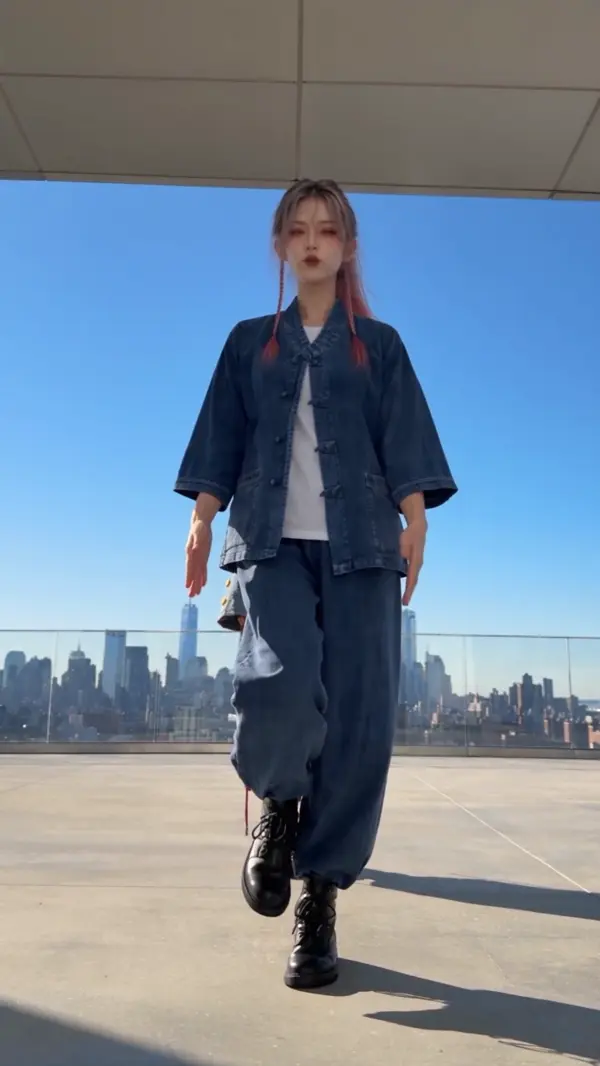
GTA 5 goodbye AI video example: the original clip, one photo and the result
Genjutsu AI replaces only the newcomer in the original GTA 5 goodbye clip. The three main characters, the pier, the game cases, the camera and the timing stay the same. The face, hairstyle and outfit from the photo carry into every shot, close-ups included. This example is the 30-second full version at 480P.
How much does a GTA 5 goodbye AI video cost?
A 16-second GTA 5 goodbye AI video at 480P costs 320 credits, which the $4.99 Trial pack (400 credits) covers. Credits come in one-time packs with no subscription, and they never expire.
Short version: 320 credits
16 seconds at 480P. One video fits the $4.99 Trial pack. At 720P it costs 640 credits.
Full version: 600 credits
30 seconds at 480P, from the $14.99 Starter pack. At 720P it costs 1200 credits.
1080P: 2240 or 4200 credits
At 1080P the short version costs 2240 credits and the full version 4200 credits. 1080P suits big screens and re-editing.
What photo works best for the GTA 5 goodbye AI video?
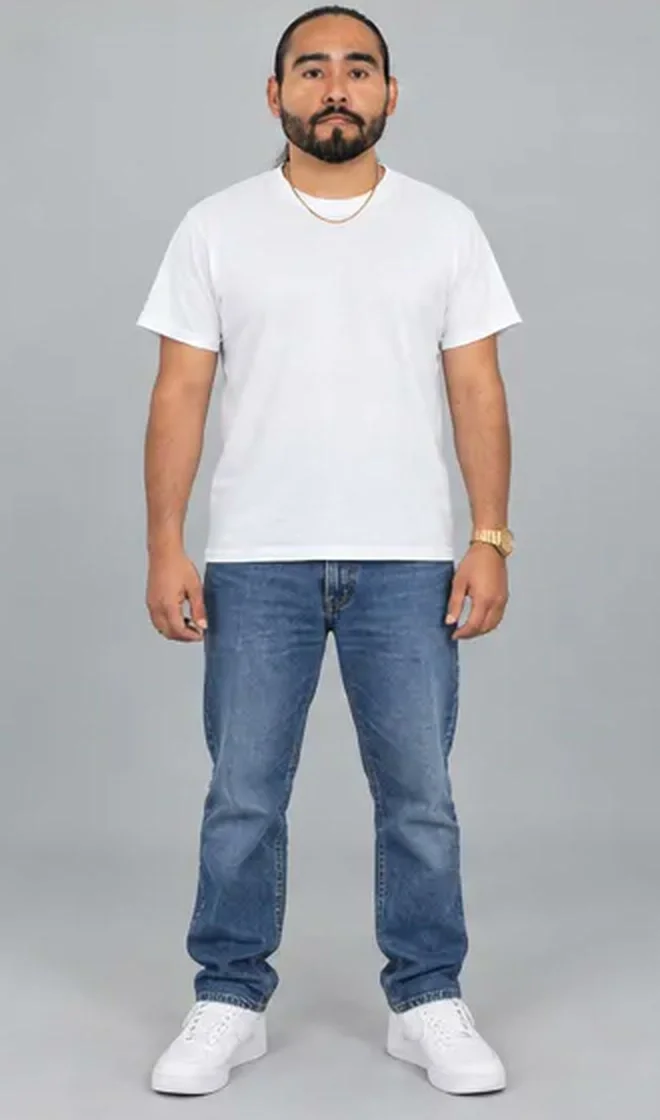
A sharp photo of one character gives the most faithful GTA 5 goodbye AI video.
One character per photo
The GTA 5 goodbye template replaces one newcomer, so use a photo with only that character in it.
Face clearly visible
The sharper the face in the photo, the more the newcomer in the GTA 5 goodbye video looks like your character.
Show the outfit
A waist-up or full-body photo carries the outfit into the video. The pier shots show the newcomer's clothes.
Even daylight
Evenly lit photos blend best with the warm sunset light of the GTA 5 goodbye scene.
GTA 5 goodbye AI video FAQ
No. The GTA 5 goodbye AI video is fan-made and AI-generated. Genjutsu AI is an independent site and is not affiliated with Rockstar Games or Take-Two Interactive.
Most GTA 5 goodbye AI videos made with Genjutsu AI finish in about 5 to 20 minutes. The 16-second short version is usually faster than the 30-second full version. You can leave the page while it renders.
No. The GTA 5 goodbye template has no free version on Genjutsu AI. The cheapest option is a 16-second video at 480P for 320 credits, which the $4.99 Trial pack covers, with no subscription.
Yes. The GTA 5 goodbye AI video comes out as a 4:3 landscape MP4, the same shape as the template. For a vertical TikTok or Reels post, place it in a 9:16 frame in your editor and add an AI-generated label.
Yes, if your friend agreed. Only use photos of yourself or of people who gave permission, and do not use photos of celebrities or minors.
No. The GTA 5 goodbye template replaces one newcomer, so Genjutsu AI takes one photo with one character. For a video with two people, pick a two-person template from the Community tab in the Genjutsu AI studio.
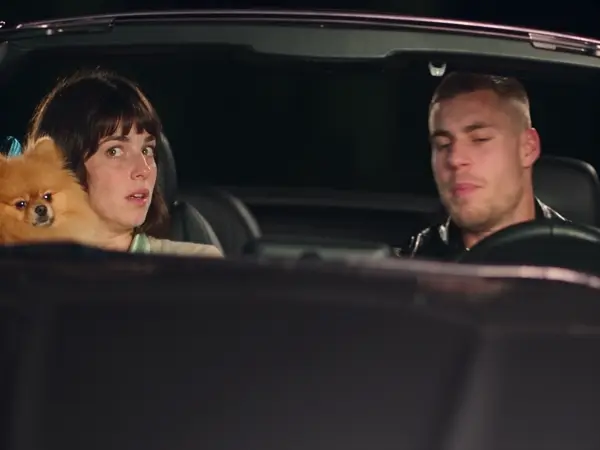
The short version is 16 seconds and keeps the welcome, the car keys, the hug, the tearful close-up and the drive away. The full version is 30 seconds and adds the game cases and the moment in the car. Both versions take the same single photo.